


Fleet compliance software features checklist for UK fleets

Fleet compliance software is defined as a digital platform that centralises regulatory documentation, automates deadline tracking, and provides audit-ready records for commercial vehicle operators. For UK fleet managers working under DVSA regulations and Operator Licence requirements, a structured fleet compliance software features checklist is the difference between passing an audit and facing serious financial penalties. 93% of carriers receive at least one violation during audits, with average fines of £7,100 per case and severe penalties exceeding £16,000. That level of exposure makes software selection a business-critical decision, not an administrative preference.
1. What belongs on your fleet compliance software features checklist
The most important feature in any compliance platform is a centralised, searchable document vault. Auditors request records with very little notice, and multi-layered folder systems hinder compliance by slowing retrieval to the point of failure. Your software must return any document within 90 seconds, which is the standard retrieval window expected during formal inspections.
The core document types your system must handle include:
- Driver qualification files retained for 3 years post-termination
- Hours of Service (HOS) logs with a minimum 6-month retention period
- Driver Vehicle Inspection Reports (DVIRs) kept for at least 3 months
- Maintenance and repair records with full service history
- Insurance certificates, permits, and Operator Licence documentation
- Tachograph data and remote download records
Role-based access controls are non-negotiable. Digital systems must provide role-based access and immutable audit trails to demonstrate a consistent safety culture to inspectors. Without them, you cannot prove who accessed or amended a record, which auditors treat as a red flag.
Pro Tip: Organise your document vault by vehicle registration and driver ID simultaneously. Cross-referencing both views cuts retrieval time significantly during unannounced inspections.

2. Automated expiration alerts and renewal notifications
Missed renewals are one of the most common causes of compliance failures. Your software must track expiration dates for driver licences, CPC cards, vehicle MOTs, insurance policies, and tachograph calibrations, then send automated alerts well before each deadline.
The distinction between hard and soft deadlines matters here. Differentiating between hard and soft deadlines and maintaining audit trails of document updates is critical, because auditors scrutinise these patterns for signs of neglect. A hard deadline is a legal expiry date. A soft deadline is an internal target set earlier to give your team time to act. Software that treats both identically gives you no buffer when renewals are delayed.
Escalation notifications add another layer of protection. If a renewal alert goes unacknowledged, the system should automatically escalate to a line manager or transport controller. This prevents individual oversights from becoming fleet-wide compliance gaps.
3. How telematics and GPS integration strengthen compliance
Telematics integration converts your GPS data into compliance evidence. Real-time vehicle tracking confirms route adherence, working hours, and vehicle location at any given moment, all of which support your regulatory records. Fleets using digital, automated compliance systems cut administrative paperwork time by 70% and pass audits up to three times faster than those relying on manual processes.
The practical benefits of telematics integration include:
- Automatic HOS data capture linked directly to driver records
- Driver behaviour monitoring covering harsh braking, speeding, and fatigue indicators
- Real-time alerts for speeding events or route deviations
- Unified compliance dashboards combining vehicle, driver, and document data
- Reduced paperwork through automatic log generation from live telematics feeds
Fleetalyse integrates GPS vehicle tracking directly with its compliance platform, so driver behaviour data and location history feed into the same system that holds your regulatory documents. That unified view removes the need to cross-reference separate systems during an audit.
Smart AI dashcams add a further layer by capturing video evidence that corroborates telematics data. When an incident occurs, you have both the data record and the footage in one place, which significantly strengthens your position during any investigation.
4. Workflow automation features that reduce administrative burden
Automation is what separates a compliance platform from a digital filing cabinet. The right system does not just store records. It acts on them. Work orders should generate automatically from DVIR defects, so a driver’s reported fault triggers a maintenance task without any manual intervention from your office team.
Key automation features to require in your evaluation:
- Automated retention scheduling that archives or flags records for deletion at the correct legal interval
- Legal hold functions that freeze document deletion when an incident or investigation is active
- Mobile document capture allowing drivers to photograph and upload inspection sheets, delivery notes, or defect reports from their phones
- Audit-ready package generation that compiles all required records for a specific vehicle or driver into a single export within seconds
- Escalation workflows that notify supervisors when compliance gaps remain unresolved beyond a set period
Pro Tip: Test your audit package generation before you need it. Run a mock audit on one vehicle and time how long it takes to produce a complete record set. If it takes more than five minutes, your system needs reconfiguring.
Mobile capture is particularly valuable for HGV operators. Drivers complete pre-departure checks on the road, and waiting until they return to the depot to log defects creates gaps in your records. A mobile upload feature closes that gap in real time.
5. How to evaluate fleet compliance software for your UK operation
Selecting the right platform requires a structured approach. The features checklist approach works best when you map each capability against your specific fleet type, size, and regulatory obligations. A 10-vehicle van fleet has different requirements from a 150-vehicle HGV operation running under a Standard National Operator Licence.
Use this evaluation framework when assessing any platform:
- Integration compatibility: Does it connect with your existing tachograph system, HR software, and maintenance scheduling tools?
- User roles and permissions: Can you restrict document access by role, depot, or vehicle type?
- Audit support: Does it generate pre-formatted audit packages, or does your team still need to compile records manually?
- Scalability: Can the system handle additional vehicles, depots, or document categories without a platform change?
- Retention rule configuration: Can you set custom retention periods for different document types to match UK legal requirements?
- Reporting depth: Does it produce exception reports showing overdue renewals, missing records, or unresolved defects?
Hidden costs are a common issue with entry-level fleet management platforms. Per-user pricing, additional charges for API integrations, and fees for historical data exports can significantly increase the total cost of ownership. Request a full pricing breakdown before committing, including costs for data migration from your current system.
Fleet compliance documentation best practices recommend treating software selection as a compliance decision in its own right. The platform you choose becomes part of your safety management system, and its limitations become your limitations during an audit.
Key takeaways
The most effective fleet compliance software combines a centralised document vault, automated alerts, telematics integration, and workflow automation to meet UK regulatory requirements and pass audits without manual scrambling.
| Point | Details |
|---|---|
| Document retrieval speed | Your system must return any record within 90 seconds to meet audit standards. |
| Retention rules matter | Driver qualification files need 3 years post-termination; HOS logs need 6 months minimum. |
| Automation reduces risk | Automated work orders, alerts, and mobile capture eliminate the human errors that cause audit failures. |
| Telematics integration | Linking GPS and tachograph data to your compliance platform cuts admin time and speeds up audits. |
| Evaluate before you commit | Test audit package generation and check for hidden costs before signing any contract. |
What I have learned from watching fleets get this wrong
The fleets that fail audits are rarely the ones with missing documents. They are the ones whose documents exist somewhere in a shared drive, a filing cabinet, or an email thread, but cannot be produced within the time an auditor allows. Audits often fail due to poor organisation, not lack of records. That distinction is the most important thing I can share with any compliance manager reading this.
I have seen operators invest in expensive telematics hardware and then store their driver files in a ring binder on a shelf. The hardware gives you data. The binder gives you a liability. A compliance platform only works when every document type lives inside it, not alongside it.
The other mistake I see repeatedly is ignoring soft deadlines. Operators set renewal reminders for the legal expiry date and then scramble when a supplier is slow or a driver is unavailable for a medical. Internal spot-checks reviewing 10% of active driver records weekly catch these issues weeks before they become audit failures. Build that habit into your process, and configure your software to support it with scheduled exception reports.
My honest view is that the best compliance software is the one your team actually uses consistently. A feature-rich platform that your drivers ignore and your administrators work around is worse than a simpler system with full adoption. Prioritise usability alongside capability when you evaluate options.
— Vytautas
Fleetalyse: compliance and telematics built for UK fleets
Fleetalyse brings GPS tracking, tachograph integration, and driver behaviour monitoring into a single platform designed around UK regulatory requirements. Whether you operate HGVs, vans, trailers, or mixed assets, the platform connects your telematics data directly to your compliance records.
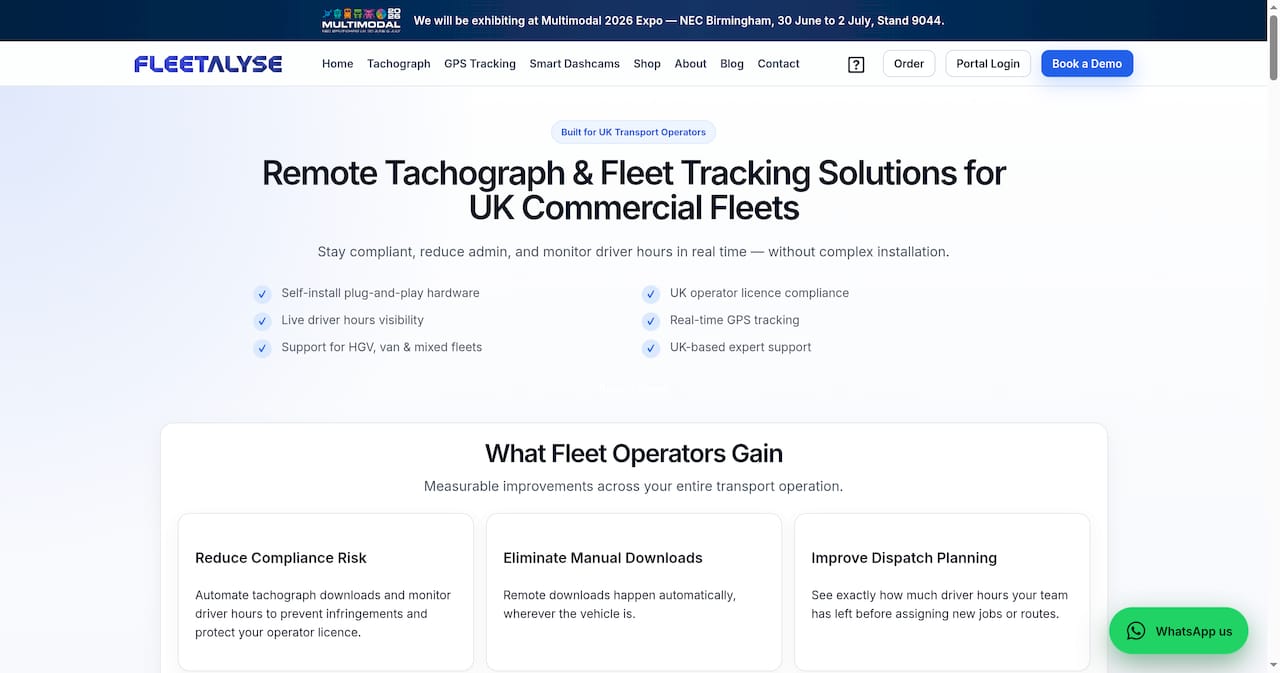
The Teltonika FMC650 HGV GPS tracker integrates with the Fleetalyse platform to deliver real-time location data, driver hours monitoring, and automated alerts through one dashboard. For trailer and asset tracking, the Fleetalyse solutions page covers the full range of hardware and software options available. UK-based support means you get practical help from people who understand DVSA requirements, not a generic overseas helpdesk. Contact Fleetalyse to arrange a demonstration and see how the platform fits your fleet’s specific compliance needs.
FAQ
What documents must fleet compliance software store?
Fleet compliance software must store driver qualification files, HOS logs, DVIRs, maintenance records, insurance certificates, permits, and tachograph data. Retention periods vary by document type, with driver qualification files required for 3 years post-termination and HOS logs for a minimum of 6 months.
How quickly must I produce documents during a DVSA audit?
Auditors expect document retrieval within a 90-second window. Digital compliance platforms with centralised, searchable vaults meet this standard consistently, whereas manual filing systems frequently fail it.
What is the difference between hard and soft compliance deadlines?
A hard deadline is a legal expiry date, such as an MOT or tachograph calibration due date. A soft deadline is an internal target set earlier to allow time for renewal. Software that distinguishes between the two gives your team a buffer and reduces the risk of last-minute failures.
Does telematics integration improve compliance outcomes?
Fleets using automated digital compliance systems pass audits up to three times faster than those using manual processes. Telematics integration links GPS and driver hours data directly to compliance records, reducing paperwork and providing auditors with corroborated evidence.
How often should I run internal compliance checks?
Reviewing 10% of active driver records weekly is the recommended standard for maintaining sustained compliance. Regular internal spot-checks catch discrepancies well before a formal audit identifies them.