
Trailer tracking system setup: a fleet manager’s guide
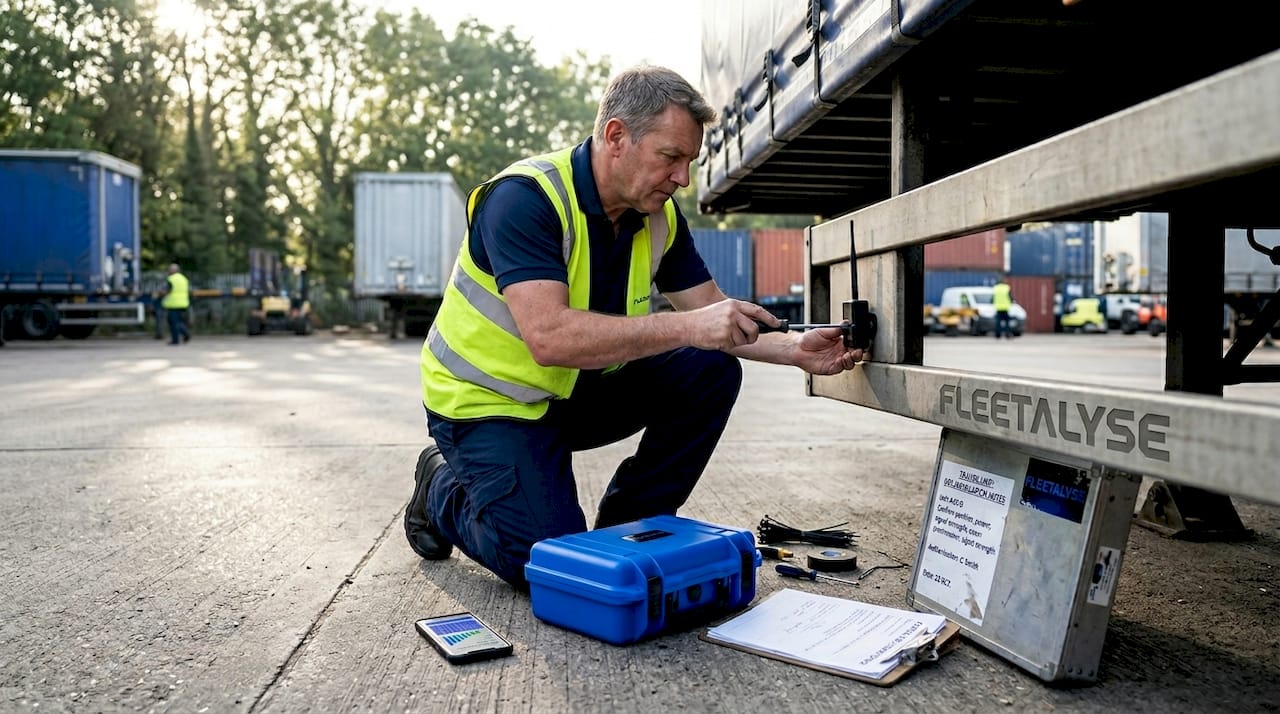
A trailer tracking system setup is the process of installing, configuring, and validating GPS and sensor hardware on trailers to deliver continuous location, condition, and security data to a fleet management platform. Done correctly, it transforms trailers from invisible assets into monitored, data-generating units that support both operational decisions and regulatory compliance. Systems like TrailerWatchdog TWD-1500, SkyBitz Kinnect, and Digital Matter devices represent the current generation of purpose-built solutions, each offering different installation methods and connectivity options suited to different fleet profiles. Whether you manage five curtainsiders or fifty refrigerated units, the quality of your setup determines the quality of your visibility.
What components and tools are required for trailer tracking installation?
A trailer tracking installation requires four core hardware elements: a master unit, slave relay modules, condition sensors, and a wiring harness or battery pack. The master unit handles GPS positioning and cellular transmission. Slave modules act as wireless relays, extending signal coverage across longer trailers where a single unit cannot reliably reach rear-mounted sensors. Condition sensors typically include tyre pressure monitoring system (TPMS) units and magnetic axle temperature sensors, both of which feed real-time data to the master.
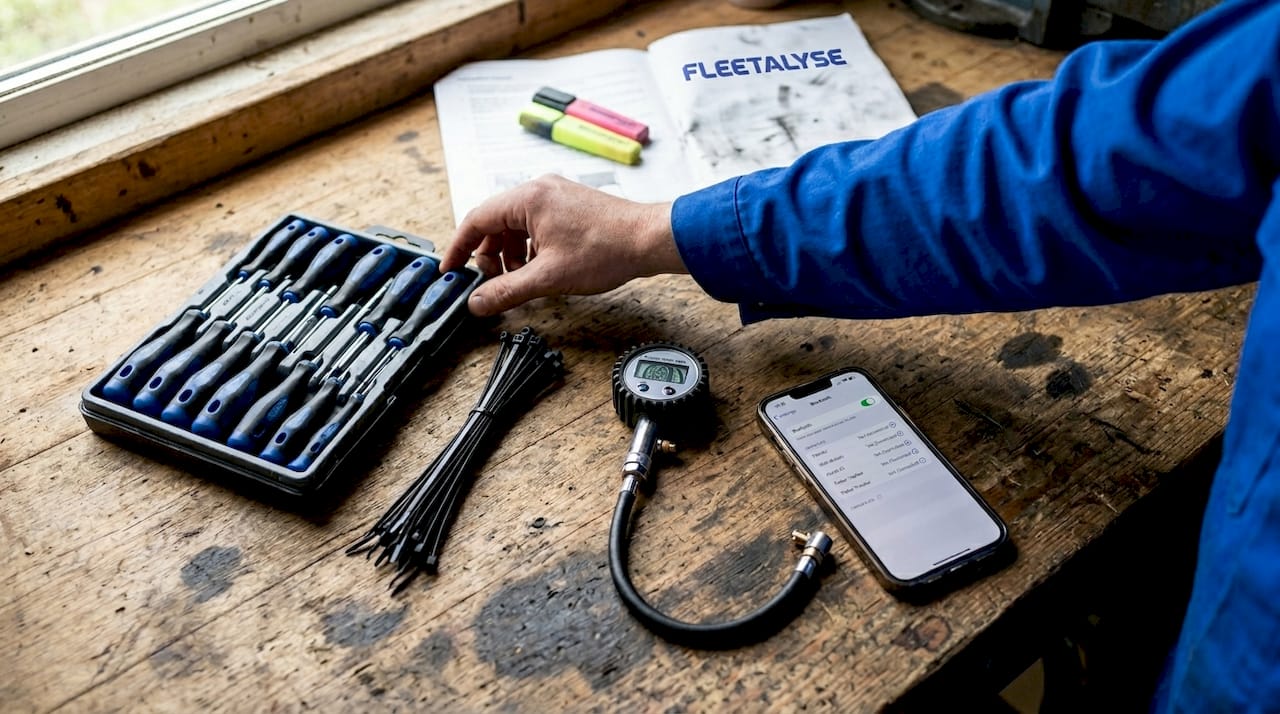
The tools you need are straightforward. A screwdriver set, wire ties, a tyre pressure gauge, and a smartphone with Bluetooth 5 capability cover most DIY installations. For hardwired setups, you will also need a 12V power tap, a multimeter to verify voltage, and appropriate cable conduit to protect routed wiring from road debris and vibration.
Power source selection shapes the entire installation approach. Wired 12V connections offer continuous power and support higher reporting frequencies, making them well suited to trailers that regularly connect to powered vehicles. Battery-powered options, including solar-assisted units, suit yard trailers or assets that spend extended periods unattended. IP68-rated enclosures protect internal components from moisture and vibration, supporting multi-year deployments without hardware replacement.
| Feature | DIY battery-powered | Professional solar/wired |
|---|---|---|
| Installation time | Under 60 minutes | 2 to 4 hours |
| Power dependency | Internal battery | Solar panel or 12V vehicle feed |
| Reporting frequency | Motion-triggered with heartbeat | Configurable, near real-time |
| Maintenance requirement | Battery replacement cycle | Minimal after commissioning |
| Upfront cost | Lower | Higher |
| Best suited for | Small fleets, yard assets | Large fleets, high-value trailers |
Pro Tip: Before purchasing hardware, audit your trailer fleet by type and usage pattern. A refrigerated trailer on daily runs has different power and reporting needs than a flatbed sitting in a yard for weeks. Matching the power source to the usage pattern prevents premature battery failure and unnecessary maintenance calls.
How to install and mount trailer tracking devices step by step
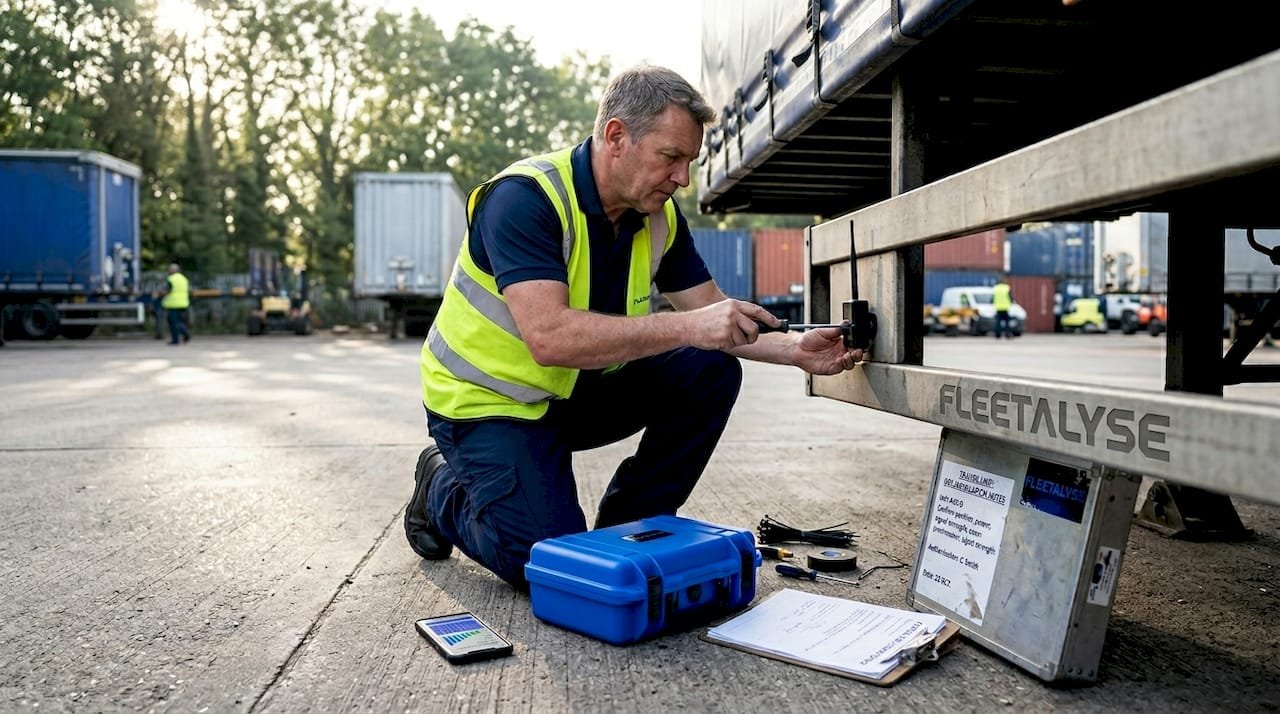
Planning sensor and module placement before you pick up a screwdriver saves significant rework. On a standard 13.6-metre curtainsider, the master unit mounts near the front of the trailer, close to the hitch, to maximise GPS sky view and cellular signal strength. Slave modules mounted near rear axles extend sensor range to the master unit, resolving the dropout issues that affect single-unit installations on longer trailers.
Follow this sequence for a reliable physical installation:
- Position the master unit on a flat, stable surface near the trailer hitch. Confirm the antenna faces upward with an unobstructed view of the sky. Avoid mounting inside metal enclosures or beneath steel crossmembers, as these block GPS and cellular signals.
- Mount slave modules at intervals along the trailer chassis, typically one per axle group on longer trailers. Secure each module with the supplied brackets and verify orientation matches the manufacturer’s specification.
- Attach TPMS sensors to each tyre valve stem, torquing to the manufacturer’s specification. Fit magnetic axle temperature sensors directly to the axle housing using the integrated magnet mount. No drilling is required for either sensor type.
- Route the wiring harness from the master unit to the 12V power source, using cable conduit or split loom to protect the cable run. Secure every 300mm with wire ties and keep the harness away from exhaust components and moving parts.
- Connect to the 12V supply and verify the master unit powers on. Most units indicate status via LED. Confirm the unit is transmitting before proceeding to software configuration.
- Conduct a physical inspection of all mounts, connections, and cable runs before closing any access panels. A loose mount discovered in the yard costs minutes. The same fault discovered after a 400-mile run costs considerably more.
The TWD-1500 system moves from unboxing to fully operational in 30 to 60 minutes for most trailers, which demonstrates how well-designed hardware reduces installation complexity. That speed is only achievable when the pre-installation planning has been done properly.
Pro Tip: After mounting the master unit, use your smartphone to check cellular signal strength at the exact mounting location before finalising the bracket. A 20cm repositioning can mean the difference between two bars and four bars of signal, which directly affects reporting reliability on rural routes.
How to configure, activate, and verify the tracking system
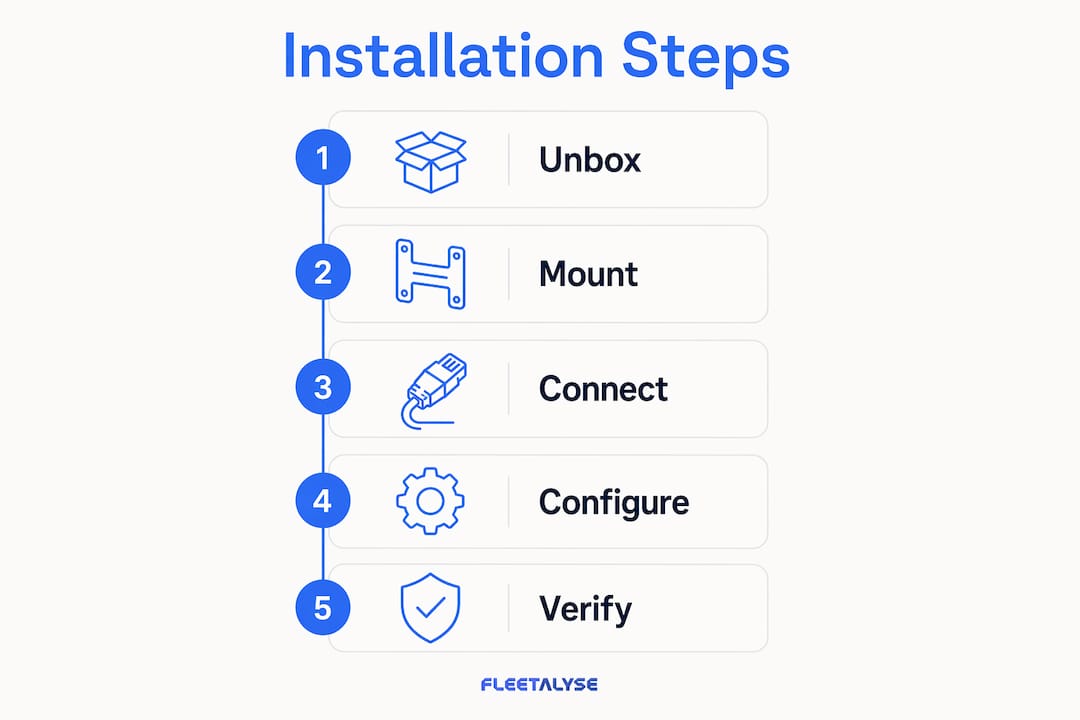
Configuration is where most installations fail. Hardware can be mounted perfectly and still deliver unreliable data if the software setup is incomplete. The SkyBitz professional installation workflow requires validating power sources, confirming antenna sky view and cellular signal, completing sensor pairing, and running platform validation before any asset is released for operation. That sequence exists because misconfigured sensors and poorly mounted devices create blind spots that affect fleet decisions.
Work through configuration in this order:
- Download the vendor application (for TrailerWatchdog installations, this is the TrailerWatchdog app) and create your fleet account.
- Pair the master unit via Bluetooth 5 by following the in-app pairing sequence. The app will detect the master unit and prompt you to assign it to a specific trailer.
- Assign each sensor within the app to its physical location. Label sensors by axle position and tyre position to make alert interpretation straightforward.
- Set alert thresholds for tyre pressure and axle temperature. Typical starting thresholds are 10% below the manufacturer’s recommended tyre pressure and 80°C for axle temperature, though your fleet’s operating conditions may require adjustment.
- Trigger a test alert by briefly deflating one tyre below the threshold and confirming the app generates the correct notification within the expected timeframe.
- Verify location data in the platform by driving the trailer a short distance and confirming the position updates correctly.
For non-powered trailers, motion-triggered reporting combined with scheduled heartbeat updates balances visibility with battery longevity. Continuous real-time tracking on a battery-powered unit can drain a pack within weeks. A well-configured motion wake-up schedule, combined with a 12-hour heartbeat transmission, keeps the asset visible without exhausting the battery.
- Confirm the platform shows the correct trailer identity and location before releasing the asset.
- Verify that alert notifications reach the designated contact, not just the account administrator.
- Document the configuration settings for each trailer in your fleet management records.
- Schedule a 48-hour post-installation check to confirm data is transmitting consistently.
Pro Tip: Set your initial reporting frequency conservatively and increase it only if operational requirements demand it. Starting aggressive and then dialling back is harder to manage than building up from a stable baseline, particularly when you are commissioning multiple trailers simultaneously.
What are the key operational considerations after installation?
Battery management is the most common source of post-installation problems on non-powered trailers. Accelerometer-based motion detection significantly extends battery life by waking the device only when movement is detected, rather than transmitting on a fixed schedule regardless of activity. Pairing this with a scheduled heartbeat update, typically once or twice daily, gives you confirmation that a stationary trailer is still present and communicating.
Theft deterrence requires fast alerting. Thieves take around 90 seconds on average to disconnect and drive away with a trailer, which means your alert configuration must deliver a notification within that window to be operationally useful. Features like Ford’s Trailer Connection Alarm, which detects wiring disconnection within seconds, demonstrate the standard that purpose-built theft deterrence tools achieve. Your GPS tracker’s geofence and tamper alerts should be configured to the same level of urgency.
Compliance is a parallel concern. ELD compliance depends on device registration and audit-ready data transfer, meaning a de-registered or incorrectly registered device creates a compliance gap that can affect your Operator Licence standing. Register every device on installation, confirm the vendor platform is receiving scheduled transmissions, and include device registration status in your routine fleet checks.
- Review sensor data weekly during the first month after installation to identify any persistent dropouts or anomalies.
- Check battery status monthly on non-powered trailers and replace batteries before they reach critical levels.
- Apply firmware updates as they are released by the vendor to maintain connectivity and security.
- Coordinate trailer tracking data with your fleet compliance platform to maintain a single source of truth for asset location and condition.
Pro Tip: Treat your trailer tracking platform as a compliance document, not just an operational tool. Exportable location and condition histories support insurance claims, DVSA inspections, and customer disputes. Platforms like Fleetalyse integrate GPS data with tachograph and driver behaviour records, giving you a consolidated compliance picture rather than isolated data points.
DIY battery-powered vs professional hardwired systems: which is right for your fleet?
The choice between a DIY battery-powered kit and a professionally installed hardwired or solar system is not purely a cost decision. It is a decision about how much ongoing maintenance your team can absorb and how critical continuous visibility is for each trailer type.
TrailerWatchdog’s TWD-1500 represents the DIY battery-powered category well. It installs in under an hour, requires no vehicle power connection, and suits fleets where trailers are not always connected to a tractor unit. The trade-off is a battery replacement cycle and a reporting frequency that must be managed conservatively to preserve battery life. For a fleet of yard trailers or seasonal assets, this is an entirely acceptable compromise.
Professional systems from providers like SkyBitz, with solar panel or hardwired power options, suit high-value trailers on continuous operation. Solar-assisted units eliminate the battery replacement cycle and support higher reporting frequencies without power anxiety. The professional SkyBitz installation process includes full platform validation before asset release, which is a governance step that DIY installations often skip. That validation step is where reliability is confirmed, not assumed.
| Criterion | DIY battery-powered | Professional hardwired/solar |
|---|---|---|
| Installation complexity | Low, no specialist required | Moderate to high, may need technician |
| Battery life | 6 to 24 months depending on config | Not applicable |
| Reporting frequency | Limited by battery | Near real-time capable |
| Connectivity validation | User-performed | Professionally verified |
| Scalability | Good for small to mid fleets | Preferred for large fleets |
| Typical cost per unit | Lower | Higher, including labour |
For UK fleet operators managing mixed assets, a hybrid approach often works best. Deploy battery-powered units on lower-utilisation trailers and invest in hardwired or solar installations for your highest-value or most frequently moved assets. This approach from GPS tracker selection guides for commercial fleets reinforces that matching the technology to the asset type produces better long-term outcomes than applying a single solution across the entire fleet.
Key takeaways
A trailer tracking system setup delivers reliable fleet visibility only when hardware installation quality, software configuration, and ongoing governance are treated as equally important disciplines.
| Point | Details |
|---|---|
| Plan before you install | Match power source and module placement to trailer type and usage pattern before purchasing hardware. |
| Validate before release | Confirm GPS sky view, cellular signal, sensor pairing, and platform data receipt before releasing any asset. |
| Configure battery devices carefully | Use motion-triggered wake-up with scheduled heartbeats to balance visibility and battery longevity. |
| Register devices for compliance | Device registration and audit-ready data transmission are prerequisites for ELD and Operator Licence compliance. |
| Choose the right system type | DIY battery-powered suits smaller or lower-utilisation fleets; professional hardwired or solar suits high-value, high-frequency assets. |
What I have learned from watching fleets get this wrong
From working with UK fleet operators across a range of trailer types, the single most consistent failure point is not the hardware. It is the assumption that a powered-on device is a correctly configured device. Operators unbox a tracker, mount it, see a green LED, and consider the job done. Weeks later, they discover the unit has been transmitting to a default account, the sensors were never assigned, and the alert thresholds were never set. The trailer was never actually tracked.
The second pattern I see regularly is over-ambitious reporting frequency on battery-powered units. A fleet manager sets 5-minute updates because it feels like better visibility, and the battery is flat within three weeks. The trailer then disappears from the platform entirely, which is worse than having no tracker at all because the operator assumes the asset is visible when it is not.
My honest recommendation is to treat the configuration session as seriously as the physical installation. Block out time for it. Work through the vendor’s commissioning checklist in full. Test every alert before the trailer leaves the yard. And then build a governance routine, monthly battery checks, firmware update reviews, and sensor data audits, into your standard fleet management calendar. Trailer tracking is not a fit-and-forget technology. It is a system that rewards operators who maintain it with the same discipline they apply to vehicle maintenance.
The logistics fleet management best practices that consistently produce the best compliance and utilisation outcomes share one characteristic: they treat data quality as an operational priority, not an IT afterthought.
— Vytautas
How Fleetalyse supports your trailer tracking setup
If you are ready to move from planning to implementation, Fleetalyse provides purpose-built GPS trailer trackers designed for UK commercial fleets, with UK-based support to guide you through installation and configuration.
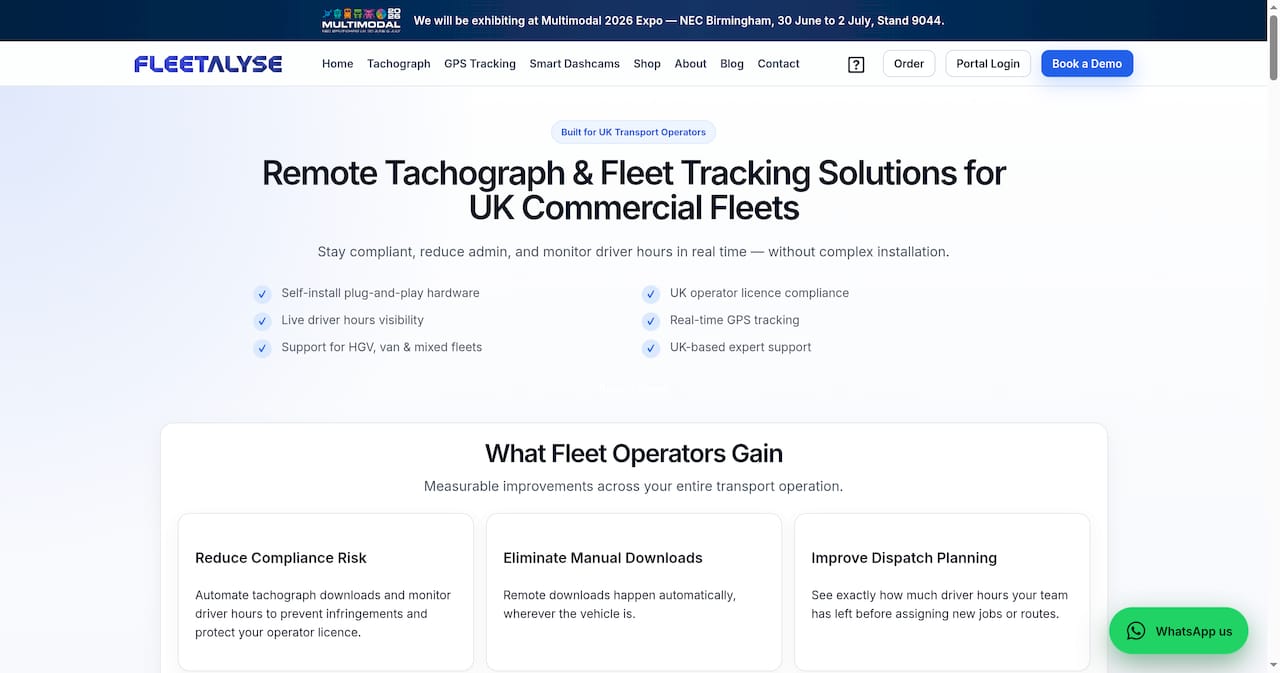
Fleetalyse’s trailer GPS trackers integrate directly with the platform’s smart dashboard, giving you live location, condition alerts, and compliance-ready data in one place. The platform connects trailer tracking with tachograph downloads, driver behaviour monitoring, and DVSA compliance tools, so your trailer data does not sit in isolation. Contact Fleetalyse to discuss a setup that fits your fleet size, trailer types, and compliance requirements.
FAQ
What is a trailer tracking system setup?
A trailer tracking system setup is the process of installing GPS and sensor hardware on a trailer, configuring the associated software platform, and validating that the system transmits accurate location and condition data before the asset enters service.
How long does trailer GPS installation take?
For a DIY battery-powered system like the TrailerWatchdog TWD-1500, installation takes 30 to 60 minutes from unboxing to operational. Professional hardwired or solar installations typically require 2 to 4 hours including platform validation.
Do I need a professional to install a trailer tracker?
Battery-powered DIY kits require no specialist skills and can be installed by any competent fleet technician. Hardwired or solar systems benefit from professional installation to confirm power connections, antenna placement, and platform commissioning.
How does trailer tracking support compliance?
Device registration and audit-ready data transmission are required for ELD compliance, and unregistered or de-registered devices create gaps that affect Operator Licence standing. Integrating trailer tracking data with a compliance platform like Fleetalyse consolidates location records with tachograph and driver data for DVSA-ready reporting.
How do I extend battery life on a non-powered trailer tracker?
Configure the device to use accelerometer-based motion detection for wake-up events rather than fixed-interval reporting, and add a scheduled heartbeat transmission once or twice daily. This approach preserves battery life while maintaining sufficient visibility for operational and security purposes.