

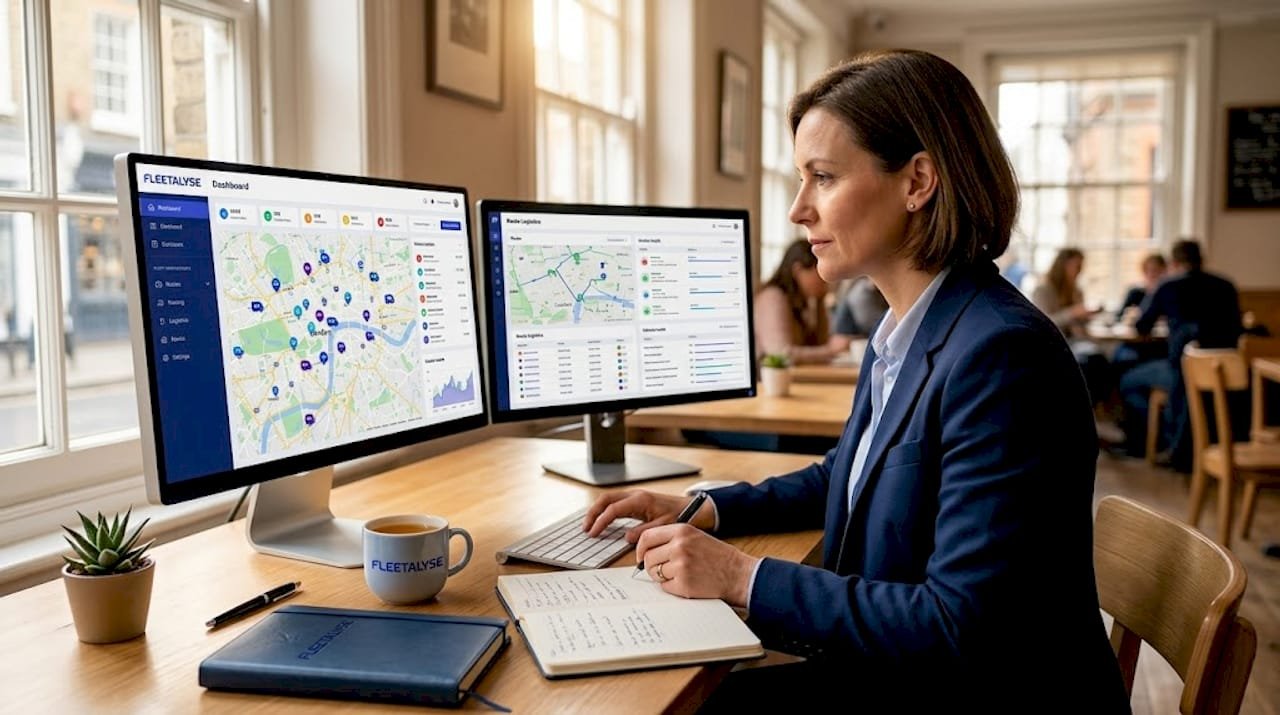
What is a live fleet dashboard? A clear guide
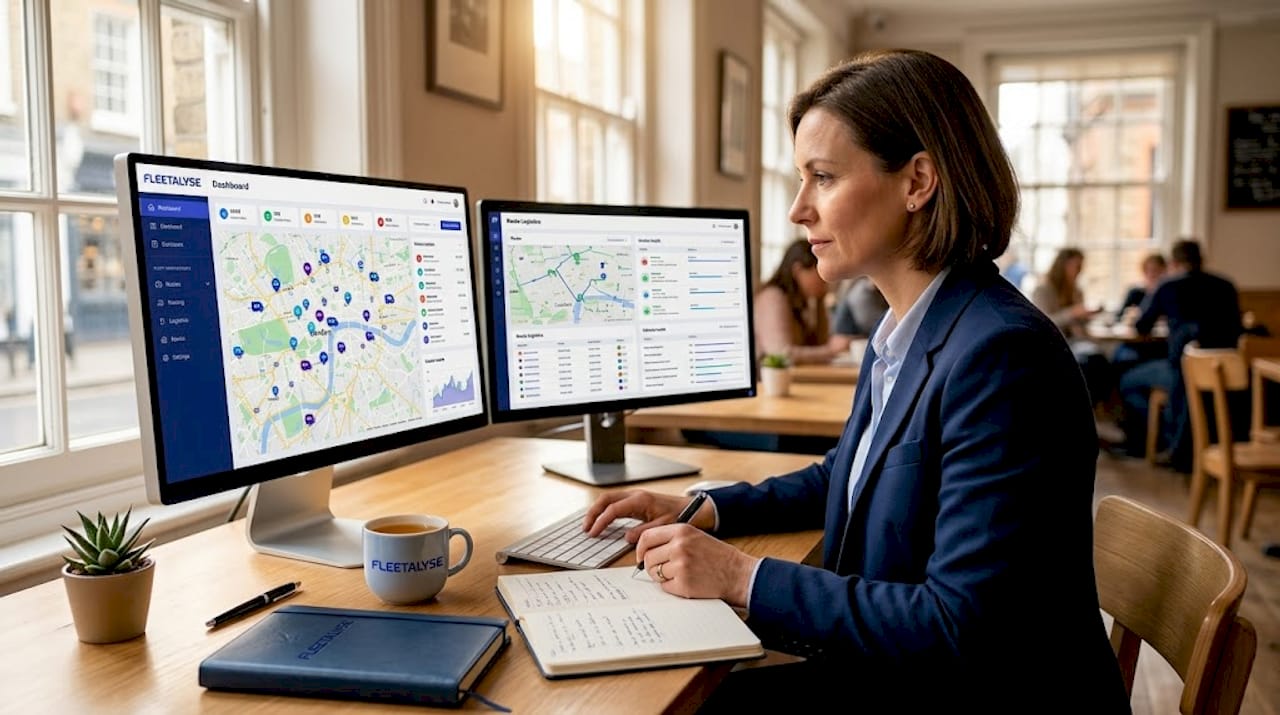
A live fleet dashboard is one of those tools that fleet managers hear about constantly but rarely get a straight explanation of. It is not simply a map with dots on it, and it is not the same as your telematics software or your transport management system. Understanding what a live fleet dashboard actually does, how it differs from related tools, and how to get the most from it will change how you run your operation day to day. This guide covers all three, with no fluff and nothing you already know.
Table of Contents
- Key takeaways
- What is a live fleet dashboard?
- Tracking, telematics, and dashboards: what’s the difference?
- How live dashboards improve daily operations
- Setting up and optimising your dashboard
- My honest take on live fleet dashboards
- See your entire fleet in real time with Fleetalyse
- FAQ
Key takeaways
| Point | Details |
|---|---|
| More than just a map | A live fleet dashboard consolidates GPS, telematics, compliance, and dispatch data into one operational view. |
| Distinct from telematics | Telematics captures data on driver behaviour and diagnostics; a dashboard presents that data in real time for immediate decisions. |
| Refresh rate matters | Most systems recommend 15-second update intervals to balance live visibility with server stability. |
| Customisation drives value | Configuring alerts, user roles, and data views ensures the dashboard delivers relevant information rather than noise. |
| Integration is the key | Connecting your dashboard to TMS, ELD, and maintenance systems removes data silos and gives a complete operational picture. |
What is a live fleet dashboard?
At its core, a live fleet dashboard is a centralised digital interface that displays real-time data about your vehicles, drivers, and loads in a single, continuously updated view. It pulls information from GPS trackers, telematics units, electronic logging devices, and dispatch systems, then presents it in a format you can act on immediately.
The confusion starts because the term is often used interchangeably with “GPS tracking” or “telematics platform.” They are related but not the same thing. A GPS tracker tells you where a vehicle is. A telematics unit captures what the vehicle and driver are doing. A live fleet dashboard is where all of that information lands and becomes visible, structured, and useful.
Think of it as the control room for your fleet. Rather than logging into three separate systems to check a vehicle’s location, its driver’s hours, and whether a scheduled service is overdue, the dashboard brings all of that into one screen. Dashboards pull live data from ELD, telematics, maintenance, dispatch, and accounting systems into a central hub, enabling proactive decision-making rather than reactive fire-fighting.
The “live” element is what separates a proper fleet management dashboard from a standard reporting tool. Static reports show you what happened yesterday. A live dashboard shows you what is happening now, and flags what needs attention before it becomes a problem.
Core components you should expect
A fully featured live fleet dashboard will typically include the following elements:
- Live GPS positioning updated at regular intervals, showing each vehicle’s current location on a map with historical trail visibility
- Vehicle status indicators showing whether assets are moving, idling, parked, or off-route
- Driver activity data including hours logged, rest periods, and any behaviour events such as harsh braking or speeding
- Exception alerts that notify you in real time when a vehicle deviates from its planned route, exceeds a speed threshold, or triggers a compliance warning
- Load and delivery status showing progress against scheduled stops and estimated arrival times
- Maintenance status flagging vehicles approaching service intervals or showing active fault codes
- KPI summaries presenting fleet-wide metrics such as fuel consumption, utilisation rates, and on-time delivery performance
Pro Tip: Set your dashboard’s GPS refresh interval based on operational need rather than defaulting to the fastest available setting. Location refresh rates range from 5 seconds to 15 seconds or more. For most logistics operations, a 15-second interval provides sufficient visibility without placing unnecessary load on your servers or mobile data connections.
Tracking, telematics, and dashboards: what’s the difference?
Many fleet managers use these three terms as if they mean the same thing. They do not, and conflating them leads to buying the wrong tools or expecting things from systems they were not designed to do.
Here is a straightforward breakdown of how the three concepts relate:
| Concept | Primary function | Data types | Decision support |
|---|---|---|---|
| Real-time fleet tracking | Vehicle location and movement | GPS coordinates, speed, route progress | Immediate dispatch and routing decisions |
| Fleet telematics | Vehicle and driver performance monitoring | Driver behaviour, diagnostics, fuel use, CAN-bus data | Safety, compliance, and maintenance planning |
| Live fleet dashboard | Consolidated operational visibility | All of the above, plus ELD, dispatch, and load data | Holistic operational and strategic decisions |
Real-time fleet tracking uses GPS and connectivity to send location updates to a central platform, allowing dispatchers to monitor vehicles and adjust routes quickly. That is genuinely useful, but it is a narrow function. You know where your vehicles are. You do not know whether the driver has been on the road for nine hours, whether the engine is running a diagnostic fault, or whether the load is at risk of a late delivery.
Fleet telematics systems extend well beyond location to include vehicle diagnostics, driver behaviour scoring, and fuel consumption analysis. That gives you operational intelligence rather than just a dot on a map. However, telematics data alone, without a proper interface, can quickly become overwhelming. Raw data feeds are not decision tools.
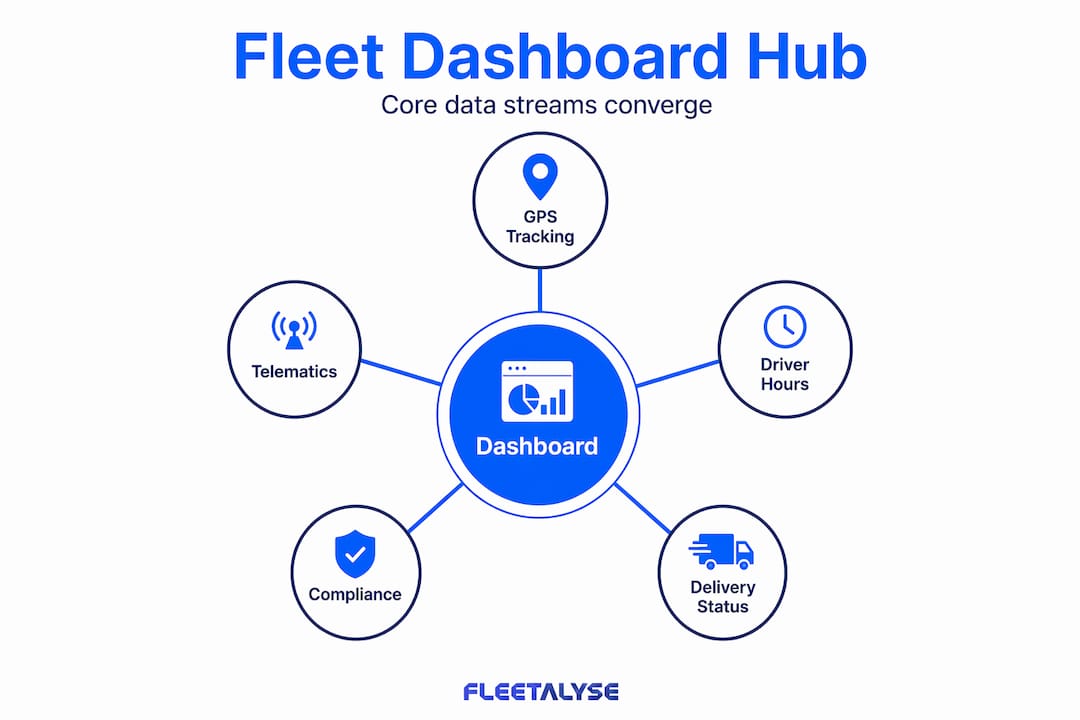
The live fleet dashboard is where these streams converge. It takes the location data from GPS tracking, the behavioural and diagnostic data from telematics, and the operational data from your dispatch and compliance systems, then presents it in a structured, prioritised view. A well-built fleet monitoring interface does not just display more information. It surfaces the right information at the right moment.
How live dashboards improve daily operations
The practical value of a live fleet management dashboard shows up most clearly in the moments that would otherwise cost you time, money, or compliance risk.
Consider a scenario common to any logistics operation running 24/7 delivery schedules: a driver falls behind schedule due to unexpected traffic on the M6. Without live visibility, your dispatcher finds out when the customer calls to complain. With a live vehicle dashboard, the exception is flagged the moment the estimated arrival time slips beyond tolerance, giving your team time to contact the customer proactively and, if needed, reroute another vehicle.
That shift from reactive to proactive is the defining practical benefit of real-time fleet management. Effective dashboards replace static reports with live operational control centres that highlight what is happening now and what requires attention. The data delay between an event and your team’s response collapses from hours to seconds.
Beyond exception management, the live dashboard supports better day-to-day coordination across several areas:
- Dispatch efficiency: Controllers can see vehicle proximity to new jobs and assign work based on live positioning rather than assumed location
- Customer service: Live ETA sharing becomes straightforward when your system knows precisely where every vehicle is and how it is progressing
- Compliance monitoring: Driver hours alerts flag potential violations before they occur, reducing the risk of DVSA enforcement action
- Fuel management: Idling alerts and route deviation notifications highlight fuel waste as it happens, not weeks later in a report
- Asset utilisation: Seeing which vehicles are sitting unused at any given time lets you redeploy assets rather than assuming the fleet is at capacity
Fleet management software that integrates live tracking with delivery confirmations and performance analytics gives operators the transparency needed to improve service and reduce operational costs simultaneously.
Setting up and optimising your dashboard
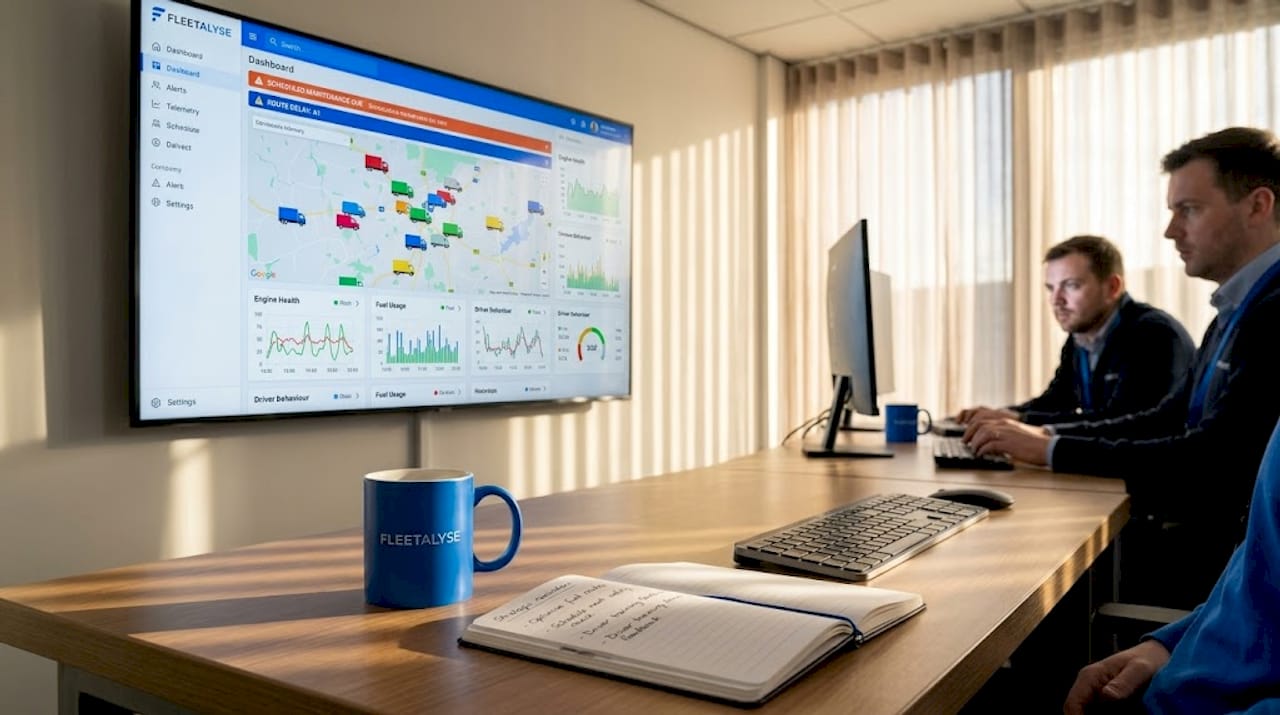
Getting a live fleet dashboard running is more than installing GPS trackers and logging in. The configuration stage determines whether you end up with a genuinely useful operational tool or an expensive screen full of noise.
Device pairing and access control
Every tracking device connected to your dashboard needs to be properly registered, named, and assigned to the correct vehicle or asset. Device approval and naming may seem administrative, but it directly affects the accuracy and security of your live data. An unregistered device or a device assigned to the wrong vehicle corrupts your entire operational picture. Access control matters equally. Not every user needs full visibility. Drivers, dispatchers, compliance managers, and senior operations staff have different information needs, and role-based permissions keep sensitive data protected while ensuring each user sees what they actually need.
Customising alerts and views
A default dashboard configuration is rarely the right one for your specific operation. Spend time mapping out which exception types matter most to your business and configure alerts accordingly. A courier fleet running time-sensitive deliveries will want very different trigger thresholds to a construction company managing plant and equipment. Customising the map view, the KPI tiles, and the alert priority list transforms a generic fleet tracking software interface into something built for your exact operational context.
Integration with existing systems
The dashboard only delivers its full value when it is connected to your other operational tools. A transport management system that does not talk to your live vehicle dashboard means your controllers are still cross-referencing two screens. Connecting your maintenance scheduling tool means service alerts appear alongside live vehicle data, giving a complete picture of each asset’s status.
Pro Tip: Avoid the common mistake of treating the live dashboard as a passive display. If you find your team glancing at it occasionally rather than working from it actively, the configuration needs revisiting. The most effective fleet operators build the dashboard into daily briefings, route planning, and customer communications so it becomes the operational nerve centre rather than a background screen.
My honest take on live fleet dashboards
I have seen fleet operations where the dashboard was technically excellent but practically useless, because no one had thought carefully about what the team needed to see and when. The technology is rarely the limiting factor. The configuration and the habit of using it are.
What I have found is that the balance between data freshness and system stability is genuinely underestimated. There is a reflexive assumption that faster refresh rates are always better. In practice, update rate expectations are commonly misunderstood. Even when technology supports very frequent updates, operational needs and infrastructure impose practical refresh limits. Chasing sub-10-second updates on a fleet of fifty vehicles often creates server strain without delivering any meaningful improvement in operational decision-making.
The dashboards that genuinely transform operations are not the ones with the most features. They are the ones where the right metrics are visible, the alerts are calibrated to things that actually matter, and the whole team knows how to act on what they see. I have watched operations reduce customer complaint rates and improve on-time delivery simply by surfacing live ETA data that was already sitting in their telematics system, ignored because no one had connected it to the dashboard view.
My encouragement to any fleet manager reading this: do not let the setup complexity put you off. Start with the three or four metrics that cause the most operational pain, get those working well, and build from there. A live fleet dashboard is only as powerful as the decisions it informs.
— Vytautas
See your entire fleet in real time with Fleetalyse
If you are looking to move from static reports to genuine live operational visibility, Fleetalyse is built precisely for UK commercial fleet operators. The platform combines GPS fleet tracking with smart dashcams, driver behaviour monitoring, remote tachograph downloads, and DVSA compliance tools, all presented through an integrated fleet management dashboard designed for day-to-day transport operations.
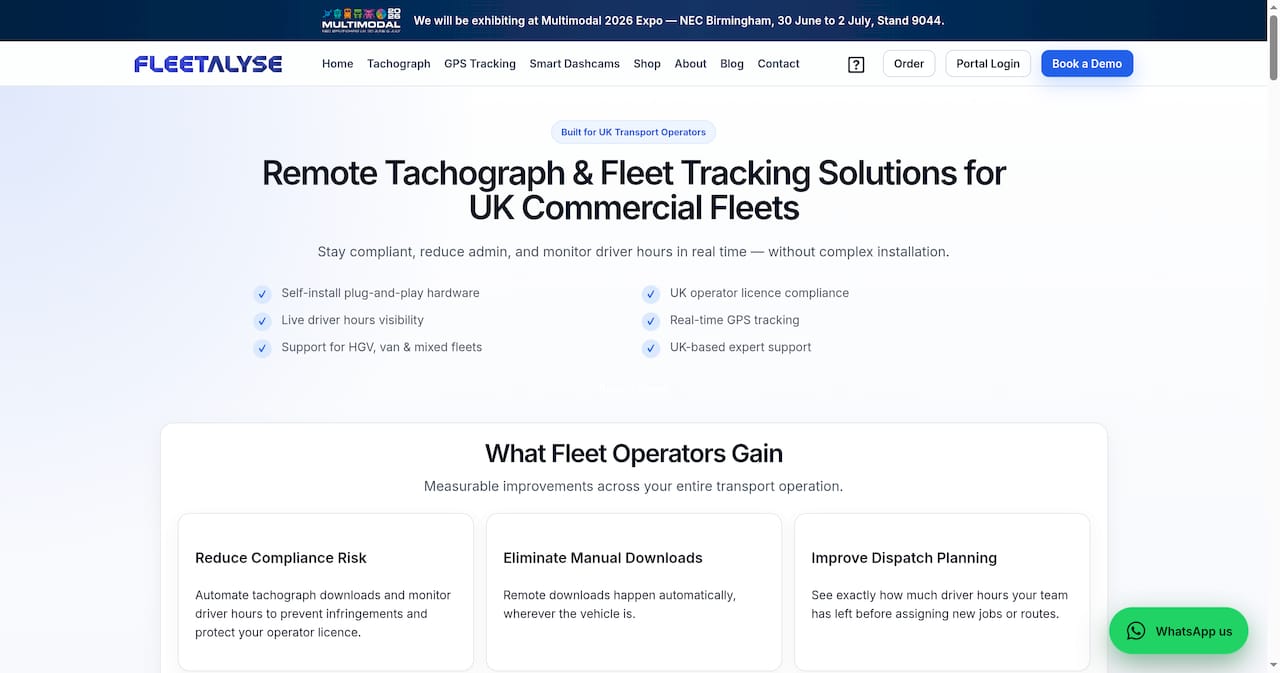
Whether you run HGVs, vans, trailers, or a mixed fleet, Fleetalyse connects your tracking hardware to a live dashboard that makes compliance and operational visibility straightforward rather than complicated. The platform supports smart AI dashcams and asset GPS trackers alongside plug-and-play telematics units, with UK-based support for setup and ongoing use. Explore the full range of solutions at Fleetalyse and see how live fleet monitoring can work for your operation.
FAQ
What is a live fleet dashboard?
A live fleet dashboard is a real-time digital interface that consolidates GPS location data, telematics, driver hours, and operational KPIs into a single view. It enables fleet managers to monitor vehicle activity and respond to exceptions as they happen rather than after the fact.
How does live fleet tracking differ from a fleet management dashboard?
Live fleet tracking refers specifically to monitoring vehicle location via GPS. A fleet management dashboard incorporates that location data alongside telematics, compliance, dispatch, and maintenance information to provide a complete operational picture.
How often does a live fleet dashboard update?
GPS refresh intervals typically range from 5 seconds to 15 seconds or more. Most operators find 15-second updates sufficient for logistics operations, as faster intervals can increase server load without improving decision-making meaningfully.
What data sources feed into a fleet management dashboard?
A well-integrated dashboard draws from GPS trackers, telematics units, electronic logging devices, transport management systems, and maintenance scheduling tools, giving a single consolidated view of fleet activity.
Can a live fleet dashboard help with DVSA compliance?
Yes. Real-time driver hours alerts and tachograph data integration allow fleet managers to flag potential hours violations before they occur, supporting compliance with DVSA driver hours regulations and Operator Licence requirements.