
A vehicle tracker that takes weeks to fit, needs vehicles off the road and creates another portal for the office is not solving much. For transport operators, the value of a plug and play telematics guide is straightforward: understand what can be installed quickly, what data it can provide, and where self-install technology supports proper fleet control rather than adding another layer of admin.
For HGV, van and mixed-fleet operators, telematics should help answer practical questions. Where is the vehicle? Is the driver approaching a working-time or driving-hours limit? Is a trailer where dispatch expects it to be? Which vehicles are idling, underused or due for maintenance? The right system brings those answers together without making depot staff chase spreadsheets, driver cards or separate tracking suppliers.
What plug and play telematics means in practice
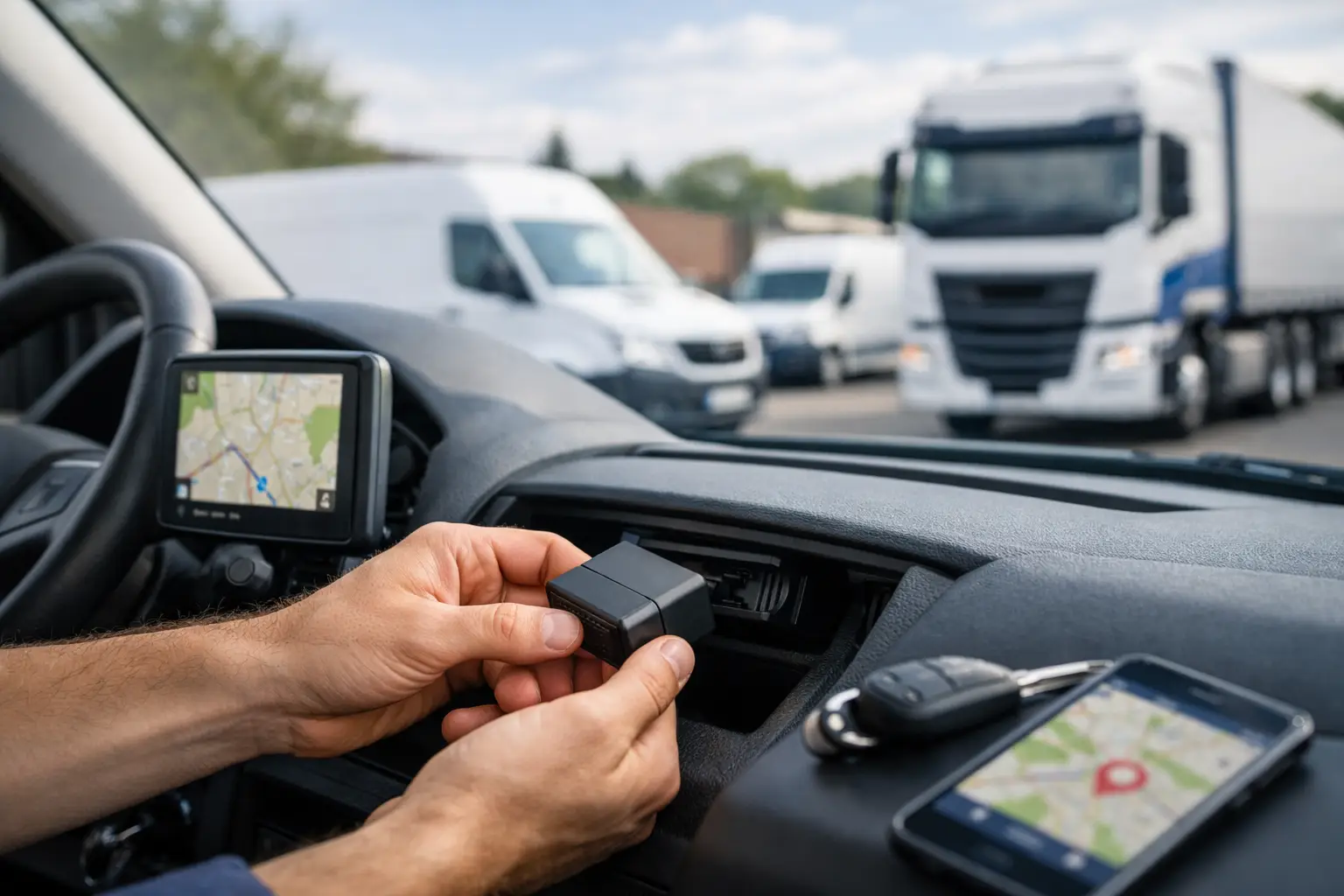
Plug and play telematics uses hardware designed for quick fitting, usually without a specialist engineer visiting each vehicle. Depending on the asset and device, installation may involve connecting to an approved vehicle port, attaching a battery-powered tracker, or mounting a camera unit using the supplied fitting method. The aim is to get vehicles reporting location and operational data quickly, while reducing downtime and installation cost.
That does not mean every device is identical, or that every fleet requirement can be handled by a basic tracker. A van used for local multi-drop work has different needs from an articulated lorry running national trunking work. A trailer has no driver and often no permanent power source. A compliance-led HGV operation also needs more than a map view: it needs reliable tachograph data, driver-hours visibility and evidence that download obligations are being managed.
The useful distinction is between simple self-install tracking and a connected fleet platform. Basic tracking can show a dot on a map. A proper commercial telematics platform should turn live information into actions for transport, compliance and maintenance teams.
What you can expect from the hardware
A plug and play device can normally provide live GPS position, journey history, speed, ignition status and mileage information. More capable vehicle units may also report fault codes, engine data, idling and driver behaviour events such as harsh braking or acceleration.
For trailers and plant, battery-powered tracking is often the sensible option. These units can report location without relying on a vehicle power supply, helping operators find detached trailers, monitor unauthorised movement and improve asset utilisation. Reporting frequency, battery life and signal conditions should be checked before choosing a device, particularly for assets parked for long periods or stored in areas with limited coverage.
Smart dashcams can also be fitted as part of a self-install approach, but they require care. Camera position, cable routing and driver sightlines matter. A poorly placed camera can obstruct the windscreen, create a distraction or produce footage that is not useful when an incident occurs. Quick fitting should never mean careless fitting.
Where plug and play telematics delivers value
The fastest return usually comes from replacing repetitive, low-value administration. A transport manager should not need to ring drivers for locations, manually combine mileage reports or check separate systems to understand whether a vehicle can take the next job.
Live tracking improves dispatch planning because the office can see the nearest suitable vehicle, likely arrival times and whether a job is progressing as expected. This is particularly useful when traffic, collection delays or vehicle changes affect a tightly planned day. It also gives customer service teams a factual answer rather than an estimate based on an earlier schedule.
Driver behaviour reporting can identify patterns that affect fuel, wear and safety. The point is not to create a league table of drivers from isolated events. A harsh-braking alert could reflect poor driving, but it could also reflect an emergency caused by another road user. Managers get better results by looking for repeat patterns, reviewing routes and conditions, then using the information in constructive driver conversations.
Fuel and utilisation data can reveal vehicles spending long periods idling, taking inefficient routes or sitting unused. For a fleet owner, that is useful evidence when deciding whether to change allocation, adjust routes or reduce the number of spare vehicles held at a depot. Telematics does not remove the need for operational judgement, but it replaces assumptions with a clearer picture of how assets are actually being used.
Compliance requires more than location data
For operators running vehicles subject to tachograph rules, tracking alone is not enough. Driver-card and vehicle-unit data must be downloaded at the required intervals, reviewed for potential infringements and retained appropriately. When this is handled manually, the risk is familiar: a driver misses a download, a vehicle is away from base, data is stored in different places, and someone discovers the gap when there is already a problem.
A connected platform can support remote tachograph downloads and live driver-hours monitoring alongside vehicle location. That gives compliance managers earlier visibility of remaining driving time, breaks, daily rest and possible exceptions. It helps planners avoid assigning work that pushes a driver towards an infringement, while giving the compliance team a clearer audit trail.
Technology does not transfer legal responsibility away from the operator. Download schedules, infringement review, driver processes and record keeping still need ownership. The benefit is that the routine work becomes more visible and manageable, rather than relying on memory, paper prompts and end-of-month checks.
A practical plug and play telematics guide for rollout
A successful rollout starts with operational priorities, not a hardware order. Decide what needs improving first. For some fleets, the immediate pressure is tachograph compliance. For others, it is missed ETA updates, trailer loss, high fuel use or a lack of evidence following road incidents. The chosen devices, reports and user access should follow that priority.
Before fitting anything, create a simple asset list with registration numbers, vehicle types, assigned depots and any existing tracking or compliance arrangements. Include trailers and spare vehicles. This prevents common rollout errors, such as fitting a unit to a vehicle that is due to leave the fleet or overlooking an untracked trailer that regularly moves between sites.
Then plan installation around normal operating patterns. Self-install hardware reduces the need to book every vehicle into a workshop, but it still needs a named person, a fitting process and a record of which serial number is assigned to which asset. Test a small group first, including different vehicle types and one or two real operational scenarios. Check that locations are accurate, journeys are appearing as expected and drivers understand the purpose of the system.
For a wider deployment, focus on four controls:
- Confirm each device is assigned to the correct vehicle, trailer or driver before it goes live.
- Set user permissions so dispatch, compliance and maintenance teams see the information relevant to their role.
- Agree who reviews alerts, driver-hours exceptions, maintenance reminders and missing data, and how quickly they act.
- Set a regular reporting routine that turns data into decisions on fuel, utilisation, safety and compliance.
The last point is where many telematics projects lose momentum. A system can collect thousands of events each day, but not every event deserves immediate attention. Start with a manageable set of measures tied to outcomes: overdue tachograph downloads, drivers nearing limits, excessive idling, unauthorised trailer movement, overdue maintenance and repeated behaviour events. Once the team has a reliable routine, reporting can become more detailed.
Questions to ask before choosing a provider
Pricing should be clear from the outset. Ask what is included in the monthly charge, whether hardware is leased or purchased, the contract length, any activation costs and the charge for replacement equipment. Low advertised tracking costs can look less attractive once installation, reporting modules, camera storage or compliance tools are added separately.
It is also worth asking whether all information sits in one platform. If tracking, dashcam footage, tachograph downloads and maintenance planning are split across several logins, the office may still be exporting data and reconciling reports. A single view is most valuable when it supports the actual handover between dispatch, transport management and compliance.
Check the support model as well. Your team may be comfortable fitting a tracker, but they still need clear guidance if a device stops reporting, a vehicle changes registration, a driver leaves or a tachograph connection needs attention. Good support is operationally useful when it helps a depot resolve an issue quickly, not just when it provides a technical ticket number.
Fleetalyse is designed around this joined-up requirement, combining self-install telematics with tracking, smart dashcams and tachograph compliance tools for UK commercial fleets. The practical benefit is less time moving between systems and more time acting on the information that protects the operator licence and keeps work moving.
Make the data part of the daily operating rhythm
The best telematics setup is not the one with the longest feature list. It is the one your team uses before a job is allocated, when a driver-hours issue appears, when a customer asks for an ETA, and when maintenance planning needs a reliable mileage picture.
Start with the problems that cost time or create risk each week. Fit the right devices, establish clear ownership and review the few reports that change decisions. From there, plug and play telematics becomes more than an easy installation choice: it becomes a practical way to run a more controlled fleet.