
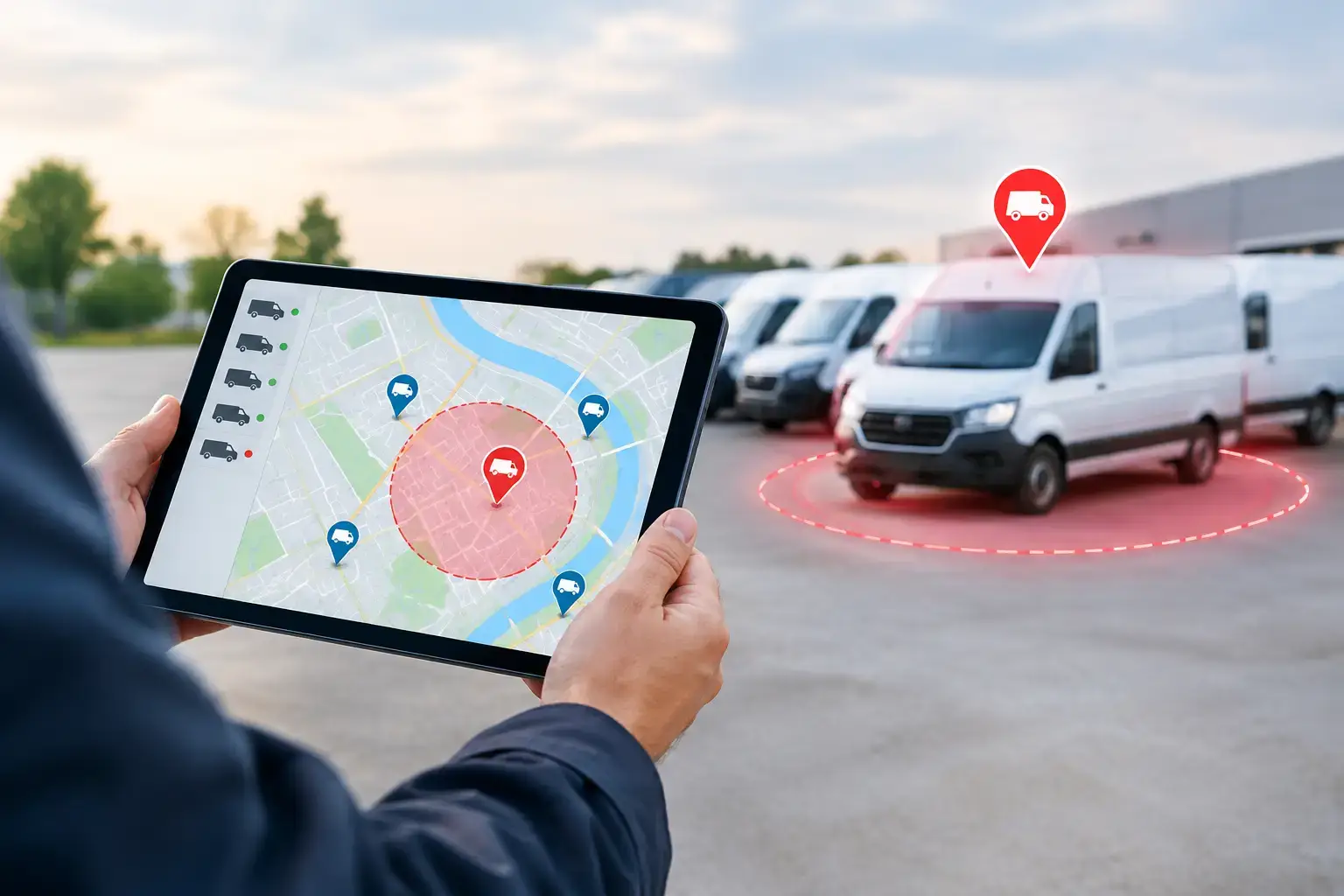
A vehicle arriving 40 minutes late at a customer site should not be discovered when a driver finally calls the office. Geofence alerts give transport teams a prompt when a vehicle or trailer enters or leaves a defined location, so dispatch, compliance and depot staff can act on the information while it still matters.
For UK operators managing HGVs, vans, trailers or a mixed fleet, this is more than a map feature. Used well, geofencing reduces checking calls, improves arrival records, supports better utilisation and highlights movements that do not match the plan. The value comes from setting the right locations and alerts for the way your operation actually works.
What are geofence alerts?
A geofence is a virtual boundary placed around a real-world location on a digital map. It may cover a depot, customer premises, delivery point, fuel station, workshop, secure parking area or a specific operational zone. When a tracked asset crosses that boundary, the system creates an event and can send an alert to the relevant person or team.
The boundary can be a simple radius around an address or a more closely defined shape where the site layout demands it. A radius is often suitable for a small customer site. A larger depot with separate entrance, parking and loading areas may need more careful configuration to ensure the alert reflects a meaningful movement.
The useful part is not simply knowing that a vehicle is nearby. It is turning location data into an operational trigger. An arrival alert can tell a planner that a driver is on site. A departure alert can start the clock for turnaround time. An out-of-hours movement alert can prompt an immediate check when an asset should be parked.
Where geofence alerts make a practical difference
The best use cases are usually the places and events that currently create uncertainty, phone calls or manual updates. For many fleets, that starts with depots and customer locations.
Depot arrivals, departures and security
A depot geofence provides a clear record of when vehicles enter and leave the operating base. Dispatch teams can see which vehicles have returned without calling drivers, while maintenance teams can plan around assets that are physically available.
For a vehicle or trailer expected to remain on site overnight, a departure outside normal operating hours deserves attention. It does not automatically mean theft or misuse. A driver may have been authorised to collect an urgent load, for example. But the alert gives the duty manager a chance to verify the movement rather than finding it in a report the following morning.
Trailer geofences can be especially valuable where assets are dropped at yards, customer sites or secure compounds. A trailer has no driver to provide context, and an unexpected departure is often more significant than a late vehicle movement.
Customer service and dispatch planning
Arrival and departure events create a more dependable picture of job progress than estimated times alone. If a vehicle enters a customer geofence, the office knows the driver has reached the agreed location. If it remains within the boundary longer than expected, the planner can investigate a possible loading delay before it disrupts the next collection.
This is helpful for customer communication, but it also improves internal planning. A transport manager can compare planned turnaround against actual site time over a period and identify locations that routinely hold vehicles up. The answer may be revised booking slots, clearer delivery instructions or a commercial conversation with the customer.
Geofencing is not a substitute for proof of delivery or a transport management system. It does, however, add a reliable operational timestamp that can support both.
Fuel, route and unauthorised-use controls
Geofences around regular fuel locations can help build a clearer view of where fleet activity occurs. Paired with fuel and mileage data, they can support conversations about route planning, unnecessary detours and vehicle utilisation.
An alert for entry into a restricted area can also identify activity that falls outside an agreed operating pattern. This may include a vehicle visiting an unauthorised site, leaving a defined region, or being moved during a period when it should be parked. The point is not to create a stream of exceptions for managers to chase. It is to focus attention on movements that carry cost, security or service risk.
Maintenance and workshop flow
A workshop geofence can notify the maintenance team when a vehicle arrives for inspection, repair or scheduled work. That avoids a vehicle sitting on site while the relevant team waits for a manual update.
For fleets balancing vehicle availability against planned maintenance, these alerts provide a useful handover between transport and engineering. They cannot replace maintenance records, walk-round checks or defect reporting, but they help ensure vehicles are where they need to be when work is scheduled.
How to set up geofence alerts without creating noise
Poorly designed alerts quickly become background noise. If every routine movement generates a message for everyone, staff stop treating notifications as useful. Set-up should therefore begin with an operational question: what decision will this alert help someone make?
Start with your highest-value locations. In most fleets, these are the main depot, key customer sites, secure trailer locations, regular workshops and any areas where unauthorised movement presents a genuine risk. Build from there once the team has established a workable process.
The radius needs testing. If it is too small, normal GPS variation or a site entrance some distance from the loading area may create missed events. If it is too large, a passing vehicle may trigger an arrival alert without reaching the premises. Review several genuine visits and adjust the boundary until it matches the practical reality of the location.
Choose recipients by responsibility, not by job title alone. A depot return may be useful to a planner. An out-of-hours trailer movement may need to reach a manager or security contact. A customer arrival could support a customer service team, but only if they have a clear action to take. Notifications should support a defined workflow rather than merely distribute information.
Use different alert rules for different sites. A customer arrival might be a standard event recorded in the platform, while an out-of-hours depot exit should create an immediate notification. Treating both events in the same way usually means either too much noise or too little control.
A practical starting set might cover:
- entry and exit at the main depot;
- arrival and departure at priority customer sites;
- movement of trailers from authorised storage locations;
- out-of-hours movement of selected vehicles and assets.
Review the alerts after two to four weeks. Remove those that do not prompt a useful action, refine locations that generate false events and add sites where the team is still relying on calls or spreadsheets.
Accuracy, privacy and the limits of the data
Geofence alerts depend on GPS location updates, mobile connectivity and the way a boundary has been drawn. They are highly useful operational signals, but they are not a perfect statement of every vehicle action. Urban streets, covered loading bays, large industrial estates and weak signal areas can affect timing and precision.
This matters when using events to investigate a delay or query a journey. Look at the wider journey history, driver schedule and site circumstances rather than treating a single timestamp as unquestionable evidence. A boundary crossing shows that an asset entered or left a defined area. It does not prove that loading began at that exact second.
Drivers should also understand what is being monitored and why. Clear policies help position tracking as a tool for dispatch, safety, asset protection and fair operational planning, rather than surveillance for its own sake. Operators should be transparent about the data collected, who can access it and how long it is retained.
For fleets working under operator licence obligations, location alerts also need to sit alongside proper compliance controls. They can help establish visibility over vehicles and support planning, but they do not replace tachograph analysis, driver hours monitoring, defect management or the procedures required to keep records in order.
Bringing alerts into one fleet workflow
The strongest results come when location data is connected to the wider picture. A late customer arrival means more when the planner can also see the vehicle's live position, the driver's available time, the planned route and the next job. A depot return is more useful when it helps trigger maintenance planning or confirms that a remote tachograph download can be scheduled.
That is why an integrated fleet platform matters. Fleetalyse brings tracking, trailer visibility, driver hours and compliance information into the same operational view, helping teams move away from separate systems and manual checks. The objective is not more notifications. It is fewer surprises and faster, better-informed decisions.
Start with the alerts that protect the most valuable part of your operation, whether that is a critical customer delivery, a high-value trailer or overnight depot security. Once each alert has a clear owner and action, geofencing becomes a quiet but dependable part of daily fleet control.