
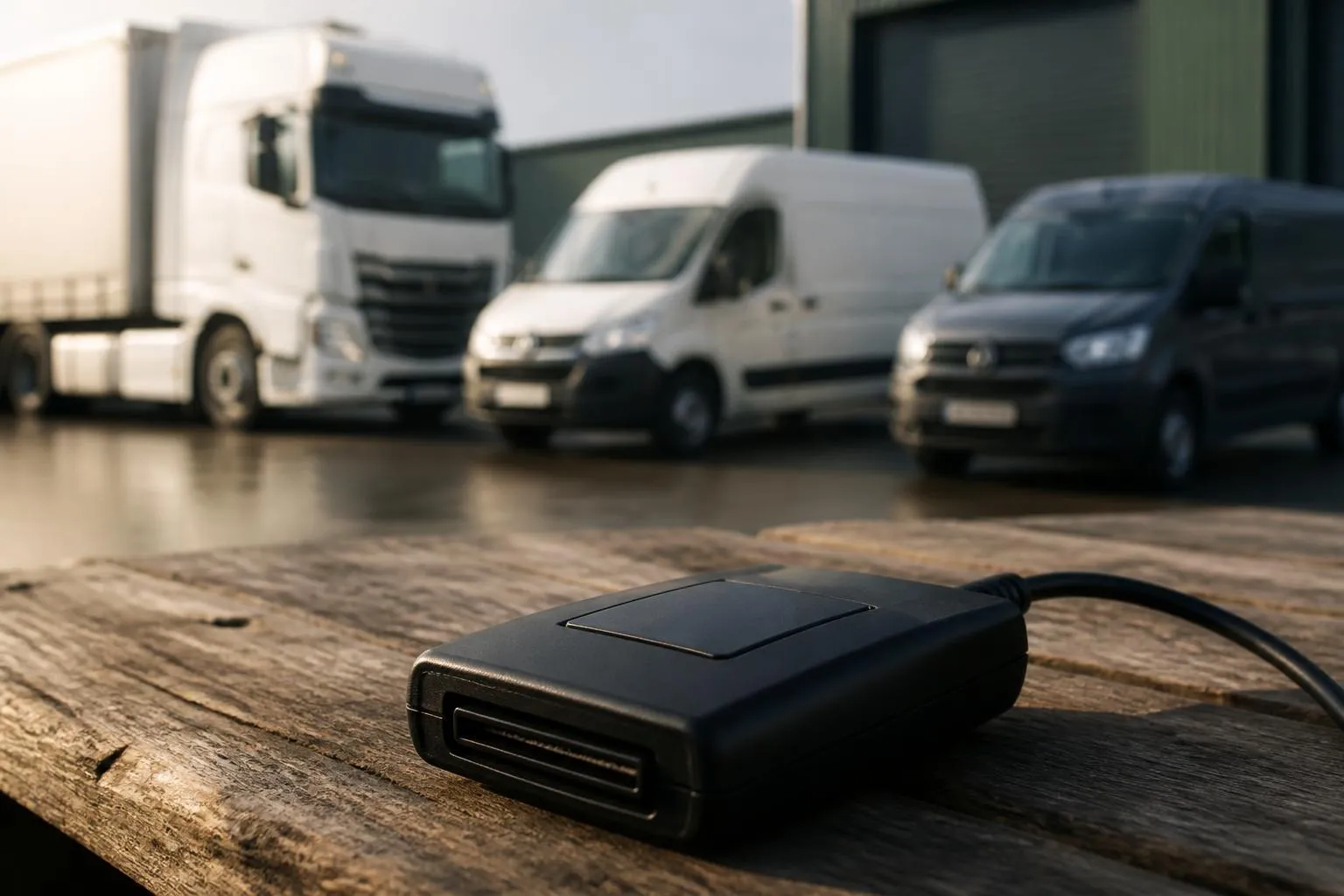
A mixed fleet makes Tachograph compliance harder for one simple reason. The vehicles, drivers and jobs do not all behave the same way. An operator might have long distance HGV units on full drivers’ hours rules, vans doing local work, trailers that need asset visibility, and a few specialist vehicles that sit somewhere in between. If downloads are handled through separate tools, or partly by hand, the admin load rises quickly.
A good remote Tachograph setup for a mixed operation should reduce that complexity, not add another login and another spreadsheet. In practice, that means reliable remote collection of driver card and vehicle unit data, clear visibility of overdue downloads, simple exception handling, and a platform that still helps when part of the fleet is not using a Tachograph at all. For many operators, the real value of remote tacho download for mixed fleet use is not just getting files off the vehicle. It is seeing compliance, location and fleet activity together, in one operational view.
What mixed fleets actually need from remote downloads
Operators with mixed vehicle types usually start with the same question. Will a remote download system work across the fleet we actually run, not the fleet shown in a generic brochure?
For a UK operator, the answer depends on more than whether a vehicle has a digital Tachograph. It also depends on how vehicles are assigned, whether drivers swap between units, how often vehicles return to base, and who currently manages download schedules. A pure HGV fleet on regular trunking is one thing. A mixed operation with HGV, vans, trailers, subcontracted movements and changing driver allocation is another.
What most mixed fleets need is a setup that covers four practical points.
First, they need dependable collection of Tachograph data without bringing every vehicle back to the yard for the sake of a download. In the UK, operators still need to meet the required download intervals for driver cards and vehicle units. Remote collection helps because the process is not tied to depot presence, workshop slots or someone remembering to plug in a download key.
Second, they need clear separation between vehicles that fall under Tachograph rules and those that do not. Mixed fleets often include vans under 3.5 tonnes, support vehicles or assets that are not part of drivers’ hours compliance in the same way as HGV units. A useful platform should not force all of these into the same compliance workflow. It should let the operator see which assets need Tachograph attention and which are there for tracking, utilisation or dispatch visibility.
Third, they need driver level visibility, not just vehicle level downloads. In day to day transport management, the problem is often not “did unit 123 download”. It is “which driver cards are due, who has infringements, who has switched vehicles this week, and where are the gaps”. If the system only collects files but does not make driver status easy to manage, the office still ends up doing manual reconciliation.
Fourth, they need the rest of the fleet picture around the download process. A transport office rarely deals with Tachograph data in isolation. They are checking route progress, investigating late arrivals, confirming vehicle use, reviewing incidents and preparing for audits. That is why many operators move away from standalone tools towards a one-platform setup that combines remote Tachograph downloads with live compliance visibility.
UK operators also need to be alert to the difference between broad European guidance and UK enforcement practice. The legal framework around drivers’ hours and Tachograph use is closely aligned, but operators in Great Britain deal with DVSA expectations, UK record keeping habits and domestic fleet workflows. In Northern Ireland, EU rules can have additional practical relevance depending on operation type and cross-border work. A supplier should be able to talk through UK operating reality, not just list generic features.
Comparing standalone tools with one-platform fleet systems
Standalone Tachograph tools still have a place. For a small operator with a limited number of HGV vehicles, a single purpose download solution may do the job if the only goal is to retrieve files and store them. The problem usually appears later, when the operator wants more visibility without adding more admin.
Separate Tachograph tools often create three common issues.
One is duplicated data entry. Driver names, vehicle registrations, depot groups and manager access rights get maintained in one system for compliance and another for tracking. If a vehicle changes role or a driver leaves, someone has to update both.
The second is fragmented workflow. The planner checks one platform for GPS positions, the compliance team checks another for downloads, and the fleet manager uses a spreadsheet to bridge the two. If a vehicle misses a scheduled download because it is away on a job, no one sees the context in one place.
The third is weak exception handling. Standalone tools can be fine when everything is on time. They are less useful when a card has not downloaded, a vehicle has changed allocation, or a unit is off road. Then the office needs to know not just that something is overdue, but where the vehicle is, who is driving it, and whether the issue is operational or technical.
A one-platform system changes that. If GPS, Tachograph downloads, reporting and asset visibility sit together, the office can work from one source of truth. The transport team can see where the vehicle is. Compliance staff can see whether the download has completed. Management can review trends without exporting from multiple systems.
That is where Fleetalyse is positioned. The platform is built around practical fleet use rather than a single isolated function. For mixed fleets, that matters because not every asset is there for the same reason. One vehicle may need full Tachograph compliance and location history. Another may only need GPS tracking. A trailer may need asset visibility and movement alerts. A safety manager may also want footage from connected in-cab video and Smart dashcams for incident review.
This matters operationally because most transport offices do not have spare time to reconcile systems. They want one screen to answer ordinary daily questions. Which vehicles are moving. Which are overdue for download. Which drivers are close to hours limits. Which assets have not moved. Which vehicles were near an incident location. A combined platform gives more usable Fleet insight than a compliance tool sitting on its own.
How hardware choices affect a mixed fleet rollout
Hardware decisions often decide whether a rollout is smooth or painful. On paper, many suppliers can offer remote downloads. In practice, mixed fleets need hardware options that match different vehicle ages, body types, operating patterns and installation preferences.
There are usually three broad approaches.
The first is a fixed installed unit, professionally fitted and configured for the vehicle and the Tachograph environment. This is often the right choice for core HGV vehicles that need dependable long term use. If those vehicles are central to the operation, a proper installed solution tends to give the best day to day stability.
The second is using Fleetalyse-ready trackers. These suit operators who want a more direct route into the platform, without piecing together compatibility themselves. For a mixed fleet, this can simplify procurement because the operator is not trying to validate every device combination from scratch. Vehicles that only need tracking can be brought into the same environment as vehicles needing remote Tachograph downloads.
The third is using unlocked Teltonika hardware. This appeals to operators and installers who want flexibility, especially where they already standardise on Teltonika across part of the fleet or need a more tailored deployment. The benefit is choice. The responsibility is making sure the hardware, installation method, power setup and integration all match the use case.
For mixed fleets, the hardware conversation should cover more than “does it work”. It should include:
- Which vehicle classes are in scope for remote downloads
- Whether all HGV units have compatible digital Tachograph arrangements
- Whether vans and lighter commercial vehicles are included for tracking only
- Whether trailers and non-powered assets need separate visibility
- How the system handles permanent vehicles versus short term additions
- What installation support is available
- How SIM connectivity is managed, including IoT SIMs for fleet use
- Whether CAN data is available or useful in the operator’s reporting model
Compatibility also affects the office experience. If one hardware route supports better status reporting, stronger install consistency or easier fault diagnosis, that can save time every week. A mixed fleet rollout is not only about fitting devices. It is about reducing the number of exceptions the office has to chase afterward.
Mapping and user access also matter. If the platform uses OpenStreetMap or similar mapping layers, users should understand what that means for route visibility and day to day navigation context. If access is split between transport, compliance, workshop and management users, the system should support role-appropriate views rather than giving everyone the same cluttered screen.
For operators reviewing options, it often helps to look at the available fleet hardware and rollout routes in one place, especially if some vehicles need remote Tachograph capability and others only need tracking or camera coverage.
Where compliance teams gain or lose time
The biggest savings from remote downloads are usually administrative, not mechanical. The office spends less time chasing vehicles, arranging yard presence, plugging in keys and checking whether files have actually arrived. But those savings only appear if the workflows are sensible.
The first key workflow is scheduling. A compliance team needs to know what is due, what has completed and what is approaching deadline. If this is visible by vehicle and by driver, with obvious status indicators, the team can act before a missed interval becomes a problem.
The second is handling driver changes. In mixed fleets, drivers often move between vehicles. A system that only works neatly when one driver stays with one unit creates gaps. Good remote downloads should still support a fleet where allocation changes daily.
The third is exception management. Downloads fail for real world reasons. A vehicle may be out of signal. A card may not be present. A unit may be in the workshop. Hardware faults happen. The difference between a helpful platform and an unhelpful one is whether the exception is visible quickly and whether the reason can be understood without a chain of phone calls.
The fourth is audit preparation. When an operator is preparing for an internal review or responding to an external compliance query, they need confidence that records are complete and accessible. A remote download system should make it easier to show that the operator has a process, follows intervals and can retrieve the necessary files. If records are scattered across desktops, emails and memory sticks, remote collection has not solved much.
The fifth is linking compliance to actual operations. Driver hours issues are easier to manage when the transport office can see what the vehicle was doing at the time. A planner deciding whether to reassign work benefits from seeing location, recent activity and compliance status together.
This is where access design matters. A proper Customer Portal should let the right people see the right information without sending every request back to one administrator. If users can move between compliance, tracking and reporting without separate credentials, the process is simpler. If they need a different Tracker login, separate file exports and manual report collation, time is lost.
Reporting should also reflect operational reality. Mixed fleets need the ability to filter by depot, vehicle class, customer contract or fleet segment. A group running HGV trunking and van distribution side by side should not have to sift through one undifferentiated report to find overdue Tachograph downloads.
Suppliers that understand transport operations usually also understand that the office wants fewer steps. They want the platform to collect, show, flag and store. They do not want another software layer that still leaves them building the real control sheet in Excel.
What to check before choosing a supplier
Before choosing a supplier, operators should test the buying decision against daily use, not just a feature list.
Start with support. Ask who helps when a vehicle stops downloading remotely, when a new unit is added, or when a driver card issue appears. UK fleet operators need practical support during operating hours, not just a ticket number and a knowledge base.
Check how reporting works. Can the system show overdue downloads clearly. Can it separate HGV compliance from van tracking. Can managers export what they need for internal review. Can the operation get useful Fleet insight without building custom spreadsheets every week.
Look at access and user control. A growing fleet will need different permissions for transport managers, compliance staff, workshop users and directors. The platform should make this manageable. If every user sees everything, or if access changes require a support request each time, that becomes friction.
Ask about data visibility. Can users see vehicle and driver status in a way that helps decisions. Is the history easy to retrieve. Are alerts practical or noisy. Can the platform combine Tachograph data with GPS movement, camera events or asset tracking where relevant.
Check hardware flexibility. If the supplier only supports one path, that may be fine for a uniform fleet but awkward for a mixed one. A business adding vehicles through acquisition, contract change or seasonal growth may need a combination of installed units, Fleetalyse-ready trackers and Teltonika based options.
Future expansion matters as well. Many operators begin with compliance on the HGV fleet, then want to add trailers, vans, cameras or wider reporting later. It is worth choosing a supplier whose platform can grow with that plan, rather than forcing another software purchase in a year.
Commercial clarity matters too. Buyers should understand account setup, billing method, hardware ownership, data access and any platform charges. If payments are handled online, operators may also want to know whether tools such as Stripe are used for checkout and what that means for internal purchasing controls. VAT treatment should be clear on quotations and invoices, as should the contracting entity, whether that is Fleeta Limited T/A Fleetalyse or another named group company.
Finally, check whether the supplier talks in operational terms. Can they explain how the system works for a mixed fleet where some vehicles need full Tachograph compliance, some need only tracking, and some are assets rather than powered vehicles. Can they explain installation routes, likely exceptions and who in the office will use which part of the platform.
That is usually the clearest sign that the system will work in practice. The best remote tacho download for mixed fleet operations is not the one with the longest feature list. It is the one that fits the fleet you run, gives the office clear visibility, and removes manual compliance effort without creating a second management problem somewhere else.
What is remote Tachograph download for a mixed fleet?
It is a way to collect driver card and vehicle unit data without bringing each HGV back for manual download, while still managing the wider fleet in one operational view.
Does it matter if only part of the fleet uses Tachographs?
Yes. Mixed fleets often have HGV subject to Tachograph rules alongside vans or assets that are not. The system should support both without forcing separate workflows.
Is a standalone Tachograph tool enough?
It can be, if you only want downloads. But many operators also want GPS visibility, reporting and a clearer daily workflow instead of switching between separate systems.
Can remote downloads help with driver hours administration?
Yes. They can reduce manual collection and make driver hours data easier to access on time, especially where vehicles are away from base for long periods.
What should a fleet manager ask before buying?
Ask how downloads are scheduled, how exceptions are flagged, what hardware is supported, how mixed fleets are handled and who can access data through the Customer Portal.