
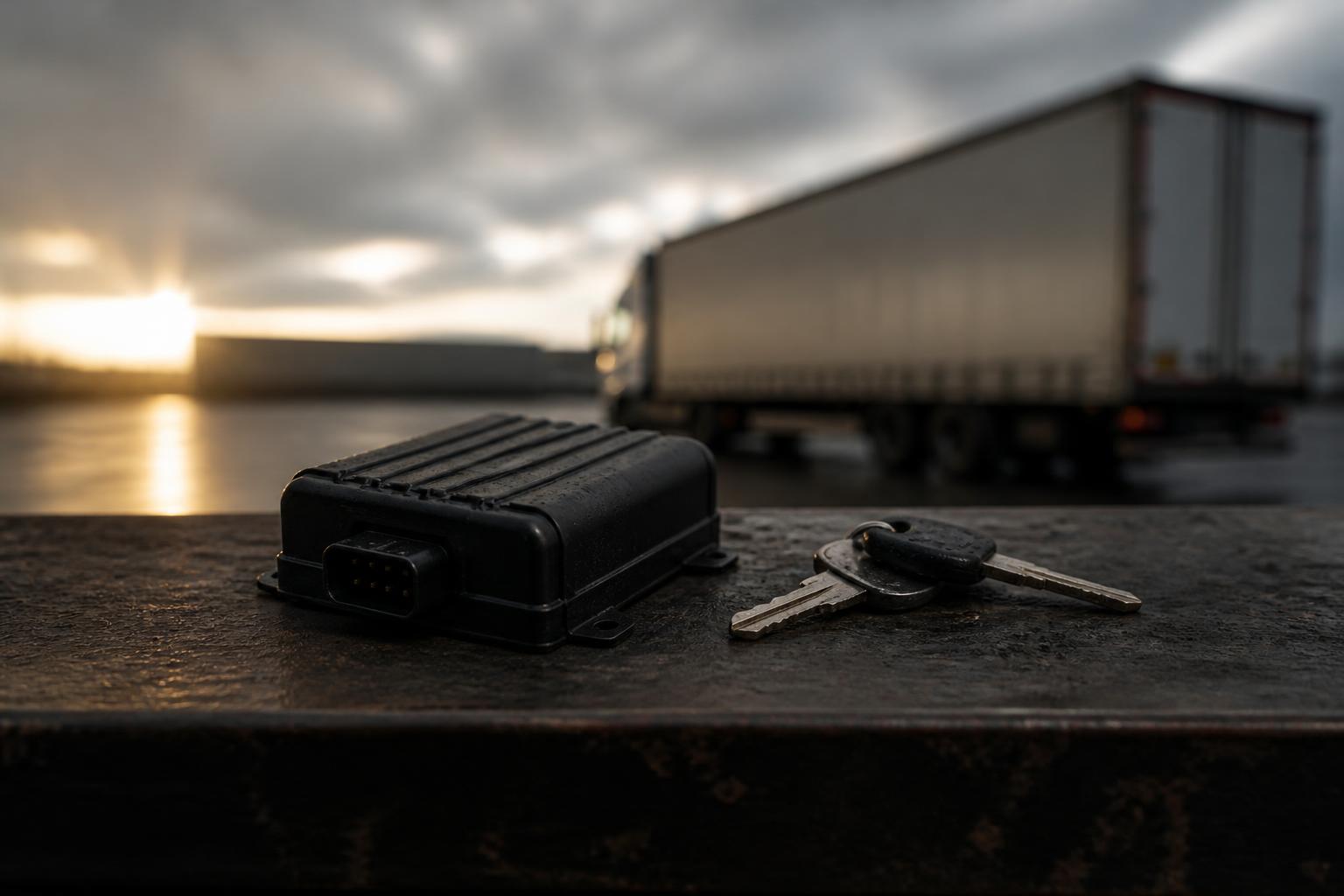
For a UK operator, HGV telematics is not just a map with dots moving on it. Used properly, it is the day to day control layer for vehicles, drivers, compliance and incidents. It gives us one place to see where vehicles are, whether driver hours are likely to become an issue, whether a Tachograph download has been missed, what the vehicle is doing on the road, and what happened if something goes wrong.
That matters because most fleet problems are not caused by one dramatic failure. They come from small gaps in visibility, separate systems, late information and manual checks. Good telematics closes those gaps. It helps us make better dispatch decisions, stay on top of legal duties, reduce wasted time and investigate issues quickly, without building more admin into the working day.
What HGV telematics means in day-to-day fleet operations
In practical terms, HGV telematics is the combination of vehicle hardware, connectivity and software that turns vehicle activity into usable operational information. For a UK fleet, that usually means a tracking device in the vehicle, links to Tachograph data, optional cameras, and a platform that shows live status, history and reports.
The data that actually gets used each day is usually quite straightforward.
We use GPS location to see where each HGV is now, where it has been, whether it is moving, parked, delayed or off route. Dispatch teams use that to answer customer queries, update ETAs and decide which vehicle is best placed for the next job.
We use Tachograph information to support compliance and planning. That includes remote downloads where fitted, plus visibility of driver activity and driver hours so we can spot approaching limits before they become a problem. In the UK, the legal framework comes from retained drivers' hours rules, domestic hours rules where relevant, and Working Time rules for mobile workers. The practical point for operators is simple, we need timely access to the right records and enough visibility to avoid preventable infringements.
We use event and camera data to understand what happened during harsh braking, a collision, a disputed manoeuvre or a complaint from the public. With Smart dashcams, we can review the road context instead of relying on assumptions.
We use vehicle information from CAN data, where available, to get a clearer picture of how the vehicle is being used. Depending on vehicle and integration, that can include ignition status, fuel-related data points, mileage and other operational signals that support maintenance planning and utilisation checks.
We also use geofences, alerts and reporting. A geofence around a depot, customer site, port or low bridge risk area can trigger a useful prompt. An alert for missed downloads, unauthorised movement or prolonged idling gives us something to act on now, not days later when somebody finally checks a spreadsheet.
This is why HGV telematics is really about control, not just tracking. The value comes from turning routine fleet activity into decisions we can make faster and with better evidence.
Which problems telematics solves for UK HGV fleets
Most UK HGV fleets do not struggle because they have no data at all. They struggle because the data is late, split across different tools or too awkward to use in the middle of a busy transport day.
The first common problem is basic visibility. If a customer asks where a vehicle is, whether it has arrived, or why it is delayed, we need an answer straight away. Without live tracking, the office ends up calling drivers for updates, which interrupts the job and still does not create a reliable record. GPS tracking removes that guesswork.
The second problem is compliance visibility. Tachograph records, driver card downloads and vehicle unit downloads all need to happen on schedule. In the UK, operators also need to be able to demonstrate proper oversight if questioned during an audit or investigation. If downloads are handled manually, especially across a dispersed fleet, it is easy for deadlines to be missed. Remote Tachograph downloads help us keep records current without chasing vehicles back to base.
The third problem is driver hours planning. A job may look possible on paper, but not if the driver is close to a daily driving limit, break requirement or reduced rest pattern that affects the next shift. Operators do not need more raw data here. They need a clear view that helps them avoid assigning work that creates an infringement risk or forces a last minute change.
The fourth problem is incident handling. When there is a complaint, near miss, theft, impact or insurance query, the real cost is often the time spent reconstructing events. If location history, timestamps and camera footage sit in separate systems, the investigation slows down. If they sit together, we can review the route, speed profile and footage much faster.
The fifth problem is workflow duplication. Many fleets still use one system for tracking, another for cameras, another for Tachograph compliance, and then a spreadsheet to tie the whole lot together. That creates repeated logins, repeated exports and repeated checks. It also means different people may be working from different versions of the truth. Bringing those functions together reduces the admin burden and cuts the chance of something being missed.
The sixth problem is asset and mixed fleet visibility. A lot of operators are not running HGV only fleets. They may also have vans, trailers, plant or other mobile assets. Running separate tools for each category makes planning harder than it needs to be. A platform that supports mixed commercial fleets gives us a more complete operational picture.
If you want a clear view of where these blind spots usually appear, our guide to telematics that reduces day to day fleet blind spots goes into the practical detail.
The core tools that make up an HGV telematics setup
A workable HGV telematics setup is usually made up of five core parts, all feeding into one platform.
The first is GPS tracking hardware. This is the base layer. It provides live location, route history, stops, movement status and geofence events. Hardware choice matters here. Some operators want a straightforward install using Fleetalyse-ready trackers. Others want more flexibility and choose unlocked Teltonika devices because they fit an existing installer relationship or a wider fleet standard. The right answer depends on the fleet, the vehicle types and how much customisation is needed.
The second is Tachograph integration. This is what allows remote collection of driver card and vehicle unit files where the vehicle setup supports it. For UK operators, the practical benefit is obvious. We can schedule downloads, monitor whether they have happened and keep records moving without relying on every vehicle returning to a specific depot at the right time. That saves admin time and supports compliance discipline.
The third is Smart dashcams. Cameras are no longer just passive recording devices. Connected Smart dashcams can provide event footage, support coaching conversations and give us rapid access to evidence when there is a claim or complaint. In HGV operations, where road risk, vulnerable road users and public reporting all matter, quick access to footage can make a material difference. Our connected road-facing camera options for commercial fleets show how that fits into one operational setup.
The fourth is CAN data. This adds another layer beyond location. Depending on the vehicle and connection method, CAN data can provide operational inputs that support fuel analysis, utilisation checks, maintenance triggers and deeper reporting. It is important to be practical here, not every vehicle will expose the same data in the same way, and mixed fleets often need a tailored approach. But where the data is available, it helps turn telematics from a tracking tool into a fuller fleet management system.
The fifth is reporting and mapping. Raw data only becomes useful when it is presented clearly. A good platform should let us switch between live maps, event lists and reports without exporting everything into separate files first. Mapping should be easy to read and reliable. At Fleetalyse, mapping and fleet views are designed around operational use, including OpenStreetMap where appropriate for clear location context.
Behind all of this sits connectivity and user access. Devices need dependable data connections, which is why IoT SIMs are part of many commercial deployments. Users need simple access too, whether that is through a main platform login, a Customer Portal for account management, or a Tracker login for day to day viewing depending on how the fleet is set up.
The point is not to collect every possible data feed. It is to combine the feeds that help us run the fleet better.
How fleet managers use telematics data without creating more admin
One of the biggest objections operators have is reasonable. If telematics creates another dashboard that somebody has to watch all day, it can become part of the problem. The system has to reduce admin, not multiply it.
That starts with live views that answer the main operational questions quickly. A transport office should be able to see which vehicles are moving, stopped, delayed, near a site or available for the next load. We should not need to open three screens and call the driver to understand the basics.
Alerts are the next step. Useful alerts are specific and actionable. A missed Tachograph download alert tells us a compliance task needs attention. A geofence alert can confirm arrival at a customer site. An out of hours movement alert can flag possible unauthorised use. An event from Smart dashcams can prompt a quick review before a minor issue turns into a longer dispute. The key is to configure alerts around real workflows, not switch everything on and create noise.
Reports then deal with the checks that would otherwise become manual routines. Instead of somebody going vehicle by vehicle, we can review scheduled exceptions and summaries. That might include vehicles with overdue downloads, units with unusual idling, utilisation trends, route history for a disputed delivery window, or mileage reports for maintenance planning. Used well, reports replace repeated manual checks.
Telematics data also helps with investigations. If a customer says a vehicle never arrived, we can check route history and site dwell time. If there is a speeding complaint, we can review the relevant segment and any linked footage. If a driver reports a near miss, we can pull the timeline together quickly. That saves office time and gives us a better basis for decisions.
Planning improves as well. Over time, telematics highlights recurring delays, unproductive waiting time, route inefficiencies and patterns in site turnaround. That is where Fleet insight becomes useful. We are not just seeing where a vehicle is today, we are learning where time is routinely lost and where schedules may need to change.
The best results come when the platform fits the existing operation. Some users need a compliance focused view. Some need a dispatch focused live map. Some need management reporting. Those different users should not all have to work the same way.
If you are trying to avoid adding yet another disconnected tool, our guide on comparing telematics platforms without ending up with extra systems is worth reading before you buy.
What to check before choosing an HGV telematics system
Start with the vehicles and the rollout model, not the software demo.
First, check hardware fit. Are you installing into tractor units only, or also trailers, vans and assets? Do you need simple tracking, or remote Tachograph capability, camera integration and CAN data as well? Can the supplier support Fleetalyse-ready trackers if you want a ready to deploy option, or unlocked Teltonika hardware if you need more flexibility? Hardware choice affects installation, data quality and long term support.
Second, check rollout practicality. A system may look good in a demo and still be awkward to deploy across a working fleet. Ask how installs are handled, what happens with mixed vehicle ages, and how the setup works for owner-drivers or subcontracted units where applicable. A workable rollout should fit live transport operations, not interrupt them unnecessarily.
Third, check whether the platform genuinely combines functions. Many products claim to be integrated, but still push users into separate portals for tracking, cameras, compliance and reports. That defeats the purpose. We recommend checking what the day to day workflow actually looks like. Can the office move from a vehicle location to a Tachograph status check to a camera event in one place? If not, the admin burden may not improve much.
Fourth, check usability for the people who will use it every day. Fleet managers, planners, compliance staff and business owners do not all need the same view. The platform should make common tasks easy, not hide them behind technical menus. If account management matters, make sure the Customer Portal is straightforward. If drivers or smaller operators need direct access, check how the Tracker login works in practice.
Fifth, check reporting depth without overcomplication. You need enough detail to manage exceptions, investigate incidents and review trends, but not a reporting library so large that nobody uses it. Ask to see the reports your operation would actually run every week.
Sixth, check commercial clarity. Understand whether hardware is locked or unlocked, what connectivity is included, how support works and how billing is handled. If online purchases or subscriptions are part of the setup, it should be clear how payment is processed, including where Stripe is used. For UK businesses, make sure invoices and VAT treatment are clearly set out.
Seventh, check the supplier structure and support route. You should know who you are dealing with, who provides the service and how issues are escalated. Where relevant, that may mean contracting with Fleeta Limited T/A Fleetalyse.
Finally, check whether the system can grow with the fleet. If you start with HGV tracking today, can you add cameras, trailers, assets or mixed fleet reporting later without starting again on a different platform? That is often where operators either save time or create a second systems problem for themselves.
If you are reviewing options now, you can see the fleet tools and hardware we support in one place and assess what fits your operation.
HGV telematics works best when it reflects the way a transport office actually runs. The goal is not more screens, more alerts or more data for its own sake. The goal is better visibility, steadier compliance control and fewer manual workarounds. When tracking, Tachograph downloads, Smart dashcams and reporting sit together in one usable platform, we can spend less time chasing information and more time running the fleet.
What is HGV telematics?
HGV telematics is the use of connected vehicle hardware and software to monitor location, movement, activity and fleet events. It often brings together GPS tracking, Tachograph data, reporting and safety tools in one platform.
Is HGV telematics only for large haulage fleets?
No. Smaller operators, owner-drivers and mixed fleets can use it as well. The main benefit is visibility without relying on calls, spreadsheets and separate systems, which can matter just as much in a small operation.
Can telematics help with driver hours management?
Yes. When telematics is linked with Tachograph workflows, operators can improve visibility of driver hours, spot exceptions earlier and reduce manual chasing for downloads and checks.
Do I need new hardware to start?
Not always. Some operators start with Fleetalyse-ready trackers, while others choose unlocked Teltonika hardware or plan a wider rollout around their existing fleet and reporting needs.
What should I look for in an HGV telematics platform?
Look for clear live tracking, reliable data capture, practical reporting, compliance visibility and the ability to combine tools such as GPS, Tachograph workflows and Smart dashcams without juggling multiple systems.