
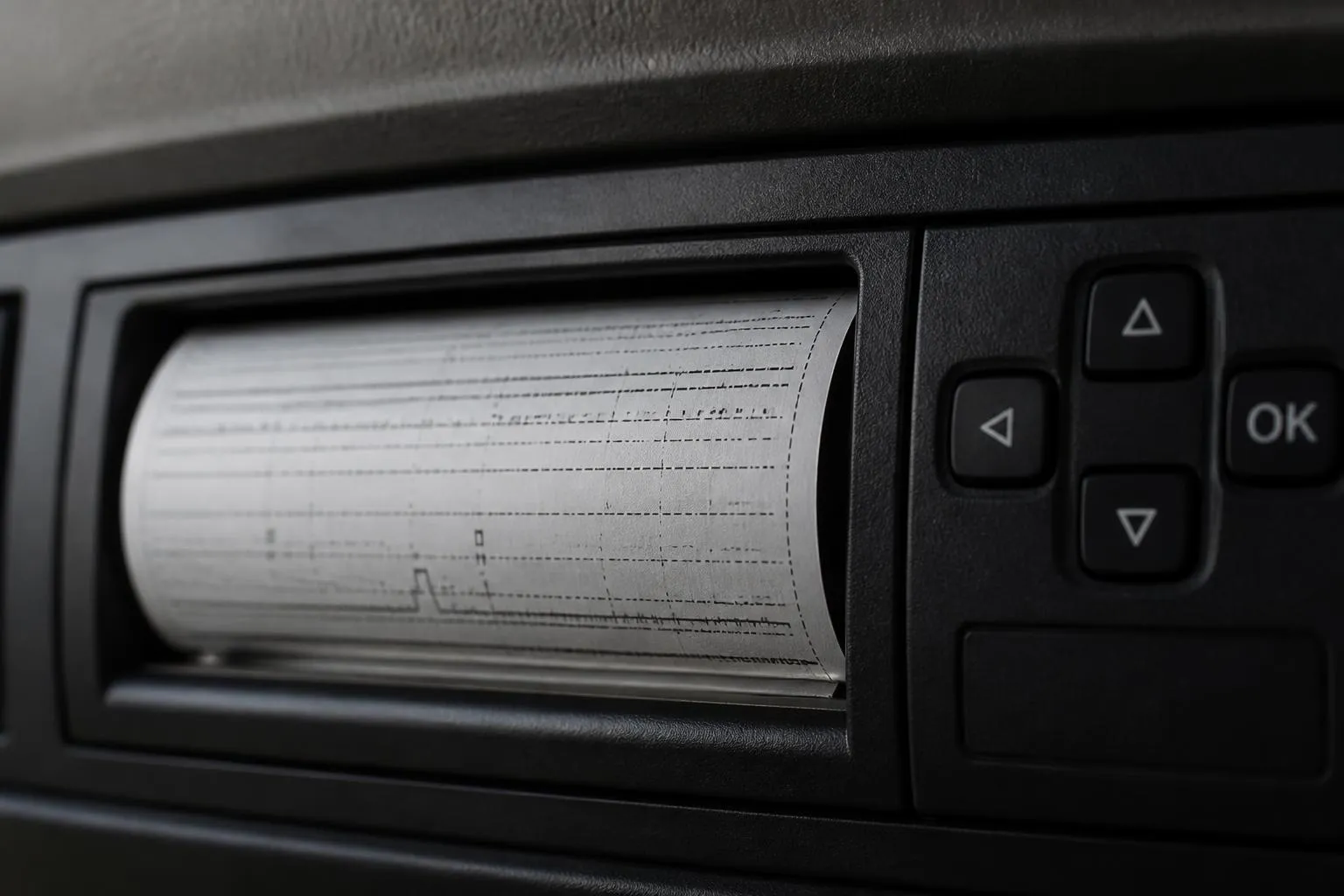
Knowing how to track driver hours across a fleet comes down to three things. You need the right source records, a reliable way to collect them every day, and a routine for checking exceptions before they turn into infringements. In a UK operation, that usually means combining Tachograph data, driver and vehicle identification, and live vehicle activity so planners and compliance staff are working from the same picture.
For a small fleet, spreadsheets and manual card downloads can hold together for a while. Once you have multiple drivers, agency cover, night trunks, mixed vehicle types or several depots, gaps appear quickly. Missing downloads, unknown driver allocations, forgotten manual entries and jobs assigned to drivers who are close to their limits all create risk. A proper process gives transport teams visibility of driver hours in time to act, not just to explain a problem afterwards.
What you need to track driver hours properly
Before any software is useful, the operator needs a clean operating model. Driver hours monitoring only works if the underlying records are consistent.
Start with the legal scope. In the UK, most HGV operations over 3.5 tonnes used for carriage by road fall under EU drivers' hours rules as retained in UK law, with Tachograph requirements still central to compliance. Some work may instead fall under GB domestic rules, and mixed fleets often have both in the same business. That distinction matters because the limits, record keeping and analysis are different. If your fleet includes vans, specialist vehicles or exempt activity, define clearly which vehicles and duties are in scope for which rules.
Then make sure the core master data is accurate:
- driver name, card number and employment status
- vehicle registration, unit number and Tachograph type
- depot or operating centre
- working pattern, including regular night work or tramping
- driver to vehicle assignment rules
- agency driver process
- subcontracted vehicle process, if relevant
You also need document control. At minimum, a UK operator should be able to account for:
- driver card download history
- vehicle unit download history
- infringement reports and evidence of follow-up
- records of manual entries and printouts where required
- Working Time Directive records where the operation tracks them alongside drivers' hours
- holiday, sickness and other non-driving activity where it affects availability planning
- maintenance of Tachograph equipment and calibration records
- driver declarations for lost, stolen or faulty cards, where applicable
The legal download intervals are part of the process, not an admin detail. Driver cards must be downloaded at least every 28 days. Vehicle units must be downloaded at least every 90 days. Many operators bring those in much tighter, especially for trunking or multi-shift fleets, because waiting until the legal limit leaves little room to recover from missed downloads, card faults or depot access problems.
A scaleable process also needs ownership. In practice, four roles usually touch the same data for different reasons:
- transport manager or compliance lead, checking legal exposure
- planner or dispatcher, checking available hours before allocating work
- line manager, following up with drivers on missing records or repeated issues
- payroll or admin team, where attendance, nights out or shift records are linked
Without defined ownership, driver hours data becomes everyone's responsibility and nobody's routine.
The other key requirement is a standard exceptions process. Decide in advance what happens when:
- a card has not downloaded on time
- a vehicle download is overdue
- a driver uses the wrong card slot or forgets a card
- a driver has made no manual entry after other work
- a vehicle move appears with no identified driver
- a driver is close to a daily or weekly limit
- reduced rest patterns are building up
- there is a possible breach under domestic rules rather than EU rules
That process should be written down in the same way as walkaround checks or defect reporting. It does not need to be long, but it does need to be consistent.
For operators trying to bring several tools together, the practical aim is one operational view. That is where a combined platform matters. If live location, Tachograph records, camera events and fleet reporting all sit separately, staff spend their day reconciling systems instead of managing the fleet. Fleetalyse is built around that joined-up view for commercial operators, so the hours record can sit alongside GPS activity, vehicle status and broader Fleet insight.
How to collect driver hours data across the fleet
Day to day, the most reliable setup is one where Tachograph downloads happen remotely, vehicles report live position through GPS, and each journey is tied to an identified driver. If one of those parts is missing, the transport office ends up guessing.
Remote Tachograph downloads are the foundation for fleet-wide collection. Instead of relying on vehicles returning to base or drivers remembering a manual process, remote download hardware pulls card and vehicle unit files back into the system on schedule. For a busy HGV fleet, that reduces the backlog that often builds around weekends, holiday cover and vehicles working away from base.
The important point is not just that downloads happen, but that they happen in a controlled cycle. A good daily routine usually includes:
- overnight or scheduled remote vehicle unit downloads
- automated checks for cards approaching the download deadline
- confirmation that files have been received and stored
- exception handling for failed downloads, missing cards or communication loss
- a visible queue for compliance staff to review anything incomplete
Driver identification is just as important. A live map without a named driver helps with traffic, but not with driver hours management. Every vehicle movement should be attributable to the correct person, whether through Tachograph card association, an app-based workflow, a driver ID device or a dispatch process that confirms who is in the cab. Agency and relief drivers need special attention because they are where unidentified movements often appear.
This is also where vehicle tracking earns its place. Tachograph files tell you the legal record. GPS tells you what the vehicle is doing now. Used together, they let the office compare planned work against real activity. If a driver is delayed at a customer site, planners can see that in real time and understand the likely effect on breaks, daily driving and end-of-shift availability.
For mixed fleets, not every vehicle will have a Tachograph. Vans and lighter commercial vehicles may still need monitoring for working time, route control, attendance or internal policy, even where drivers' hours rules do not apply in the same way. In those cases, tracking and driver ID still matter because managers need one operational picture across the whole fleet, not one process for HGV and another improvised process for everything else.
Hardware choices affect reliability. Some operators want a ready-to-deploy package, while others already have approved hardware standards. Fleetalyse supports both approaches, including Fleetalyse-ready trackers for straightforward rollout and unlocked Teltonika devices where the business wants more control over the install estate. For operators buying devices and rollout items together, the Fleetalyse shop for trackers and fleet hardware is the practical starting point.
Connectivity is another detail that gets ignored until it causes missed data. Remote downloads and live tracking depend on stable mobile communications. That means suitable coverage, correct installation and properly managed IoT SIMs. In larger fleets, you also want to know which devices have gone quiet, which units have weak comms and which vehicles are regularly failing to return full data.
Where available, CAN data can add useful context, especially in mixed reporting environments. It is not a substitute for Tachograph records, but it can support wider fleet analysis, such as ignition activity, mileage and certain vehicle status signals. That helps operators reconcile movement, usage and hours-related planning in one place.
The day-to-day workflow should be simple enough that the transport office can trust it:
- Vehicle and driver start the day with a valid identification link.
- Live tracking confirms vehicle movement and current location.
- Tachograph files are pulled back automatically to schedule.
- Exceptions are flagged while there is still time to correct them.
- Planners and compliance staff work from the same driver availability view.
If the office still has to ring round depots to ask who drove which unit yesterday, the process is not yet ready for scale.
How to spot issues before they become infringements
The best driver hours process is preventative. Once an infringement has happened, the operator can investigate and coach, but the immediate compliance exposure already exists. Early warning is what matters.
Start with missing data alerts. These are the most basic and the most valuable:
- driver card download due soon
- driver card download overdue
- vehicle unit download due soon
- vehicle unit download overdue
- failed remote download
- no communication from download hardware
- unidentified driver activity
These alerts should be visible to the people who can act on them, not buried in a report that gets checked once a week.
Then move to hours and rest risk alerts. The exact rules depend on whether the duty falls under EU-style Tachograph rules retained in UK law or GB domestic rules, so the system and the compliance team need to recognise that difference. For in-scope HGV work, useful checks include:
- approaching daily driving limit
- approaching weekly driving limit
- reduced daily rest pattern building across the week
- insufficient break taken against driving time
- fortnightly driving exposure
- repeated extended duty patterns
- possible missing manual entry after non-driving work
- card inserted late relative to actual start of duty
Review routines matter as much as alerts. A practical operator review cycle often looks like this:
Daily:
- check overdue and failed downloads
- review drivers close to limits before afternoon allocations
- investigate unidentified vehicle movements
- confirm any known card faults or replacement card issues
Weekly:
- review infringement trends by driver, depot or contract
- check whether repeated customer delays are causing rest pressure
- compare planned work against actual available hours
- follow up unresolved exceptions with line managers
Monthly:
- audit download completeness
- review policy compliance for agency and relief drivers
- check whether route plans or customer booking windows are driving avoidable risk
- retain management evidence of investigation and corrective action
One common failure point is treating every issue as a driver conduct problem. Often the root cause sits in planning. Tight booking windows, unrealistic turn-round assumptions, poor trailer availability, late loading and weak communication all push drivers towards the edge of legal limits. If your review process only looks at the infringement report and not at the operating context, you miss the chance to fix the cause.
Camera and behaviour data can help here when used properly. Smart dashcams do not tell you legal hours, but they can add context around fatigue indicators, distraction events, harsh driving late in the shift or repeated incidents on routes that are being over-planned. For fleets already reviewing safety and efficiency together, driver behaviour monitoring tools can support those conversations without turning every review into guesswork.
The aim is to create manageable exception lists, not more admin. A compliance lead should be able to open the system and answer three questions quickly:
- what is missing
- who is at risk today
- what needs action before the next shift is allocated
That is the point where monitoring becomes operational control rather than retrospective reporting.
How to use driver hours data for planning and dispatch
The biggest operational gain from proper driver hours visibility is not just fewer infringements. It is better planning.
In many fleets, planners still check availability by memory, paper notes or a call to the driver. That works until the traffic office is busy, a route changes late, or someone is covering another planner's desk. When hours data is visible in the same platform as live vehicle status, dispatch decisions get quicker and safer.
A planner should be able to see, before assigning a job:
- who is driving which vehicle
- where that vehicle is now
- how much duty and driving capacity the driver has left
- whether a break will be needed during the proposed job
- whether the return to base or handover point is realistic
- whether the next day's work is affected by today's finish time
That changes the quality of allocation. Instead of giving the nearest unit the next load and hoping the hours work out, the planner can choose a vehicle and driver combination that is both operationally and legally viable.
This matters especially on:
- same-day changes
- customer overruns
- trunk swaps
- late collections
- port and RDC work
- multi-drop rounds where unloading time varies
- shared vehicles across day and night shifts
It also reduces manual checking. If the planner has to open one system for tracking, another for Tachograph analysis, another spreadsheet for agency cover and then ring the depot for confirmation, the process is too slow for live operations. Combining those views is where platforms such as Fleetalyse are useful in practice, because the office can work from one screen rather than stitching together separate answers.
There is also a commercial benefit. Better visibility helps operators avoid over-committing to work that can only be covered by stretching legal limits or paying for expensive last-minute changes. If a job cannot be done within the available hours window, the office can re-sequence, re-allocate, split the work or decline it before the problem lands with the driver.
For owner-driver and smaller haulage businesses, the same principle applies, just with fewer layers. Even if one person is planning and driving, seeing upcoming limits, download status and vehicle location together saves time and avoids the end-of-week scramble to reconstruct records.
Mapping and presentation matter here as well. A clear map view using OpenStreetMap, tied to current vehicle status, helps planners understand whether a break can realistically be taken, whether congestion is likely to affect the run, and whether a swap point or depot return still makes sense.
How to report driver hours across mixed fleets
Reporting across a mixed fleet needs structure. The mistake many operators make is trying to force every vehicle into one identical report, even when the legal basis is different.
For HGV units in scope of Tachograph rules, management reporting usually needs to cover:
- download completion status
- infringements by type and severity
- driver and vehicle trends
- rest and break exceptions
- unidentified driving
- card and vehicle unit compliance position
- depot, contract or customer comparisons where useful
For vans and other commercial vehicles outside full Tachograph scope, reporting may focus more on:
- driver allocation and journey records
- start and finish times
- route adherence
- utilisation
- idling or excessive stop time
- policy-based working limits set by the operator
- incident and camera events
The key is not to blur legal compliance reporting with internal management reporting. Managers need both, but they are not the same thing.
A good mixed-fleet report pack usually has separate views for separate users:
For compliance teams:
- overdue downloads
- infringement queues
- legal records completeness
- driver investigation status
For planners:
- current availability
- hours-related allocation risk
- vehicles with missing driver ID
- jobs likely to overrun legal windows
For fleet managers:
- trend reporting by depot, contract and vehicle group
- recurring operational causes of hours pressure
- utilisation and downtime context
- cross-reference to safety or behaviour events
For directors or owners:
- exception summaries
- unresolved risk areas
- evidence that the operator is managing the process consistently
That separation makes reports usable. A planner does not need a month-end infringement summary to allocate the next run. A compliance manager does not need a cluttered dashboard of every fleet metric if the immediate priority is overdue downloads and rest risk.
It also helps to keep the administrative side clean. UK operators buying software and hardware want clear account handling, user access and records retention. Fleetalyse supports practical fleet administration through its Customer Portal, with account access, service visibility and operational support features that suit commercial rollouts. Depending on how the estate is set up, teams may also manage device-level access through a Tracker login. Commercial buyers will also expect ordinary business controls around billing, including VAT handling and payment services such as Stripe where relevant to account setup or online purchases.
For businesses checking supplier identity and service arrangements, it is useful to know the trading entity is Fleeta Limited T/A Fleetalyse.
The reporting goal is straightforward. Managers should be able to see where the legal risk is, planners should be able to see who can still work, and compliance staff should be able to prove that records are complete and reviewed. If your current process depends on downloading files manually, merging spreadsheets and asking drivers to fill the gaps from memory, you do not yet have a reliable way to track driver hours across the fleet.
A better setup joins Tachograph downloads, GPS visibility, driver identification and reporting into one working process. That is what allows a transport operation to move from chasing records after the event to managing driver hours as part of normal daily control.
What is the best way to track driver hours across several vehicles?
Use a single workflow that combines Tachograph records, driver identification and vehicle activity. That gives planners and compliance staff one view instead of checking separate spreadsheets and systems.
Can GPS tracking on its own track driver hours?
No. GPS shows vehicle movement and location, but driver hours compliance depends on Tachograph records, driver activity and download routines. GPS is useful context, not a replacement.
How often should driver hours data be reviewed?
Operators should review exceptions routinely, not only at month end. Daily or shift-based checks help catch missing data, rest risks and planning issues before they turn into infringements.
Why do fleets struggle with driver hours visibility?
Common problems include separate systems, delayed downloads, manual spreadsheets, unclear driver allocation and no simple exception process. The issue is often workflow, not just lack of data.
Does this matter only for HGV fleets?
No. It matters most for HGV operations using Tachograph rules, but mixed fleets also benefit from clearer driver, vehicle and job visibility in one operational process.