
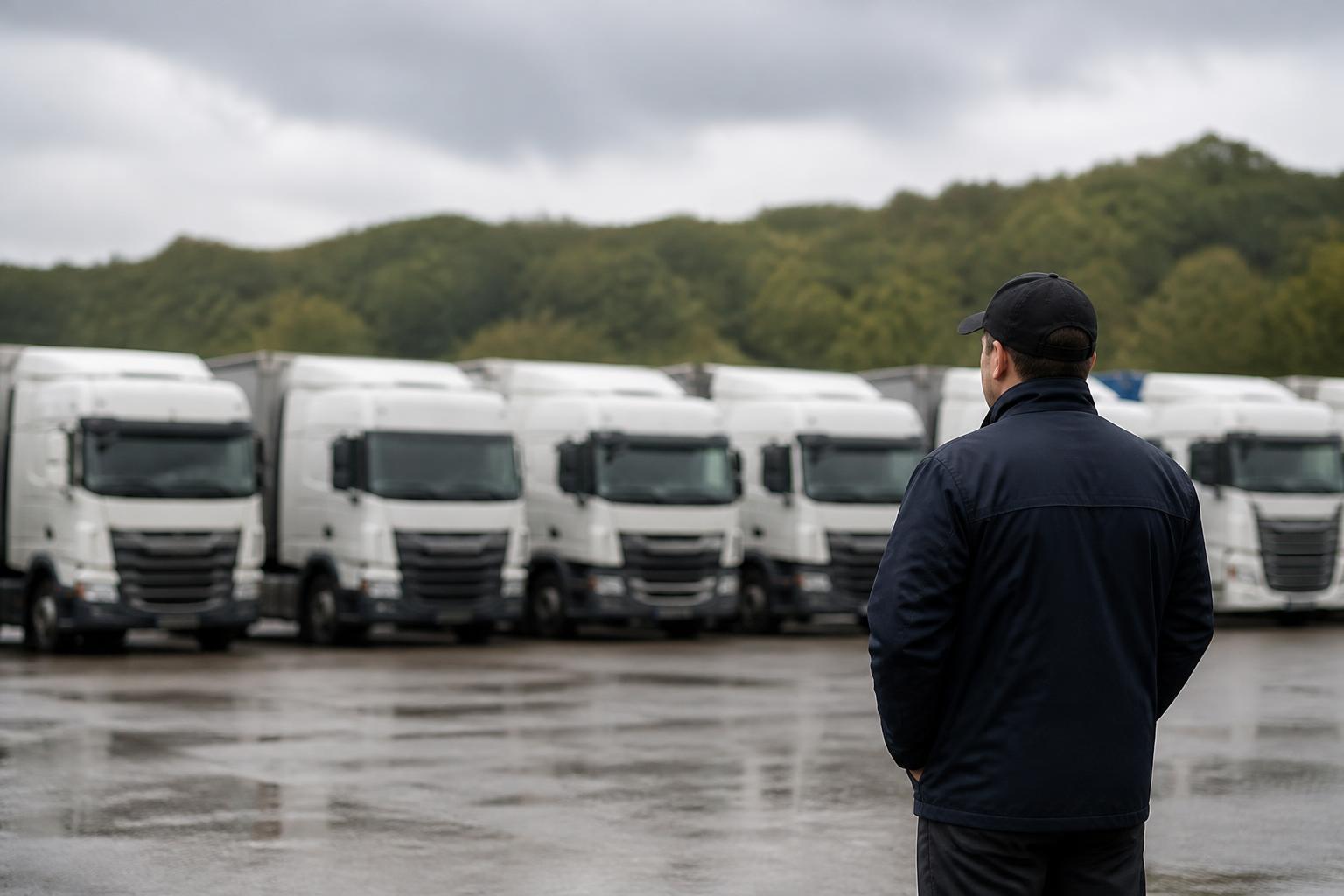
If you run HGV vehicles in the UK, a driver hours app should do one job above all else. It should show, clearly and early enough to act, who is running out of driving time, who needs a break, who is due daily or weekly rest, and where working time limits are starting to create risk. If that view is late, incomplete or disconnected from the rest of the fleet operation, planners end up reacting after the problem has already happened.
That is why we look at driver hours as part of a wider transport workflow, not as a separate screen that somebody checks when they have time. The best results come when the same platform brings together GPS tracking, Tachograph data, office checks and fleet reporting, so transport teams can plan work with compliance in view instead of patching it together later.
What a driver hours app needs to do in a UK HGV operation
In a UK HGV operation, a driver hours app needs to reflect the real decisions a planner or transport manager makes during the day. It is not enough to show a countdown clock or a rough estimate of time left. We need to know whether a driver can complete the next leg legally, whether a break needs to happen before a delivery slot, and whether the rest of the week is already tightening because of reduced daily rest, weekly rest or accumulated working time.
For UK operators, that means the app must support visibility across the core rules that affect daily planning. At minimum, that includes:
- driving time used and remaining
- break requirements and break status
- daily rest and weekly rest position
- spread of duty and shift timing
- working time under the Road Transport Working Time rules
- clear identification of possible infringements before they happen
This matters because a route can look fine on a map and still be impossible to complete compliantly. A driver may have vehicle time available but not enough remaining duty, or enough duty but not enough driving time, or enough driving time but a break due before the final drop. If that is not visible to the office in real time, the blind spot sits between planning and execution.
A proper HGV driver hours app should also account for the fact that UK fleets rarely operate in one neat pattern. Some drivers are out on trunking work, some are on multi-drop, some are crossing between HGV and van duties, and some are part of a mixed fleet where one person may not spend every day in the same vehicle. The app needs to follow the driver, not just the unit.
There is also a practical UK point here. Driver hours rules and working time rules are not the same thing. Many compliance issues start because one is being watched and the other is assumed. A planner may avoid a driving hours infringement but still create a working time problem. We cover that in more detail in our guide to driver working hours rules and compliance checks. An app that only shows driving time is useful up to a point, but it does not give the full operational picture.
Where your operation runs internationally, the app should also make clear when you are dealing with UK specifics and when broader EU rules apply. The core Tachograph framework is closely aligned, but operators still need a system that reflects the actual legal context of the journeys being run and the checks being completed in the office.
How driver hours data should fit Tachograph and fleet workflows
A driver hours app becomes far more useful when it sits inside the same workflow as Tachograph downloads, vehicle tracking and transport office checks. If those functions live in separate tools, the office spends too much time reconciling one version of the truth against another.
In practice, driver hours data should connect to Tachograph records first. Tachograph data is the formal source for activity, driving, rest and card records. App views are valuable because they make that information operational, but planners still need confidence that what they are seeing lines up with actual Tachograph activity and remote download processes.
That means the workflow should include:
- remote driver card downloads
- remote vehicle unit downloads
- alerts for missing or overdue downloads
- matching of driver identity to vehicle activity
- office review of exceptions and possible infringements
- a reporting trail that supports compliance management
Once that is in place, the next step is linking hours data with live GPS. This is where planning improves. If we can see where the vehicle is, where it is heading, and how much legal time remains, we can make better decisions about reassigning jobs, changing delivery order, or warning a customer that the original ETA is no longer realistic.
Without that connection, planners end up switching between screens, or worse, using spreadsheets to bridge the gap. One system shows location. Another shows Tachograph downloads. Another estimates driver hours. Then somebody in the office tries to turn all of that into one decision while the phone is ringing.
We built Fleetalyse around the opposite approach. Bringing tracking, Tachograph and driver hours into one place gives transport teams a joined-up view of fleet activity. If you want to see how that works in practice, see how one platform can combine tracking, Tachograph and driver hours.
The same joined-up approach matters in mixed fleets. A business may run HGV vehicles, vans, trailers and plant or other assets. The transport office still needs one operational view. If the hours app only serves one part of the fleet and the rest sits elsewhere, the result is fragmented planning. A platform that also supports Fleet insight across different vehicle types is usually more useful than a narrow app that solves only one slice of the problem.
This is also where hardware compatibility matters. If your tracking devices, remote download setup and app data all depend on different suppliers and different support channels, every issue takes longer to resolve. We support both Fleetalyse-ready trackers and unlocked Teltonika hardware, alongside the wider platform, so operators can build around one workflow rather than several disconnected products.
Which features actually help fleet managers and planners?
A long feature list is not the same as operational value. For fleet managers and planners, the best features are the ones that reduce uncertainty and shorten decision time.
Live status is near the top of the list. We need to know, now, whether a driver is driving, on break, available, nearing a limit or already in an exception state. That should be visible without drilling through multiple menus. A planner should be able to scan the fleet and spot risk quickly.
Upcoming infringement visibility is just as important. Good systems do not simply report what has gone wrong after the event. They flag what is about to go wrong, while there is still time to change the plan. That might mean a break due before the final leg, a daily driving limit approaching, or a weekly total that is already tighter than the traffic office expects.
Driver identification is another practical requirement. In real operations, vehicles change hands, agency drivers appear, and shifts overlap. If the system cannot reliably tie activity to the correct person, the value of the app drops sharply. We need confidence that the person shown on the screen is the person actually driving and that the Tachograph data, tracking data and office records align.
Alerts need to be useful, not noisy. If every minor event triggers a notification, teams stop trusting the system. The best alerts are targeted and action-based. For example:
- driver card download overdue
- vehicle unit download overdue
- driver nearing break requirement
- insufficient time to complete planned route
- unassigned driver activity
- possible infringement requiring office review
Reporting also matters, but only when it helps the office act. Useful reports include exception lists, trends by driver, missed download reports, recurring planning issues and management summaries that show where compliance risk is building. Reports should support both daily control and longer-term improvement.
Clear exception handling is often overlooked. In the real world, not every flagged item is a genuine compliance failure. Ferry movements, manual entries, card handling issues and unusual duty patterns all need review. A good app should make exceptions visible and manageable, not bury them in raw data.
For many operators, the strongest setup is one where driver hours sit alongside related operational tools. If a compliance concern can be checked against location history, route movement, driver behaviour and even video context from Smart dashcams, the office can resolve issues faster and with more confidence. That is especially useful where an event raises both a safety and a compliance question.
What to check before you buy
Before you buy any HGV driver hours app, check how it will perform in the reality of your fleet, not in a product demo.
Start with data accuracy. Ask what the app is actually using to calculate status and remaining time. If it is relying on assumptions, delayed updates or partial records, the display may look neat while still creating planning risk. You need to understand how the system handles live activity, historical Tachograph records, manual entries and missing data.
Then check suitability for your fleet type. A pure HGV operation may have one set of needs. A mixed fleet with vans, trailers, subcontracted work and shared drivers may have another. If your operation crosses between vehicle classes or duty types, make sure the system can cope without forcing the office into manual workarounds.
Hardware compatibility deserves careful review. Ask whether the app works with your existing setup, whether it requires specific devices, and how it handles remote Tachograph downloads. If you are standardising hardware, it helps to know whether the supplier supports both ready-to-deploy options and more flexible installations. We offer Fleetalyse-ready trackers, unlocked Teltonika devices, IoT SIMs and rollout options that fit different commercial fleets, which you can review through our fleet hardware and platform options.
Onboarding is another area where hidden costs appear. A system may look affordable until the office has to spend weeks assigning vehicles, matching drivers, importing records and cleaning up exceptions. Ask what implementation actually involves. How are vehicles added? How are drivers mapped? How are historical downloads handled? What training does the traffic office receive? If you need access controls for different users, ask how that works in the Customer Portal and whether day-to-day administration is straightforward.
Reporting should be tested before purchase, not taken on trust. Look at actual report outputs. Can they be used for driver debriefs, management review and compliance follow-up? Can you filter by depot, driver, vehicle or date range? Can the office identify repeat causes rather than just listing events?
Support matters more than many buyers expect. Driver hours issues rarely arrive at convenient times. When there is a mismatch between activity, a missed download or a hardware problem, you need support that understands transport operations, not just software tickets. Ask who provides support, what is included, and how quickly operational issues are handled.
If your fleet already uses broader telematics features, also ask how the platform handles related data such as CAN data, route history and mapping. Even details like whether the system supports OpenStreetMap views can matter if your planners rely on map context all day.
Finally, check the buying and account process itself. If you are ordering through an online flow, confirm how billing is handled, whether VAT is shown clearly, and what account structure you will receive. Where payments run through Stripe, that should be transparent. If you are dealing with a larger deployment, confirm whether the contract is with Fleeta Limited T/A Fleetalyse and how rollout, invoicing and support responsibilities are set out.
When a standalone app creates more work
A standalone app can look attractive because it appears to solve one immediate problem. The issue is what happens after the first week of use.
If the app is separate from your Tachograph process, the office still has to compare app information against remote downloads and infringement checks. If it is separate from tracking, planners still have to check another screen to see where the vehicle is and whether the route is still realistic. If it is separate from reporting, somebody usually ends up exporting data into spreadsheets to build the view management actually needs.
That is where extra work creeps in:
- duplicate checks between app data and Tachograph records
- manual matching of drivers to vehicles
- spreadsheet tracking of exceptions and missing downloads
- separate systems for live location and compliance status
- slower response when a route has to change mid-shift
- weaker audit trail for office decisions
The result is not just inconvenience. It creates compliance blind spots. A planner may believe a job is covered because the location looks fine, while the hours app shows a break issue that nobody has checked. Or the compliance team may review Tachograph data later and find a pattern the live planning process never surfaced.
For smaller operators, the burden often lands on one person who is part planner, part transport manager and part compliance admin. For larger fleets, the burden spreads across teams and creates delay, inconsistency and avoidable handoffs. Either way, the app becomes another source of work instead of a control tool.
That is why we prefer a connected model. Driver hours should sit within the same operational environment as GPS tracking, Tachograph downloads, reporting and related fleet data. It gives the office one working view, one process for exceptions and one place to investigate what happened. If you are comparing approaches, our guide to tracking driver hours across a fleet sets out what that joined-up process looks like in practice.
For some operators, the wider picture also includes safety and incident review. When tracking, compliance and Smart dashcams are connected, the office can investigate events with more context and less back-and-forth. If that matters in your operation, our connected camera and driver safety tools show how that can fit into the same platform.
A driver hours app should reduce uncertainty, shorten checks and help the office make better decisions during the day. If it cannot do that without creating manual work elsewhere, it is not removing a blind spot, it is moving it.
What is a driver hours app?
It is a tool that helps operators and drivers see driving time, breaks, rest and related limits. In HGV fleets, it should support compliance decisions rather than act as a simple timer.
Is a driver hours app enough on its own?
Usually not. Most operators also need reliable Tachograph data, reporting and office visibility. An app is useful, but it works best as part of a wider fleet and compliance workflow.
Who uses a driver hours app in a fleet business?
Drivers may use it for visibility during the day, while planners, transport managers and compliance staff use the same information to allocate work, spot risks and check records.
Can a driver hours app help reduce infringements?
Yes, if it gives timely visibility of remaining time and exceptions. It helps most when the office can see the same picture and act before a problem turns into an infringement.
What should HGV operators ask a supplier?
Ask how the system handles Tachograph data, remote downloads, reporting, alerts, mixed fleets, hardware options and day-to-day compliance checks across the whole operation.