
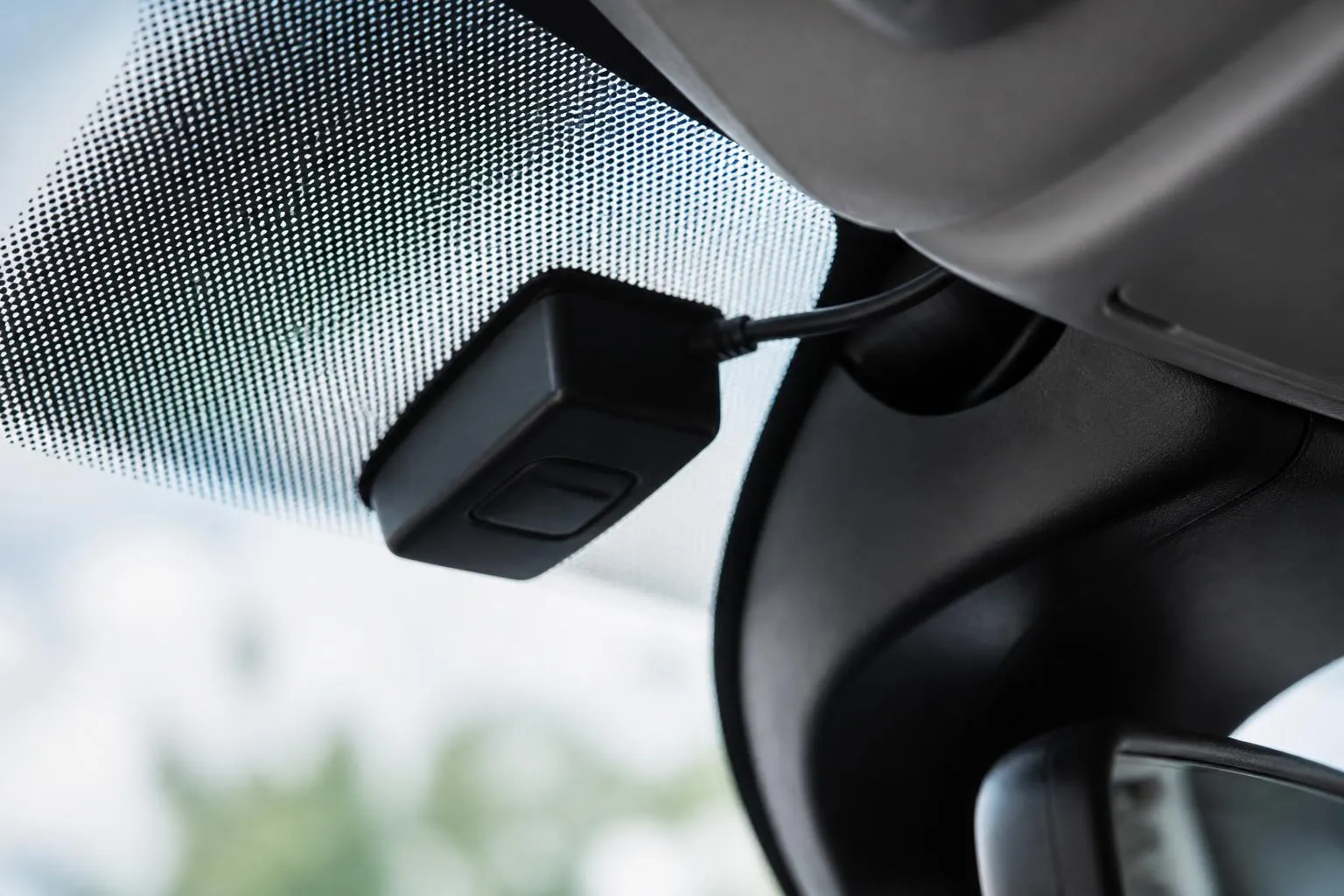
Self-install fleet tracking can work very well for UK operators, but only if self-install does not mean loss of control. The practical question is not just whether a device can be plugged in by the customer. It is whether we can still see which unit is fitted to which vehicle, whether the install is complete, whether the data is reliable, and whether the rollout supports the way the fleet actually operates.
For many fleets, the best answer is not simply a cheap plug-in unit. It is a setup that combines suitable hardware with a Customer Portal, clear assignment workflow, and one platform for GPS, Tachograph, Smart dashcams and reporting. That is the difference between fitting trackers yourself and actually managing a fleet rollout properly.
What operators usually mean by self-install fleet tracking
When operators ask for self-install tracking, they often mean one of two quite different things.
The first is a basic plug-in tracker. In most cases this is an OBD device or a simple power-connected unit sent out in the post, fitted by the vehicle user, and expected to start reporting location once powered. That can be enough for straightforward van use, pool vehicles, short-term hires, and fleets that only need simple GPS visibility.
The second is a fleet tracker with customer self install portal capability. In practice, that means more than a device that can be fitted without an engineer. It means we give the operator a controlled process to allocate hardware, record where it has gone, confirm when it is live, and keep sight of exceptions. The install is still done by the customer, but the rollout is managed, not guessed.
For UK commercial fleets, that distinction matters. A single owner-driver with one van can often live with a basic plug-in tracker and a simple app login. A transport office managing HGV units, trailers, service vans and subcontracted assets cannot. They need to know which serial number is in which registration, whether the installer has followed the right steps, whether the tracker has power all the time or only on ignition, and whether any missing data is due to a fitting issue, a vehicle issue or mobile coverage.
This becomes even more important when tracking is only one part of the job. Once a fleet also wants Tachograph downloads, driver hours visibility, Smart dashcams, or vehicle inputs from CAN data, the install method has to match the operational requirement. A basic self-fit device may be quick to deploy, but it may not support the data quality or workflow the operator actually needs.
So when we talk about self-install, we separate convenience from control. A tracker that arrives in a box is not automatically a workable fleet rollout. A proper self-install process is one where the customer keeps ownership of the deployment, without losing visibility.
What to compare beyond the price of fitting
It is easy to compare self-install and engineer install only on fitting cost. That is usually too narrow, especially for commercial fleets.
The first comparison point is hardware choice. Some devices are designed for rapid deployment, with simple power requirements and minimal vehicle intervention. Others are intended for a more permanent install, better tamper resistance, or access to additional inputs. If the fleet needs only live GPS position and trip history, a simpler device may be enough. If it needs ignition status, PTO use, door events, temperature inputs, or CAN data, the hardware choice changes.
The second is installation effort. Self-install is not always as simple as "plug it in and forget it". A true comparison should ask who is fitting the device, what access to the vehicle is needed, how long the vehicle is off the road, and whether the fitting can be done safely in the depot without specialist tools. For vans and light commercial vehicles, that can be straightforward. For HGV units with additional systems, or mixed fleets with specialist bodywork, the effort can rise quickly.
The third is data quality. This is often where the cheapest option becomes expensive. If a tracker is installed in a poor location, loses power, reports weak GPS, or is assigned to the wrong registration, the office spends time correcting errors. That affects route visibility, utilisation reporting, customer updates and compliance records. A lower fitting cost is not a saving if the transport team then has to clean up exceptions every week.
The fourth is vehicle coverage. Many operators do not run one neat vehicle type. They run a mixed fleet of HGV, vans, trailers, plant, pool cars and occasional subcontract assets. A self-install approach has to be judged on whether it can cover the actual fleet, not just the easiest vehicles. One method for vans and another for trailers may be entirely sensible, but it should be planned as one rollout rather than discovered halfway through.
The fifth is operational risk. We advise buyers to ask practical questions. What happens if a unit is moved between vehicles without being reassigned? What happens if a driver unplugs it? What happens if a trailer tracker is fitted but not correctly linked to the asset record? What happens if the operator later wants Tachograph or camera data in the same system? These are not edge cases. They are normal fleet events.
For UK fleets, there is also a compliance angle. Tracking itself is not the same as Tachograph compliance, but operators often buy visibility systems because they want tighter control of movements, driver activity and exceptions. If the business is subject to domestic or EU drivers' hours rules, depending on operation, the tracking setup should sit sensibly alongside Tachograph workflows rather than become another separate data silo. Since the UK left the EU, operators still follow retained and applicable transport rules depending on route and vehicle use, but the practical point remains the same. The office needs one operational picture.
That is why we recommend comparing the whole operating model, not just the fitting line on a quote. Hardware, installation time, support, assignment workflow, reporting quality, and future expansion matter more than a headline saving.
Why a Customer Portal changes the rollout
A Customer Portal changes self-install from a box-shipping exercise into a managed deployment.
The main benefit is assignment control. Before a device is fitted, the operator can allocate it to the right vehicle or asset, identify the intended registration, and keep a record of what has been issued. That matters when multiple depots, workshops or drivers are involved. Without a controlled process, devices get fitted first and identified later, which is where avoidable confusion starts.
The next benefit is install status. A proper portal lets the operator see which devices are awaiting fitment, which are installed, which are live, and which need attention. Instead of ringing round depots asking whether units have been fitted, the transport office can work from a clear status view. That is especially useful during phased rollouts, seasonal fleet changes, acquisitions, and replacement cycles.
A Customer Portal also helps standardise the install workflow. We can guide users through the required steps, capture the right identifiers, and reduce the chance of a tracker being attached to the wrong vehicle record. In operational terms, that means fewer gaps between physical install and usable data in the platform.
This matters even more across mixed fleets. A van install may be a simple power-up and registration check. A trailer install may require different mounting, different asset details and different reporting expectations. An HGV install may need to sit alongside Tachograph and camera plans. The portal gives the office one place to manage those differences without losing oversight.
There is also a direct control benefit for larger operators. If you are rolling out across several sites, you need to know not only that devices were delivered, but that they were allocated, installed and reporting. A portal-based process creates accountability. The office can see exceptions early, chase only the missing items, and avoid the common problem of discovering weeks later that part of the fleet never went live.
This is where a fleet tracker with customer self install portal capability becomes more than a convenience feature. It becomes part of fleet governance. The business still gains the flexibility of self-install, but keeps central control of asset assignment, install completion and reporting visibility.
For buyers who also want a joined-up platform, the rollout benefit is bigger again. If the same environment supports GPS, Tachograph, Smart dashcams and reporting, the transport team is not juggling separate lists, separate logins and separate status checks. They can manage the deployment as one operational project. We cover that in our fleet management solutions for mixed commercial operations.
Where self-install works well and where it does not
Self-install works well where the vehicle type, data requirement and operating risk are straightforward.
Good examples include van fleets that need live GPS, trip history, basic utilisation and driver visibility. It also suits temporary vehicles, hire fleets, owner-driver operations, and businesses that need to deploy quickly across a spread-out fleet without waiting for engineer visits. If the device can be fitted safely by the customer, the vehicle downtime is low, and the required data is limited to core tracking, self-install is often the most practical route.
It also works well for operators that have internal workshop capability. If depot staff are used to fitting approved electrical accessories and can follow a controlled process, self-install can be both efficient and reliable. In those cases, the key requirement is not outside labour, it is clear workflow and accurate assignment.
Trailer and asset tracking can also suit self-install, depending on the hardware and mounting method. The main requirement is that the fitting method is robust enough for the asset use, and that the operator can keep clear records of serial number to asset assignment. For businesses managing mobile assets across multiple sites, that visibility can be more important than the physical fitting itself.
Where self-install is less suitable is where the vehicle setup is more complex, the data requirement is wider, or the compliance impact is higher. HGV fleets often sit in this category, especially where operators want to combine tracking with Tachograph services, camera systems, or richer vehicle inputs. The tracker may still be physically simple to fit, but the overall deployment is no longer simple if the business depends on dependable data from day one.
Engineer-led or planned installs also make sense where tamper resistance matters, where hidden fitment is preferred, where access to permanent power and ignition needs to be controlled, or where specialist bodywork makes routing and mounting more involved. Fleets carrying high-value goods, working in harsh environments, or using specialist equipment often benefit from a more formal install plan.
Compliance needs can also push the decision. Tracking is not itself a substitute for legal recording equipment, and in the UK the Tachograph obligations for in-scope vehicles remain separate from basic GPS tracking. If the business needs dependable support for driver hours management, remote downloads, and audit-ready workflows, the install should be chosen to support those outcomes. In some fleets that still allows self-install for part of the estate, but not necessarily all of it.
In practice, many operators land on a blended model. Vans and straightforward assets are self-installed. HGV units, camera-equipped vehicles, or vehicles needing additional integrations are installed under a planned rollout. That is often the most sensible answer because it reflects how the fleet actually works, rather than forcing one method onto every vehicle.
How Fleetalyse fits the comparison
At Fleetalyse, we do not treat self-install as one fixed product. We support different rollout models depending on what the fleet needs to control.
Some customers want a fast start with Fleetalyse-ready trackers. That gives them a straightforward route into live GPS visibility with hardware selected to work with our platform. The advantage here is speed and simplicity. The workflow is clear, the reporting lands in one place, and the operator can get moving without building a bespoke hardware stack first. For many van fleets and mixed commercial fleets, that is the right starting point. You can review our available tracking hardware and ordering options.
Other buyers want unlocked Teltonika hardware. That suits operators and partners who want flexibility in device selection, broader hardware choice, or a more tailored fit around existing fleet standards. Teltonika is widely used in commercial telematics for good reason, but the real operational question is how that hardware is brought into a usable workflow. We support that by connecting the hardware choice back to platform visibility, assignment and reporting, rather than leaving the customer to manage disconnected parts.
Then there are fleets that need a customised commercial rollout. That is where the comparison becomes less about the tracker itself and more about the operating model. If the fleet wants GPS, Tachograph, Smart dashcams and reporting in one place, the rollout has to be designed around those functions together. That may include different hardware across HGV, van and trailer assets, staged deployment by depot, and a defined process for install control and exception handling.
This is where Fleet insight matters. A transport office does not benefit from separate islands of information. It benefits from seeing where the vehicle is, whether the Tachograph data is up to date, whether the camera events are visible, and whether the fleet can be managed from one operational view. That is the reason many operators move away from separate systems and spreadsheets.
Our approach is also practical on the administration side. We support online buying and service workflows where appropriate, including payment handling through Stripe, and account processes that fit business purchasing, including VAT requirements for UK operators. Where customers need direct device access, setup and account controls can include operational details such as Tracker login handling, not just the shipment of hardware.
Connectivity matters too. Hardware is only useful if it stays online reliably, so we plan around suitable IoT SIMs and realistic coverage expectations, not generic consumer assumptions. Mapping and visualisation matter as well. If the office is using location history and live movement every day, the platform has to present that clearly, including map layers such as OpenStreetMap where appropriate.
For safety-led fleets, Smart dashcams can be part of the same picture rather than a bolt-on afterthought. If that is part of your comparison, it is worth looking at our connected camera option for fleet visibility and incident review.
The key point is that Fleetalyse gives operators options without forcing them to give up control. Start with Fleetalyse-ready trackers if you need speed. Use unlocked Teltonika hardware if you need flexibility. Plan a customised rollout if your operation depends on combining GPS, Tachograph and Smart dashcams across a mixed fleet.
That is the practical difference between self-install as a low-cost shortcut and self-install as a controlled fleet process. At Fleeta Limited T/A Fleetalyse, we build for the second one.
What is a fleet tracker with customer self install portal?
It is a tracking setup where the operator can fit or deploy devices themselves and manage activation, assignment or status through a Customer Portal rather than relying fully on booked engineer visits.
Is self-install suitable for HGV fleets?
It can be, especially for straightforward tracking deployments. But HGV operators should also check how Tachograph, driver hours, cameras and compliance workflows will be handled after the tracker is live.
Does self-install always mean lower total cost?
Not always. It may reduce fitting charges and speed up rollout, but poor installation, weak data capture or extra admin can add cost back into the operation.
Why does hardware choice matter in a self-install model?
Hardware affects fitting time, data depth, vehicle compatibility and future use. A simple tracker suits basic visibility, while some fleets need CAN data, trailer tracking or camera integration.
Can Fleetalyse support more than basic GPS tracking?
Yes. Fleetalyse brings together GPS tracking, remote Tachograph downloads, Smart dashcams and fleet reporting so operators can avoid splitting daily work across separate systems.