
If you need straightforward, day to day vehicle visibility without a complex install, the Teltonika FMC003 tracker is often a sensible place to start. It is a compact GPS tracker designed around OBDII connection, which makes it attractive for operators who want faster deployment across vans and light commercial vehicles, clear location data, and a practical route into live fleet oversight.
For UK operators, the key question is not whether the device can produce positions on a map. Most modern trackers can do that. The real question is whether it fits the vehicles you run, the reporting you need, and the way your traffic office, workshop and management team actually work. That is where planning matters, especially if you want the tracker to sit inside a wider setup for Tachograph, Smart dashcams, CAN data and reporting through Fleetalyse rather than becoming another isolated data feed.
What the Teltonika FMC003 tracker is and where it fits
The Teltonika FMC003 tracker is a 4G LTE Cat 1 GPS tracking device that plugs into a vehicle’s OBDII port. In practical terms, that means it is aimed at operators who want a simpler installation route than a hard wired tracker, while still getting live location, trip history and selected vehicle data where supported.
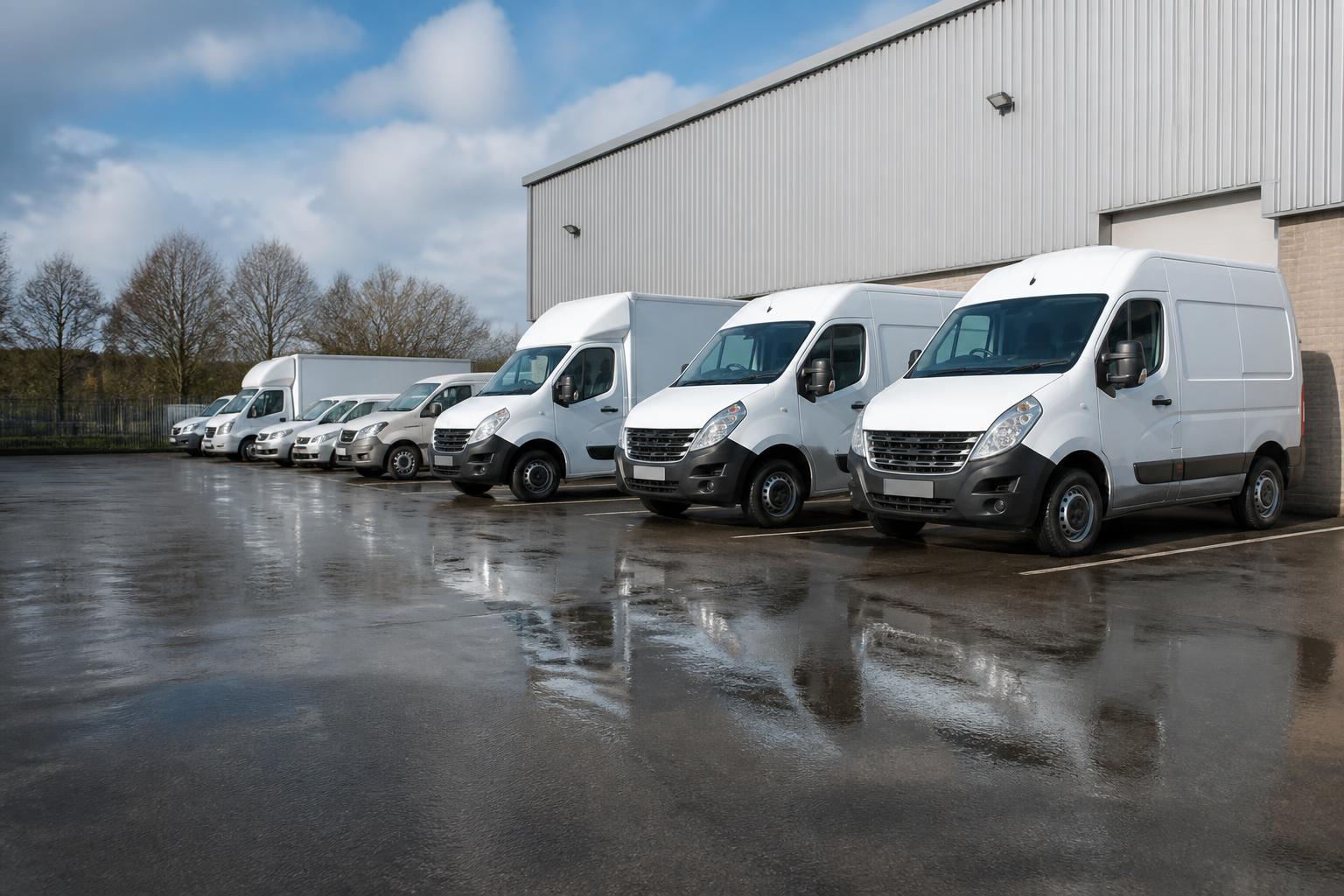
Its natural place is in fleets where visibility matters every day, but where a full engineering visit to every vehicle may not be the best first step. That usually means van fleets, car derived commercial fleets, service vehicles, and some mixed fleets with a significant number of light vehicles. For those operators, OBDII installation can reduce fitting time and make staged rollout easier.
In the UK, that matters because many fleets are mixed by design. A transport business may run HGV units for linehaul, vans for local work, pool cars for supervisors, and trailers that need separate asset tracking. One tracker type rarely suits every asset. The FMC003 fits the lighter vehicle end of that picture, where quick deployment and reliable daily GPS visibility are more important than deep integration with every vehicle system from day one.
This is also why buyers often compare it with other Teltonika devices before committing. If you are weighing up options for simpler day to day tracking, our guide to choosing a tracker for daily fleet visibility is useful alongside any FMC003 review, because installation method and vehicle type often decide the better fit more than the headline spec sheet.
From an operational point of view, the FMC003 is not best understood as a gadget. It is part of a visibility workflow. It can help answer basic but important questions quickly. Where is the vehicle now? Did it attend the job? When did it arrive and leave? Has it moved outside expected hours? Is the route pattern consistent with the work assigned? Those are the questions many UK fleet managers need answered every day.
When FMC003 is a practical choice for commercial vehicles
The FMC003 is a practical choice when the main requirement is dependable location tracking for vehicles that support OBDII installation, and when the fleet wants a cleaner rollout process than a hard wired device usually requires.
For van fleets, this is often the most obvious use case. Delivery vans, service vans, maintenance vehicles and regional support fleets usually need a live view of vehicle position, status and trip history. They may also need geofences around depots, customer sites or restricted areas. In those cases, an OBDII tracker can meet the operational need without taking vehicles off the road for longer fitting appointments.
It also suits mixed fleets where the operator is not trying to force one hardware type into every vehicle. That is often the right approach. If your vans can use OBDII trackers, your HGV units need a different installed device, and your trailers need battery or solar asset tracking, that is not a problem if the platform brings the data together properly. In Fleetalyse, we routinely help operators build that kind of practical mix rather than treating the whole fleet as if every asset behaves the same way.
Another strong use case is businesses that mainly want clear day to day location data. Not every operator needs the same level of vehicle telemetry from the start. Some fleets first need to stop relying on phone calls, handwritten times and separate spreadsheets. For them, the priority is seeing vehicle movement, proving attendance, checking utilisation, and spotting exceptions in real time. The FMC003 can be a sensible entry point for that.
It can also work well for owner driver operations and smaller fleets that want professional visibility without overcomplicating the setup. A smaller operator still needs to know where vehicles are, when they moved, whether jobs are being covered efficiently, and what happened if a customer disputes an arrival time. Good GPS data solves those issues just as effectively for five vehicles as for fifty.
Where it is less likely to be the right answer is in fleets that need a hidden installation, a more tamper resistant setup, or broader vehicle system integration from the outset. An OBDII device is convenient, but convenience can come with trade offs depending on the vehicle, port location and operating environment. That is why we always advise deciding from the use case first, not from the product name.
What to check before you buy or roll out at scale
Before buying one unit for a trial, or planning a wider rollout, there are a few practical checks worth making.
First, confirm the installation method suits your vehicles. The FMC003 depends on the presence and accessibility of an OBDII port. In some vans that is straightforward. In others, the port location, trim layout or operational use may make the device awkward to fit or vulnerable to being knocked. If drivers or workshop staff regularly use the port for diagnostics, you also need to think about how that will be managed.
Second, check vehicle compatibility properly. “OBDII” is not enough on its own. Different manufacturers and model years can behave differently, and the level of readable vehicle data may vary. If your requirement is mainly location tracking, this may not matter much. If you expect broader CAN data style visibility through the OBD connection, compatibility testing becomes more important before large orders are placed.
Third, define your reporting needs before rollout. Many fleets buy tracking hardware first and only later ask what reports they actually need. That is backwards. Decide whether you need live map visibility, trip reports, stop duration, geofence alerts, out of hours movement, idling review, route playback, or utilisation reporting. Once those outputs are clear, the hardware decision becomes easier.
Fourth, think about support and administration. At scale, the tracker itself is only one part of the job. You will need SIM management, device setup, exceptions handling, user access, and a clear process for replacing units if vehicles are sold, reassigned or off road. We support this through Fleetalyse with practical onboarding, Fleetalyse-ready trackers where that is the best route, and options for unlocked Teltonika hardware where operators want more flexibility.
Fifth, plan for future rollout rather than only the pilot. A ten vehicle test may work well, but a hundred vehicle rollout raises different questions. Who installs the devices? How are registration details loaded? What naming convention will you use? How will departments access the data? Will one team monitor all alerts, or will depots handle their own exceptions? These are operating model questions, not technical footnotes.
Finally, check the commercial and account side is set up properly. If you are ordering online, know how billing, VAT and account access will be handled. Our Customer Portal and Tracker login are built to support practical fleet administration, and we use Stripe for secure payment handling where relevant. For larger projects, we usually scope the device supply, connectivity and platform setup together so there is no confusion later over who is responsible for what.
If you want to review available hardware routes before deciding, you can browse tracking hardware and rollout options or look at our wider fleet management solutions for mixed commercial operations.
How tracker data becomes useful in daily fleet work
A tracker only earns its place if the data changes how the fleet is run. Otherwise, it becomes a map that somebody opens when there is a complaint, and ignores the rest of the week.
The first daily use is dispatch support. If your traffic office can see which vehicle is nearest, which one is delayed, and which one has already cleared its last stop, allocation gets faster and more accurate. That matters for same day service work, urgent collections, failed delivery recovery and customer updates. It also reduces the number of calls to drivers asking for basic position information.
The second is vehicle oversight. Managers need to know whether vehicles are moving as expected, parked where they should be, and being used in line with the work planned. A live GPS view helps, but the real value is in exceptions. A vehicle leaving the depot outside working hours, stopping too long at an unplanned location, or failing to attend a booked site can all trigger follow up before the issue grows.
The third is proof and dispute handling. Many fleets spend too much time arguing over whether a vehicle attended, whether it arrived on time, or whether a route was followed. A clean trip history with timestamps gives the office something objective to work from. It will not solve every dispute, but it removes a lot of avoidable uncertainty.
The fourth is utilisation review. Over time, location and movement data can show whether vehicles are genuinely needed at current fleet size, whether routes are sensible, and whether some assets are underused. That is where tracking starts to become Fleet insight rather than just vehicle dots on a screen.
This is especially useful when combined with maintenance planning. Movement history can highlight heavily used vehicles, repeated site patterns and downtime trends that affect workshop scheduling. We cover that more directly in our article on how to use tracker data to reduce workshop disruption, which is relevant even if the tracked assets are vans rather than HGV units.
For UK fleets, mapping also needs to be practical. The point is not visual effects. The point is giving the office a clear operational view. In Fleetalyse, we support map based oversight with tools that help teams work quickly, including OpenStreetMap based views where that suits the setup.
How FMC003 can sit alongside wider fleet systems
Most operators do not stop at tracking. Once a fleet has a dependable live location feed, the next question is usually how to connect that visibility with compliance, safety and reporting.
For HGV operations, Tachograph data and driver hours remain central. In the UK, this is not optional administration. It affects planning, legal compliance and daily driver management. A van tracker such as the FMC003 will not replace Tachograph workflows, but it can sit alongside them in one platform so the traffic office is not jumping between systems for vehicle location, driver records and fleet reporting.
Smart dashcams are another natural partner. GPS data tells you where a vehicle was. Video helps explain what happened. When an operator is dealing with collisions, complaints, harsh driving concerns or site access issues, pairing tracking with Smart dashcams gives a stronger operational picture than either system alone. If that is part of your roadmap, our 4G camera setup for fleet safety and incident visibility shows how the pieces fit together.
Then there is CAN data. Not every fleet needs deep engine or vehicle bus reporting immediately, and not every vehicle will support the same level of data through an OBD device. But for operators who want to progress from basic tracking into richer vehicle oversight, it helps to choose a platform that can absorb CAN data and reporting as the rollout matures.
That matters particularly in mixed fleets. A van may use an FMC003. An HGV may use a hard wired unit with different inputs. A trailer may have a separate tracking device altogether. The platform should still present one operational view. That is the difference between buying devices and building a workable fleet system.
Connectivity and device management matter as well. We generally recommend managed IoT SIMs for commercial tracking because fleet devices need stable, long term data connectivity and sensible control over deployment. Consumer SIM arrangements often create avoidable support issues later, especially when fleets scale or vehicles move across regions.
Finally, think about the user journey inside the office. The best setup is one where transport, compliance, workshop and management teams can each get the information they need without duplicate entry or separate spreadsheets. That is the value of bringing tracking, Tachograph, Smart dashcams and reporting together in Fleetalyse.
For some operators, the FMC003 will be the right first step because it gets live visibility in place quickly. For others, it will be one part of a broader rollout across vans, HGV units and assets. Either way, the decision is strongest when it is made around operating reality, vehicle type and future workflow, not just a device specification.
Fleetalyse is provided by Fleeta Limited T/A Fleetalyse, and our focus is practical fleet visibility for UK operators who want one system that supports daily operations as well as longer term compliance and reporting.
What is the Teltonika FMC003 tracker used for?
It is used for vehicle GPS tracking and related fleet visibility. For most operators, that means seeing where vehicles are, reviewing movements and feeding location data into daily fleet workflows.
Is FMC003 suitable for HGV fleets?
It can be, depending on what the operator needs. If the main requirement is reliable vehicle location and routine visibility, it may fit well, but HGV fleets should also review wider compliance and reporting needs.
Can FMC003 work in a mixed fleet?
Yes, mixed fleets often look at compact trackers where they want a consistent approach across different vehicle types. The key is checking fit, installation and how the data will be used across the fleet.
What should a fleet manager ask before ordering?
Ask how the tracker will be fitted, what data will be visible, how it supports daily operations, what support is available and whether the setup will still suit the fleet as it grows.
Does a tracker on its own solve fleet management?
Usually no. Tracking is most useful when it supports real workflows such as dispatch, oversight, compliance visibility and reporting, rather than being treated as a standalone map.