
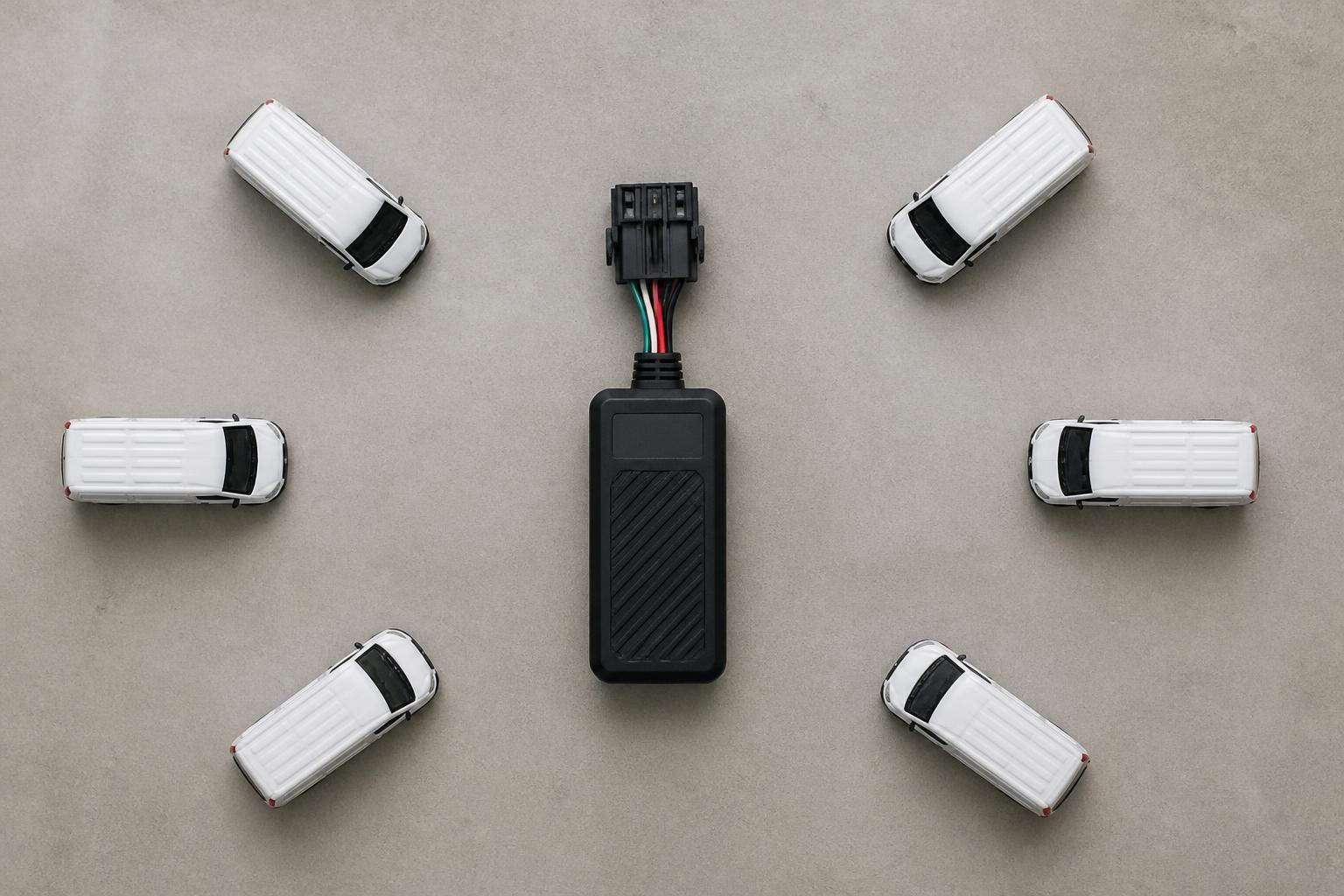
A commercial fleet tracker cuts blind spots by turning vehicle movement, driver activity and key compliance signals into something your transport team can see and act on during the day, not after the fact. Instead of relying on phone calls, paper notes and end of shift updates, we can see where vehicles are, whether they are moving or stopped, how a route is progressing and which exceptions need attention.
For UK operators, that matters because the biggest operational problems are rarely dramatic. They are the small gaps that build into cost and risk, late arrivals nobody flagged early enough, vehicles standing with the engine running, uncertainty over who is driving what, missed Tachograph downloads, and too many systems that do not speak to each other. A good tracking setup closes those gaps and gives the office and the road a shared view of the day.
What a commercial fleet tracker actually does
In practical terms, a commercial fleet tracker is a hardware device fitted to a vehicle or asset, linked to a software platform that collects and displays location, movement and status data. The tracker uses GPS to determine position, then sends that information back over a mobile data connection, often using IoT SIMs, so the fleet team can view it live or in reports.
That is the basic job, but in day to day operations the value comes from what sits around the map.
The functions most operators use every day include:
- Live vehicle location
- Ignition status and journey history
- Stop durations and idling visibility
- Route playback
- Geofences for depots, customer sites and restricted areas
- Alerts for movement, out of hours use or unauthorised activity
- Driver and vehicle assignment records
- Mileage and utilisation reporting
- Links into Tachograph, camera and reporting workflows
For a van fleet, that might mean checking whether the nearest vehicle can take an extra job. For an HGV operation, it often means knowing whether a trunk has cleared a customer site, whether a driver is still on a bay, or whether a vehicle has diverted from the expected route.
The difference between a tracker that is merely fitted and one that is genuinely useful is context. A dot on a map is not enough. The office needs to know what the movement means. Is the vehicle delayed because of traffic, because the driver is on break, because the delivery point is congested, or because the vehicle has been stationary with ignition on for 40 minutes?
That is why we focus on Fleet insight rather than tracking in isolation. If the platform also shows Tachograph status, driver hours, vehicle groups, camera events and reporting in one place, the team can make decisions without switching between tabs, spreadsheets and supplier portals.
A practical setup should also fit the type of fleet. A rigid doing urban multi drop work needs different alerting and reporting from an artic on long distance trunking. A mixed fleet with vans, HGV units, trailers and plant will usually need more than one hardware type, but the office should still be working from one operational view.
Where tracking helps most in a working UK fleet
Tracking helps most where the transport office currently has to guess, chase or reconstruct events later.
The first area is ETA management. In a busy UK fleet, customer updates are often driven by incoming calls. A planner or traffic operator gets asked where a vehicle is, rings the driver, waits for a reply, then passes on a rough answer. That is slow, it interrupts the driver and it still may not be accurate. With live tracking, we can see progress against the route and respond straight away. If a vehicle is running late, the office can update the customer early, re-sequence work, or move another vehicle before the delay becomes a service issue.
The second is reducing unnecessary mileage and wasted time. When journey history is visible, it becomes easier to spot detours, repeated wrong turns, avoidable empty running and vehicles crossing paths inefficiently. This is not only about driver behaviour. Sometimes it exposes weak planning, poor site instructions or jobs being allocated without a clear view of which vehicle is closest or best placed.
The third is managing standing time. Many fleets lose hours each week to waiting on bays, queuing at customer sites or vehicles sitting with ignition on outside depots. Tracking data gives a record of arrival, dwell time and departure. That helps when reviewing customer turnaround, depot bottlenecks and idling. It also gives evidence where demurrage, detention or service level discussions need something firmer than anecdote.
For haulage and logistics businesses, geofencing is one of the simplest tools with the quickest operational value. By setting geofences around depots, RDCs, ports, customer premises and regular delivery points, we can trigger arrival and departure records automatically. That reduces the need for manual check calls and creates a clean timeline for each movement.
Mixed fleets benefit in a slightly different way. The challenge is often not just route visibility but asset visibility. A trailer, generator, welfare unit or other non powered asset can disappear into the background until someone needs it urgently. Tracking those assets gives a clearer picture of where equipment is, how often it moves and whether it has remained too long on a site.
Tracking also helps with vehicle security. Out of hours movement alerts, geofence breach alerts and unexpected ignition events can give early warning of theft or misuse. For some fleets, especially those parking away from secure depots, that is a core requirement rather than an extra.
There is also a workshop angle. Usage and movement history can help us schedule maintenance around actual utilisation instead of rough assumptions. If one vehicle is heavily used and another is underused, the data gives us a basis for balancing workload and reducing avoidable disruption. We cover that in more detail in our guide on using tracker data to reduce HGV workshop disruption.
How tracking links with compliance and driver management
In a UK commercial fleet, tracking becomes far more useful when it connects with compliance and driver management instead of sitting as a separate map screen.
The clearest example is Tachograph workflow. Vehicle tracking tells us where a unit is and what it has done. Tachograph data tells us about driver activity, driving time, breaks and rest. When those two views sit together, the office gets much better visibility of the day.
A transport team can see, for example, that a vehicle is close to a reload point, but also whether the driver has enough available time to take it lawfully. That is where driver hours visibility moves from compliance admin into real planning support.
This matters particularly for HGV operations in Great Britain. EU drivers' hours rules and Tachograph requirements still apply in many UK road transport settings because they are retained and relevant to in scope operations, but operators need to understand where domestic rules apply instead. A platform should support the actual workflow the fleet is running, not assume every vehicle and every day falls into the same pattern.
Remote downloads are another practical gain. If the platform supports remote Tachograph downloads, we can schedule and monitor required data collection without physically calling vehicles back just for card or vehicle unit downloads. That reduces admin pressure and lowers the risk of missed download windows.
Tracking data also supports audit trails. If there is a question about whether a vehicle attended a site, how long it remained there, or when a driver left a depot, journey and location records help establish a timeline. That is useful for customer disputes, internal investigations and compliance reviews.
Driver management benefits too, especially where vehicles are shared. A location trail without a driver link only tells half the story. If the system can associate a specific driver with a specific journey, reporting becomes more meaningful. That helps with:
- Driver debriefs
- Overspeed and idling reviews
- Route adherence checks
- Incident investigation
- Working time visibility alongside other records
- Evidence for complaints or insurance follow up
When Smart dashcams are linked into the same platform, the office can move from a vehicle alert to the relevant video context much faster. That is valuable in near miss reviews, collision investigations and coaching. A harsh event alert on its own can create noise. A linked camera view lets us assess whether the event was genuine risk, poor road surface, evasive action, or something else.
The key point is that compliance is not a separate department problem. It affects dispatch, route planning, customer service and risk. If tracking, Tachograph and camera data live in different systems, staff spend time stitching together the picture manually. Bringing them together shortens that process and reduces avoidable blind spots.
What hardware and data options matter before you buy
Before buying, the most important question is not which tracker has the longest feature list. It is what data you actually need, from which vehicles, and how the device will be installed and supported across the fleet.
There are several practical choices to make.
The first is tracker type. Some devices are straightforward GPS units that report location, ignition and movement. Others can read deeper vehicle information through CAN data, where supported, giving access to items such as fuel level, odometer or engine parameters depending on vehicle make, model and integration method. Not every fleet needs CAN data, but for some operators it adds useful operational and reporting detail.
The second is installation method. Hard wired trackers are common for permanent vehicle fitment and are often the right choice for fleet vehicles. Plug in devices can be quicker to deploy in some cases, especially where downtime must be minimal, but suitability depends on the vehicle, the port available and the level of tamper resistance required. Battery powered asset trackers are usually more appropriate for trailers or equipment without a permanent vehicle power source.
The third is whether the hardware is locked into one supplier ecosystem or gives more flexibility. Many operators now want control over rollout, replacement and future platform decisions. That is one reason some buyers choose unlocked Teltonika hardware. If you are weighing up that route, our guide on how unlocked GPS trackers give fleets more control sets out the practical implications.
For fleets comparing devices, the details matter. Update frequency, antenna performance, installation environment, waterproofing, input support and power management all affect real world results. A tracker in a long haul unit doing motorway mileage has a different operating pattern from one in a van doing frequent stops in dense urban areas.
This is also where Fleetalyse-ready trackers can simplify deployment. Preconfigured hardware reduces setup time and helps get vehicles onto the platform with known settings and support paths. For operators with internal technical capability, a more customised rollout may make sense, especially where mixed hardware or specialist integrations are involved.
Data connectivity should not be treated as an afterthought. Reliable transmission depends on the SIM setup as much as the device. IoT SIMs are generally better suited to fleet applications than consumer mobile arrangements because they are built for machine to machine use, ongoing connectivity and managed deployment.
Mapping is another practical point. A platform that uses OpenStreetMap can offer a familiar and flexible mapping base, but what matters operationally is how well the mapping works with geofences, route history, search and site identification. The map should help the office understand events quickly, not simply look presentable.
If you are at the comparison stage, our article on choosing a GPS tracker that fits fleet operations is a useful place to start.
What to look for in a platform instead of another standalone tool
The platform matters more than many buyers expect. A tracker can send good data, but if the software turns that data into extra admin, another login and another reporting silo, the fleet has not gained much.
We see the strongest results where operators use one platform for multiple connected tasks. That means live tracking, Tachograph downloads, camera visibility and reporting in one place, with one operational workflow.
When assessing software, look first at how the information is presented day to day.
Can the traffic office see live vehicles, groups and statuses without building custom views every morning? Can they search quickly for the nearest unit, replay a journey, or filter by depot, fleet type or exception? Does the platform help them act, or just display raw movement?
Reporting should be equally practical. Useful reports usually include mileage, idling, stop duration, utilisation, out of hours movement and site arrival history. They should be easy to run without exporting everything to spreadsheets before it becomes usable.
Alerts are where many systems either help or create noise. Good alerting is specific and manageable. Examples include:
- Vehicle movement outside agreed hours
- Entry to or exit from key geofences
- Prolonged idling
- Missed or overdue Tachograph downloads
- Camera events that need review
- Asset movement that should not have happened
Dashcam integration is worth examining carefully. If Smart dashcams are offered, check whether the footage and event data sit naturally inside the same workflow as the tracking data. If a transport manager has to open a separate site, search by time and vehicle, and then match the event manually, the integration is weaker than it sounds.
System sprawl is a genuine cost in fleet operations. One tool for tracking, one for Tachograph, one for cameras, one for reports, plus spreadsheets on top, creates delay and inconsistency. Staff spend time reconciling records rather than managing the fleet. A more unified setup reduces duplicate data entry and makes handovers easier between transport, compliance and management teams.
Access and administration also matter. Buyers should check how users are created, what permissions can be set, and how day to day account tasks are handled. A clear Customer Portal and straightforward Tracker login process make a difference when multiple users, depots or customer accounts need to be managed cleanly.
If hardware is part of the purchase, the buying process should be equally practical. Operators may want a standard off the shelf option, a phased rollout, or a tailored package across vehicles and assets. Some prefer to start with a small number of devices and expand once internal workflows are proven. Others need direct support for a larger implementation. We support both routes, whether that means browsing our fleet tracking hardware options or reviewing broader fleet management solutions for mixed commercial operations.
Finally, look at the commercial basics. UK buyers will want clarity on contract structure, installation arrangements, support boundaries and VAT treatment. If online payment is part of the process, services such as Stripe may sit behind checkout and billing workflows, but the operational decision should still come back to one question, will this reduce uncertainty in the fleet office every day?
That is the real test of a commercial fleet tracker. Not whether it can show a vehicle on a map, but whether it removes guesswork from dispatch, compliance, driver management and customer service. When tracking, Tachograph workflows, Smart dashcams and reporting are brought together properly, the fleet runs with fewer blind spots and better control.
Fleetalyse is built around that joined up view for UK operators, from HGV and van fleets to trailers, assets and mixed operations. Whether you start with Fleetalyse-ready trackers, choose Teltonika hardware, or plan a larger rollout, the aim is the same, clearer visibility, cleaner workflows and less time spent chasing information across separate systems.
Fleeta Limited T/A Fleetalyse supports that approach with practical tools for transport teams that need to see what is happening now, prove what happened later, and manage the next decision with confidence.
What is a commercial fleet tracker?
It is a GPS-based device and software setup that shows where commercial vehicles are, where they have been and how they are being used.
Can a fleet tracker be used on more than HGV?
Yes. Many operators use tracking across HGV, vans, trailers, plant, assets and mixed fleets to keep one view of daily movement and utilisation.
Does tracking help with compliance?
Yes, indirectly and directly. It improves journey records, supports investigations, and works well alongside Tachograph and driver hours processes.
What should I check before choosing tracker hardware?
Check vehicle type, installation method, reporting needs, power source, data quality, future rollout plans and whether you need options such as CAN data.
Why do operators want tracking in the same platform as other fleet tools?
Because separate systems create extra admin. A combined platform can bring tracking, reporting, compliance visibility and camera data into one workflow.