
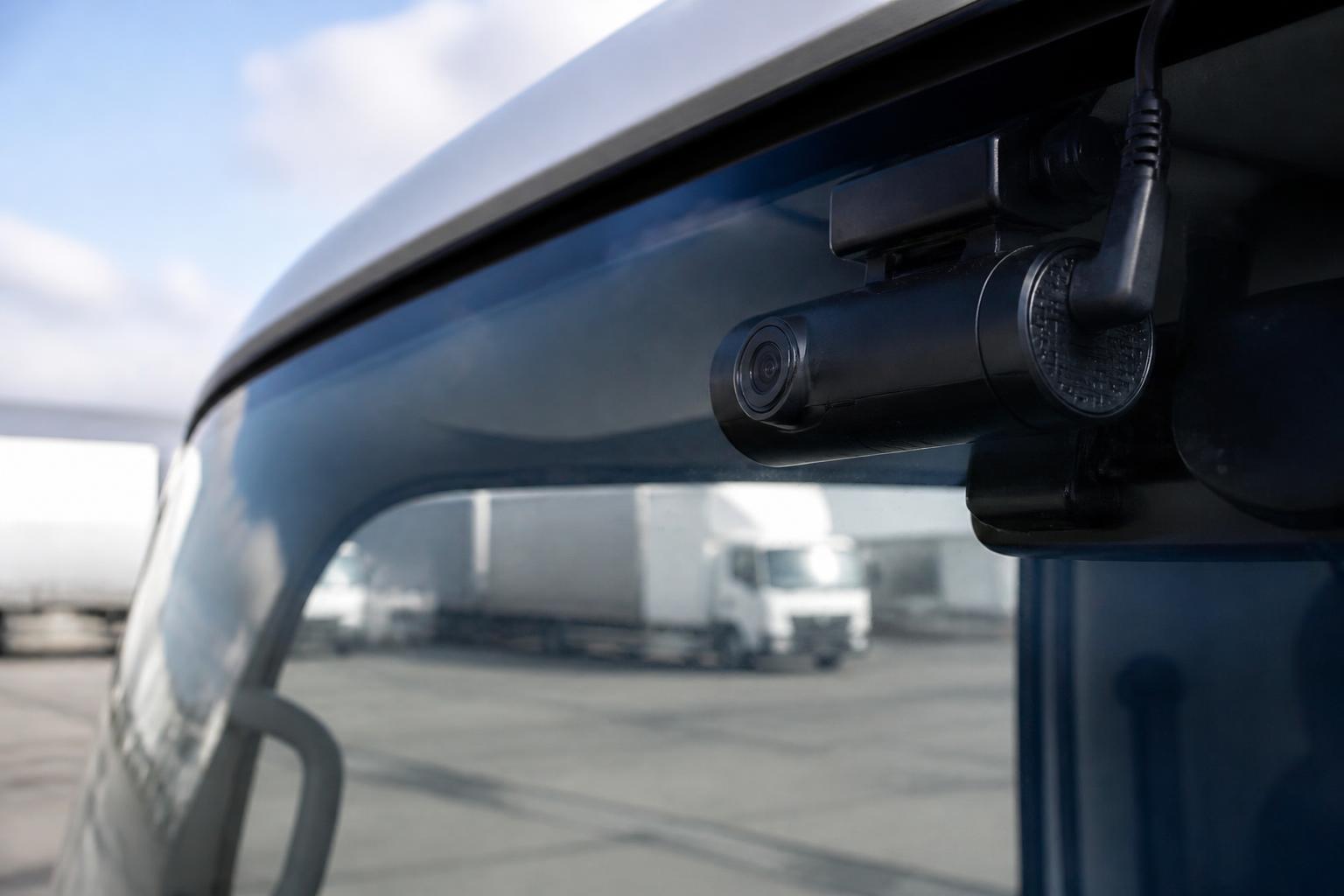
Dash cams improve control in a working fleet by turning incidents, driver behaviour and vehicle movements into something we can actually review, verify and act on. In practice, that means fewer arguments about what happened on the road, faster response when something goes wrong, and better visibility for fleet managers who cannot sit in every cab.
For UK operators, the value is not just in having video. It is in linking camera footage with GPS positions, vehicle activity, Tachograph records and day-to-day fleet reporting. When those systems sit together, we can move from isolated clips to a clearer operational picture, and that is where connected fleet dash cams become genuinely useful.
What fleet dash cams actually do in day-to-day operations
In a working commercial fleet, dash cams are not just passive recorders. They are part of how we monitor risk, review incidents, support drivers and keep control of what is happening across vans, HGV, trailers and mixed fleets.
On a normal day, a connected camera system helps us do four practical jobs.
First, it gives us a reliable record of road events. If a vehicle is cut up at a roundabout, clipped while parked, or involved in a disputed lane change, we are not relying only on memory, handwritten notes or a third party account. We can review footage around the exact time of the event and check what happened.
Second, it gives us visibility of exceptions. We do not need to watch video all day. A good system highlights the journeys or moments that need attention, such as harsh braking, impact events, speeding in context with route data, or unusual driving behaviour. That shifts the camera from being an archive to being a management tool.
Third, it improves communication with drivers. In many fleets, complaints come in from customers, members of the public or insurers before the office has any facts. Video lets us speak to the driver with evidence, not assumptions. Sometimes that protects the business. Sometimes it protects the driver.
Fourth, it supports internal process. We can use footage during accident investigation, driver debriefs, customer queries and training reviews. For operators managing compliance, costs and service levels at the same time, that matters more than the camera itself.
This is why we treat Smart dashcams as part of the wider operating system, not as a standalone gadget. On their own, cameras produce files. Connected properly, they produce Fleet insight.
That distinction is important in UK transport operations. A local delivery fleet, an owner-driver operation and a national haulage business all have different workflows. The best camera setup is the one that fits those workflows without creating another login, another spreadsheet or another manual check. That is also why many operators look for connected Smart dashcams for commercial fleets that can sit alongside tracking and reporting, rather than bolting on a separate camera portal later.
Where dash cams help most with safety, claims and driver visibility
The biggest gains usually show up in three areas, safety management, claims handling and day-to-day driver visibility.
On safety, cameras help us move from general concern to specific review. A transport manager may know there is an issue with harsh braking, close following or distracted driving, but without evidence it is difficult to coach properly. Video gives context. Was the harsh braking caused by poor anticipation, or by another road user pulling across? Was the driver using good lane discipline? Was there a genuine near miss?
That matters because safety management should be fair as well as firm. Drivers lose trust quickly if they feel cameras are there only to catch them out. Used properly, footage shows both sides. It can confirm poor habits that need coaching, and it can also show when a driver did the right thing in a difficult situation.
For claims, the value is obvious but often understated. A disputed collision can take a long time to unravel if all we have are statements, photographs taken afterwards and insurer correspondence. A short clip from the vehicle can establish road position, signals, traffic flow and timing far more clearly. That can support the defence of a non-fault claim, reduce time spent on investigation and help us respond faster to insurers or brokers.
It is also useful for lower level issues that still consume office time. Examples include allegations of vehicle damage at a customer site, complaints about speed through a village, or questions about whether a driver reached a location when expected. Not every issue becomes a claim, but many still need evidence.
Driver visibility is the third area, and often the one that changes fleet control most. Managers cannot see what is happening during the shift unless they receive a phone call after the fact. Cameras close that gap. They help us understand how vehicles are being used, how drivers are responding to traffic conditions and whether recurring patterns need action.
For example, if several incidents happen on the same route, that may point to a route planning issue, a delivery timing problem or pressure around schedules, not simply an individual driver problem. When footage sits alongside GPS history and reporting, we can spot those patterns more quickly.
This is especially useful in mixed fleets where one policy has to work across different vehicle types and job roles. An HGV on long distance trunking, a van on urban multi-drop and a specialist vehicle on site access work all face different risk points. Cameras help us see those differences instead of applying the same assumptions everywhere.
There is also a compliance angle, even though a dash cam is not itself a compliance device. If a driver is regularly involved in avoidable risk events near the end of a shift, that may prompt a closer look at scheduling, breaks and driver hours. In that sense, the camera supports management review, even where the formal legal record sits elsewhere.
In the UK, we also need to handle privacy and data protection correctly. Dash cam footage that identifies drivers or other individuals is personal data under UK GDPR and the Data Protection Act 2018. That means we need a clear lawful basis for processing, a retention policy, controlled access and a documented reason for using the system. If vehicles cross into the EU, the same practical principles still apply, but UK operators should make sure their internal notices and data handling reflect the UK regime specifically.
What to look for when choosing a system
Choosing a camera system for a working fleet is less about headline features and more about fit. The right questions are operational.
Start with connectivity. If footage can only be retrieved by physically accessing an SD card, that may be enough for a very small operation, but it quickly becomes a limitation in a dispersed fleet. A connected system using 4G and managed IoT SIMs gives us faster access to clips and event data without waiting for the vehicle to return to base.
Then look at how footage is accessed. We want a system that makes it easy to request, review and export the right clip without trawling through hours of video. Event-based retrieval, searchable timelines and remote access are what save time in the office. If managers need separate tools for tracking and video, response time usually slows down.
Installation fit matters as well. Camera hardware needs to suit the vehicle type, power setup and working environment. An HGV tractor unit, a courier van and a plant-support vehicle may all need different mounting positions, viewing angles or channel options. The best system is the one that can be installed cleanly, powered reliably and maintained without repeat workshop visits.
Data use is another practical point. Video files are heavy, especially if multiple cameras are involved. We need to know how the system handles event uploads, live view requests and routine data transfer so that mobile usage remains sensible. This is where managed settings, event triggers and proper SIM management make a real difference.
Integration should be near the top of the list. If cameras sit apart from GPS tracking, reporting and driver records, the office still has to stitch the story together manually. If they sit in one platform, the camera becomes part of the workflow. We can move from a vehicle alert to location history to footage review in one place.
That is why many operators now look beyond the camera spec sheet and focus on the wider platform. At Fleetalyse, we often see buyers comparing standalone camera products against systems that already connect with tracking and reporting. The second option usually creates less admin over time, especially for fleets that already run compliance and operational checks every day.
Hardware choice also matters. Some fleets want a ready-to-go package, while others want more control over device selection and rollout. We support both, whether that means using Fleetalyse-ready trackers for a simpler deployment or specifying unlocked Teltonika hardware as part of a wider commercial plan.
Finally, check the supplier’s commercial and support process. Can the business manage rollout at scale? Is there a clear route for ordering, setup and account access? Are billing and account administration straightforward through the Customer Portal? If payment handling is online, many operators also want to know which processor is used, such as Stripe, and how VAT is shown on invoices and records.
How dash cams fit with GPS, Tachograph and fleet workflows
A dash cam becomes far more useful when it is not treated as a separate system.
The most obvious link is with GPS. If we can see where a vehicle was, the route it took, the speed profile and the exact time of an event, video suddenly has context. Instead of reviewing a clip in isolation, we can tie it to the journey, the stop, the geofence or the reported issue. That is how we move from footage to usable operational evidence.
Mapping also matters here. When route history and events are shown against OpenStreetMap or another mapping layer, it is easier to understand road layout, junction approach and site access conditions around the incident. That helps during internal reviews and customer queries.
The next link is with Tachograph data. Cameras do not replace Tachograph records, and they should not be treated as a substitute for legal driver records. But when both are visible in the same environment, managers can investigate more effectively. If a road event happened late in the shift, we can review the footage while also checking activity, breaks and remaining driver hours. That does not prove fatigue in itself, but it gives us a stronger basis for management review.
For HGV operators, this joined-up view is especially useful because transport management decisions rarely sit in one data source. A single incident may involve route timing, loading pressure, break planning, customer expectations and driver conduct. If the office has to open separate systems for each element, response becomes slow and fragmented.
The same applies to reporting. Camera events become more valuable when they feed into broader fleet reporting trends. We may want to identify repeat incidents by vehicle, depot, route type or driver group. We may also want to compare event frequency against mileage, working time or utilisation. Those are management questions, not camera questions, and they are easier to answer when the data sits together.
For some fleets, vehicle integration adds another layer. CAN data can help us understand ignition state, vehicle behaviour or other telematics inputs alongside camera events. That will not be relevant to every operation, but for some fleets it helps explain what the vehicle was doing at the time, especially where idling, PTO use or other operational states matter.
This is the reason we focus on one working platform rather than separate tools. A manager should not need one screen for tracking, another for camera clips, another for Tachograph downloads and another for reports. If a business is trying to simplify transport operations, the platform design matters as much as the camera itself. We cover this in more detail in our guide to linking fleet tracking and dash cams in one workflow.
How to roll out dash cams without creating extra admin
A successful rollout starts with policy, not hardware.
Before fitting cameras, we should decide what the system is for, who can access footage, what events will be reviewed, how long clips will be retained and how drivers will be informed. In the UK, that means having a clear internal policy and privacy notice, and making sure employment, disciplinary and data protection processes all line up. If there is no agreed process, the office ends up making it up case by case.
Driver communication comes next. The best rollout is direct and practical. We should explain that cameras are there to protect drivers as well as the business, how event footage is used, and what is not being done, such as random monitoring without purpose. If inward-facing cameras are part of the setup, that should be explained clearly in advance, with the lawful basis and access controls documented properly.
Then we need a review workflow. Not every event needs escalation. A simple tiered process works well in most fleets. For example:
- low-level events are checked only if there is a complaint or repeat pattern
- significant road events are reviewed by the transport office within a set timescale
- collisions and injury-related incidents are escalated immediately
- coaching outcomes are logged so repeat issues can be tracked
This avoids drowning managers in footage while still making the system useful.
Installation planning also matters more than people expect. We should group vehicles by type, confirm power and mounting requirements, and schedule installs around operations so vehicles are not off road unnecessarily. A pilot on a small number of vehicles often helps refine camera angles, event settings and office process before a full rollout.
Access and user setup should be kept simple. If managers have to juggle multiple credentials, adoption drops. A clear Tracker login structure, role-based permissions and one route into the platform reduce confusion. The less time spent on access issues, the more likely the system will actually be used.
Ongoing management should focus on exception handling, not constant watching. We recommend reviewing event trends, claims-related footage and coaching cases as part of normal fleet management, alongside GPS, Tachograph and maintenance reporting. That makes the camera system part of the routine instead of a separate burden.
It also helps to decide early who owns what. In many fleets, transport handles event review, compliance manages Tachograph and driver records, and senior management gets summary reporting. Those responsibilities should be defined from the start.
For operators planning a new deployment, it is often worth looking at the wider setup rather than buying cameras in isolation first. Our 4G camera options for connected fleet visibility are typically used as part of a broader rollout that includes tracking, reporting and operational oversight in one place.
At Fleetalyse, we build these systems around practical fleet use in the UK. That includes support for HGV, van and mixed fleets, options for Fleetalyse-ready trackers or Teltonika hardware, and a platform designed to combine camera footage with GPS, remote downloads and reporting. Where account administration is handled online, the Customer Portal keeps ordering and billing straightforward, and records can be managed clearly for VAT purposes.
For businesses that want fewer systems and better control, that joined-up approach is usually what makes dash cams worthwhile. Fleeta Limited T/A Fleetalyse is not interested in adding another disconnected tool to your transport office. We are interested in making sure the camera data actually helps you run the fleet.
Are fleet dash cams only useful after an accident?
No. They are also used for day-to-day visibility, reviewing driving events, checking reported issues and understanding what happened around delays, complaints or vehicle damage.
Do fleet dash cams replace GPS tracking?
No. GPS shows where a vehicle was and when. Dash cams add visual context, which is useful when an operator needs to understand the event rather than just the location.
What type of fleet benefits most from dash cams?
HGV, van, mixed and owner-driver operations can all benefit. The strongest case is usually where vehicles face regular road risk, customer disputes, urban driving or limited management visibility.
Should operators choose standalone cameras or a connected platform?
A connected setup is usually more useful for commercial fleets because footage, alerts and vehicle activity can be reviewed in one workflow instead of across separate systems.
Do drivers need a policy for dash cam use?
Yes. Operators should set clear rules on what is recorded, who can review footage, how incidents are handled and how the system supports safety and fair investigation.