
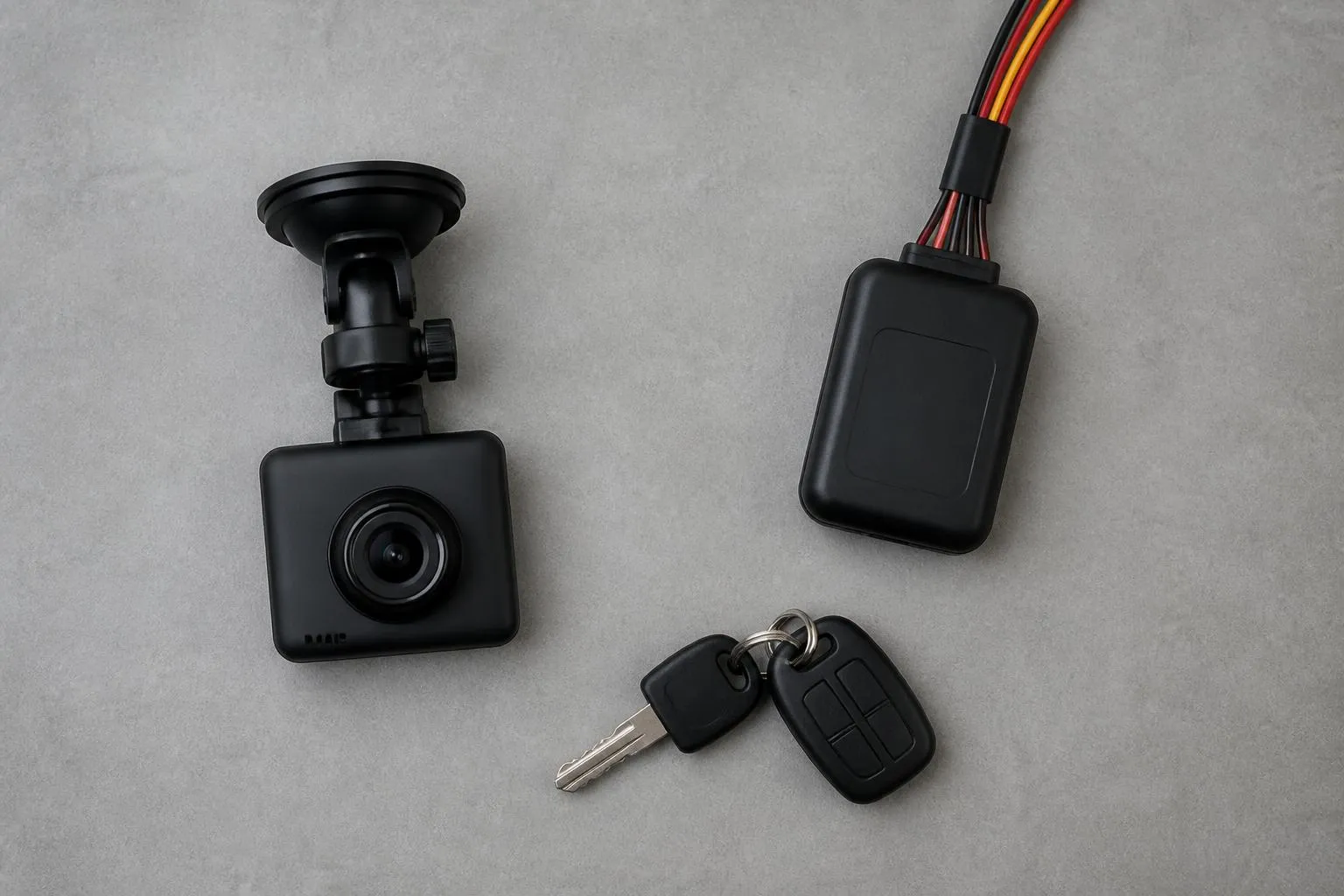
If you want to combine fleet tracking and dash cams properly, the point is not simply to put two devices in the same vehicle. The point is to create one operational view of where the vehicle was, what happened, who was driving, and what the business needs to do next. When GPS and Smart dashcams sit in separate systems, incidents take longer to review, driver conversations become harder, and simple questions turn into a chase across apps, emails and downloaded clips.
Done properly, the combination gives a transport office one timeline for movement, alerts and video. A speeding event, harsh brake, route deviation, insurance claim, customer complaint or near miss can be checked against vehicle position and footage in minutes. For UK operators, that matters not just for safety, but for compliance visibility, response times and keeping admin under control across HGV, van and mixed fleets.
What combining tracking and cameras should actually do
The practical outcome is a single workflow, not a bundle of hardware.
A linked setup should let you do five things reliably.
First, see the vehicle live on a map and know whether the position data is current. That means usable GPS pings, sensible refresh intervals, and mapping that helps an operator make decisions quickly. A platform using OpenStreetMap can do that well if the data presentation is clear and the event timeline is easy to follow.
Second, tie footage to a specific event. If a vehicle triggers harsh braking at 10:14 near junction 24, the office should be able to open the relevant clip without asking the driver to find it later. That is the difference between a camera as a witness and a camera as part of fleet operations.
Third, connect driver behaviour to vehicle context. A harsh corner in an empty van on an urban route is not the same as a harsh corner in a loaded HGV on a roundabout approach. If you can view location, speed, route and footage together, coaching becomes more accurate and less argumentative.
Fourth, make evidence retrieval routine. Claims handling, third party allegations, delivery disputes and road traffic incidents all move faster when the fleet team can pull the right clip and route history from one place. If video is stored in one portal and tracking in another, delays creep in immediately.
Fifth, support broader fleet controls. Many operators do not want separate systems for cameras, tracking, Tachograph data, driver hours and reporting. They want one platform that reduces switching between tools. That is where a combined system becomes more useful than a camera project or tracking project on its own.
For most operators, the right question is not whether to install cameras and trackers. It is how to combine fleet tracking and dash cams so dispatch, safety, compliance and management all use the same information. That is why the setup matters more than the parts list.
Choose the right setup for HGV, vans and mixed fleets
The right setup starts with vehicle type, operating pattern and risk profile.
For HGV fleets, a front-facing camera is usually the minimum, but rarely the full answer. Artics, rigids and specialist vehicles often need a broader view because the main operational risks are not limited to frontal road incidents. Left side vulnerability, reversing activity, yard movements and urban manoeuvring all matter. Depending on the work, operators may need a forward-facing road camera, a driver-facing view where policy supports it, and side or rear coverage linked to the same platform. If the fleet works in city centres, construction support, waste, or multi-drop urban routes, side visibility becomes especially important.
For van fleets, the decision is often driven by claims frequency, route density and driver turnover. A simple front-facing unit may be enough for lower-risk regional work. For last mile, service fleets or high-mileage urban vans, you may want inward-facing coverage for driver event context and faster resolution of complaints. Vans are often the part of the fleet with the highest volume of low-value but time-consuming incidents, so retrieval speed matters as much as image quality.
Mixed fleets need standardisation where possible, but not at the expense of fit. Trying to force one camera layout onto every vehicle can create blind spots in one part of the fleet and overspend in another. A better approach is to standardise the platform, reporting structure and event rules, while varying camera configuration by vehicle role.
There are also hardware choices to make around installation and data sources.
If you are already using Fleetalyse-ready trackers, adding connected cameras into the same environment is simpler because the reporting and live vehicle view can sit together. If you are planning new installs, unlocked Teltonika hardware can be useful where you want flexibility around vehicle types or a phased rollout. In either case, check that the tracking device, camera unit and any peripheral inputs are intended to work together operationally, not just technically.
For some fleets, CAN data is worth bringing into the picture. It can add context such as ignition status, vehicle signals or other vehicle-side information, depending on the make, model and integration method. That can improve event accuracy and help separate genuine on-road risk from noise. It is not essential for every fleet, but for some HGV and specialist operations it can make the reporting more useful.
Connectivity matters as well. Camera systems that rely on manual SD card retrieval do not support fast office workflows. If you want remote clip access and live event handling, the setup needs suitable mobile connectivity, usually through managed IoT SIMs. The point is not simply to get footage off the device eventually. The point is to be able to act while the incident is still operationally relevant.
A sensible buying process is to define coverage by risk.
For HGV fleets, ask:
- Do we need front, side and rear views?
- Do we want live clip access or event-triggered uploads only?
- Which incidents currently take too long to resolve?
- Do we need camera evidence linked with Tachograph and driver hours visibility for the same vehicle record?
For van fleets, ask:
- Are complaints and low-speed collisions the main issue?
- Do we need inward-facing footage for coaching or only outward-facing evidence?
- How often do we need to retrieve clips remotely?
- Are agency or high-turnover drivers part of the operation?
For mixed fleets, ask:
- Which vehicle groups need different camera layouts?
- Can one platform cover HGV, vans, trailers and assets without splitting reports?
- Who in the office will review incidents, and what do they need to see first?
If you are comparing options, camera and tracking solutions for commercial fleets should be assessed as an operational package, not as separate line items. For HGV-specific planning, it also helps to review practical HGV tracking choices that reduce blind spots.
Connect location, video and driver events in one workflow
A combined system only works if the office can move from alert to action without rekeying details or hunting for evidence.
The core workflow should look like this.
A vehicle sends live GPS position into the platform. The camera or linked telematics rules detect an event, such as harsh braking, harsh acceleration, speeding, impact, unauthorised movement or a manual trigger. That event appears against the vehicle record with time, location and severity. From the same screen, the operator can request or open the relevant footage, review the route context, and decide whether the event needs escalation, coaching or simple closure.
That sounds straightforward, but it breaks down if any of the joins are weak.
If location updates are delayed, the map view loses value during live incidents.
If footage is not indexed against the event time, staff waste time searching.
If alert thresholds are too sensitive, the review queue fills with noise.
If reports sit outside the daily workflow, the data is collected but not used.
The best operational design is one event timeline per vehicle, with filters for severity, date, driver and exception type. A transport manager should be able to look at yesterday’s exceptions, open only the events that matter, and move through them in a repeatable order.
A useful workflow usually includes:
- Live map view for current vehicle status
- Event list by fleet, depot or manager
- Click-through from event to footage
- Driver identification where available
- Route replay around the incident window
- Notes or outcome logging for review history
- Reporting by vehicle, driver, event type and period
This is where Fleet insight becomes practical rather than theoretical. It is not just about seeing more data. It is about reducing the time between an event happening and the office understanding it.
For example, a complaint comes in saying one of your vans cut across a roundabout at 08:32. If the registration is known, the office should be able to find the vehicle, replay the route, check the camera event list around that time, and review the clip. If no event was triggered, the office should still be able to request the relevant footage based on time and location. That is a proper combined workflow.
The same applies to HGV operations. A harsh brake on a trunk route may be nothing unusual. But if the footage shows distraction, poor spacing or a lane discipline issue, the review outcome changes. Without video, you are coaching from a graph. Without tracking, you are watching a clip with no route context.
For operators using a broader telematics stack, it helps if the same environment also holds Tachograph records and driver hours visibility. In the UK, that gives the transport office a more complete operational picture than treating safety events and compliance records as separate subjects. The legal rules around drivers' hours and Tachograph use remain distinct from camera evidence, but in practice the same managers often need to review both for the same driver and vehicle.
Build practical rules for alerts, coaching and evidence
The biggest mistake in camera and tracking projects is turning every movement into an alert.
If thresholds are too low, the office gets swamped. If they are too high, the system misses the events you actually care about. The answer is to set rules by fleet type and then refine them after real use.
Start with a small number of event categories:
- Harsh braking
- Harsh acceleration
- Harsh cornering
- Speeding
- Impact or shock
- Manual driver trigger
- Out of hours movement, where relevant
- Geofence entry or exit for key sites, where operationally useful
Then decide what needs an immediate alert and what only needs review in daily or weekly reporting.
Immediate alerts should be reserved for events that may require action now. That might include impact events, panic button triggers, theft-related movement, or severe exceptions on higher-risk routes. Routine harsh driving events usually do not need to interrupt the office in real time unless the operation has a specific reason.
For coaching, keep the process simple and documented.
A good routine is:
- Daily exception review by transport or fleet supervisor
- Triage into no action, monitor, coaching required, or formal escalation
- Clip and route review before speaking to the driver
- Short coaching note recorded against the event or driver
- Repeat-pattern reporting by driver and vehicle each week or month
That avoids both extremes, ignoring the data entirely or creating a large disciplinary admin process around every clip.
Drivers should know in advance what the system is for, what is being monitored, who can access footage, and how clips are used. In the UK, employers also need to think properly about data protection, staff communications and proportionality. Camera use in vehicles is not just a technical decision. Policies, privacy notices and retention rules need to be clear and consistent with UK GDPR requirements. If your operation also works across EU member states, local employment and privacy expectations may differ, so do not assume a UK policy covers every jurisdiction in the same way.
For evidence handling, define a retention and retrieval process from day one.
You need to know:
- How long routine footage is retained
- What happens when an event is flagged
- Who can request clips
- How clips are exported for insurers, police or customers
- Where review notes are stored
- How long incident records are kept
This should not live in one manager’s inbox. It should be part of the fleet procedure.
If you want connected footage rather than isolated camera boxes, it is worth looking at Smart dashcams that integrate with fleet operations. The benefit is not the camera alone. It is the ability to make video evidence part of a repeatable fleet process.
Plan rollout, installation and day-to-day use
Rollout goes better when you treat it as an operational change, not a hardware drop.
Start with a pilot group. Choose vehicles that represent the fleet properly. For example, one long-distance HGV, one urban HGV, a few vans, and any vehicle type with known incident volume. A pilot should test real workflows, not just whether the units power on.
Before installation, define:
- Which vehicles get which camera views
- Which event rules apply to each vehicle group
- Who receives alerts
- Who reviews footage
- What driver communication will say
- What success looks like after 30, 60 and 90 days
Installation quality matters. Poor positioning, bad wiring or inconsistent setup will undermine the whole project. Front-facing cameras need the right field of view. Additional views need to cover the actual risk area, not just be fitted where it is convenient. Tracking devices need stable power and correct configuration. If you are using Teltonika units or other unlocked hardware, make sure the install standard and configuration template are consistent across contractors and depots.
Check the basics after fitment:
- Live GPS reporting
- Camera connectivity
- Event upload timing
- Time and date accuracy
- Vehicle registration and asset naming
- Driver assignment process
- Footage request and download test
- Alert routing to the right staff
Many rollout problems are really naming and process problems. If vehicles are labelled differently across the tracker, camera and reporting views, staff lose confidence quickly. The same applies if some users go through a Customer Portal, others through a Tracker login, and nobody is clear which function sits where. User access, naming conventions and review responsibilities should be settled before the fleet goes live.
Training should be role-based.
Drivers need to know what is installed, what triggers recording, what a manual trigger does, and who to contact after an incident.
Transport office staff need to know how to find a vehicle, review an alert, request footage and record an outcome.
Managers need to know how to use reports for coaching, claims support and trend reviews, not just how to log in.
If the business is buying online or adding units gradually, practical purchasing and account setup also matter. Check whether hardware, subscriptions and billing are handled clearly, whether VAT treatment is shown correctly, and whether payment and renewal processes are straightforward. Some operators prefer staged procurement through the online shop for trackers and camera hardware, while others need a planned rollout through Fleeta Limited T/A Fleetalyse for larger fleets.
Finally, avoid the common traps:
- Installing cameras without setting review rules
- Turning on every alert from day one
- Failing to brief drivers properly
- Treating all vehicle types the same
- Running tracking and video in parallel but not in one workflow
- Leaving clip retrieval to ad hoc requests
- Not reviewing the first month of thresholds and false positives
A proper combined setup should make the fleet office faster and clearer, not busier. If your team can go from alert to route to footage to action in one place, the system is doing its job. That is the real standard for how to combine fleet tracking and dash cams in a way that supports daily transport operations, not just a procurement spec.
Why combine GPS tracking and Smart dashcams at all?
Because location data on its own shows where a vehicle was, while video helps explain what happened. Used together, they speed up incident review, driver coaching and daily fleet decisions.
Do all vehicles need the same camera setup?
No. An HGV, van and mixed fleet often need different coverage depending on route risk, loading activity, urban work and incident history. Start with the operational risk, not a one-size-fits-all kit.
Will this create more work for the transport office?
It can if alerts are poorly set. A sensible setup uses only useful event triggers, clear review rules and one platform so staff are not switching between separate systems.
What should fleet managers check before buying?
Check how footage links to trips and events, what reports are available, how installation works, who can access data and whether the platform supports your wider fleet workflow.
Can combined tracking and cameras help with driver coaching?
Yes. When event data and footage are linked, managers can review specific moments with drivers instead of relying on assumptions, which makes coaching more consistent and easier to evidence.