
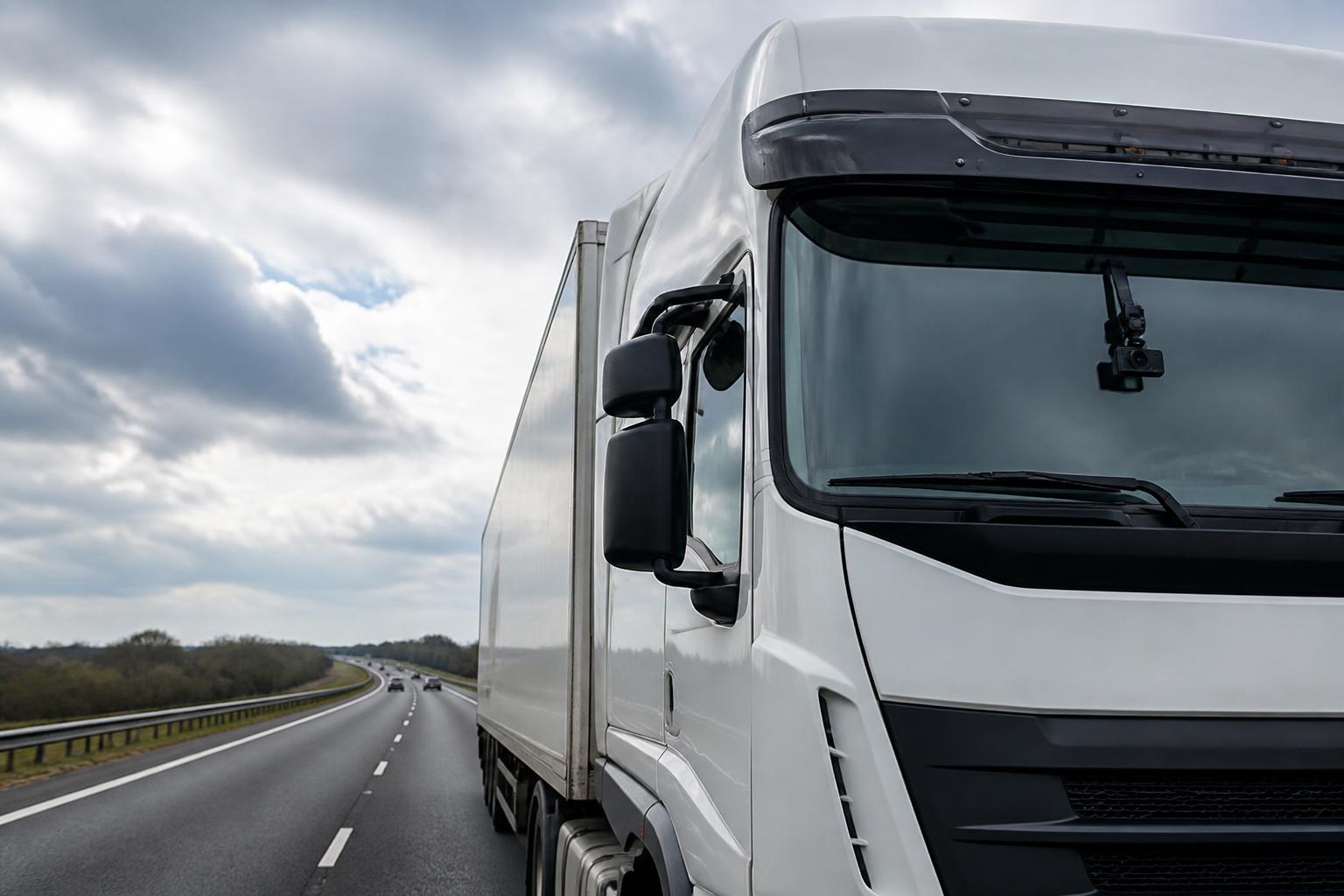
A good HGV dash cam does much more than keep a clip of a collision. In day-to-day transport work, it gives us a clearer view of what is happening on the road, helps us review incidents properly, and reduces the guesswork that often sits between a driver’s account, a customer complaint, and what actually took place.
For fleet operators, that matters because safety and visibility are connected. When camera footage sits inside the same platform as GPS, Tachograph activity, driver hours oversight and reporting, we can move from isolated video files to a proper operational picture. That is where connected cameras become genuinely useful for HGV fleets, owner-drivers and mixed commercial operations.
What an HGV dash cam does in day-to-day fleet work
In practical fleet use, an HGV dash cam is a working visibility tool. Yes, it records collisions and near misses, but its value is often highest on the ordinary days between major incidents.
For a transport office, cameras help answer routine questions quickly. Why was a vehicle delayed at a customer site? Did the driver have access issues on arrival? Was there a road closure, unsafe manoeuvre by another road user, or a loading bay problem that affected the schedule? Footage gives context that a location ping on its own cannot.
For owner-operators, the benefit is similar but more direct. If you are driving, running the vehicle and handling customer queries yourself, being able to review what happened on a run can save time and protect revenue. That could mean checking a disputed delivery approach, reviewing a harsh braking event, or confirming the circumstances around alleged vehicle damage.
In HGV operations, visibility matters because risk does not only sit in high-profile crashes. It sits in the smaller events that happen every week. Sudden lane changes by other vehicles, close passes, reversing issues in tight yards, disputed contact with fixed objects, and complaints from third parties all create cost and admin. A connected camera helps us see those events instead of relying on incomplete recollection.
The most useful systems also make footage accessible without turning every request into an IT job. If a transport manager has to remove an SD card, wait for a vehicle to return to base, or rely on a manual file transfer, the camera becomes less useful in live operations. That is why connected Smart dashcams are increasingly replacing standalone units in commercial fleets.
When cameras are linked with live GPS tracking, we can review not only what happened but where and when it happened. That makes event handling faster and more accurate. We can line up the clip with route history, stops, speed profiles and geofenced locations, instead of searching through disconnected systems.
This is especially useful in mixed fleets where one platform needs to cover HGV, vans, trailers and plant or assets. We built Fleetalyse around that operational reality, so fleets do not have to manage separate tools for each visibility task.
Where HGV dash cams help most with safety and incidents
The clearest safety value of an HGV dash cam appears after an incident, but not only after a major collision. Cameras support a better process before, during and after review.
First, they help establish facts. In road incidents, the first version of events is not always the most accurate one. Drivers are under pressure, third parties may be mistaken, and customers may only see part of an event. Video allows us to review the sequence properly, including road position, traffic behaviour, signals, spacing and driver response.
Second, cameras support fair driver coaching. Coaching works best when it is based on actual examples, not assumptions. If a driver has a pattern of harsh braking, late lane positioning or distraction risk, footage can show the exact context. That makes conversations more constructive. We can separate poor driving decisions from unavoidable road conditions and coach accordingly.
Third, they are a strong defence against false or exaggerated claims. HGV operators know how quickly blame can be directed at the larger vehicle, particularly in low-speed contact, roundabout disputes and allegations of aggressive driving. A clear forward-facing clip, and where needed a driver-facing or side view, can stop a claim escalating simply because there is no evidence to challenge it.
Cameras also help us understand risky events that do not become insurance claims. A near miss in an urban delivery route, repeated issues at one customer site, or dangerous overtakes on a regular trunk route may never appear in claims data. But they still matter. Reviewing those patterns can lead to route changes, customer site conversations, targeted driver briefings or different arrival instructions.
For HGV fleets in the UK, this is particularly relevant in dense urban work, construction supply, pallet networks and supermarket or RDC deliveries, where vehicles operate in tight spaces and interact constantly with vulnerable road users, site traffic and time pressure. The camera becomes part of risk management, not just a recorder for exceptional events.
The most effective setups usually include event triggers, such as harsh braking, collision detection or manual driver uploads, so the office is not forced to review hours of uneventful footage. Combined with a sensible event review process, that keeps the system useful without creating unnecessary workload.
If you want a closer look at how connected cameras work in practice, our guide on linking fleet tracking with camera footage in one workflow sets out the operational side in more detail.
What to look for before choosing a system
Not every camera setup suits HGV fleet work. Before choosing a system, the main checks are practical rather than cosmetic.
Start with footage access. Ask how quickly your team can view and retrieve video after an event. If the answer depends on a vehicle returning to depot, manual card handling or specialist software on one office PC, that is a limitation. Busy transport teams need remote access that works in normal office conditions.
Next, check connectivity. A connected camera relies on stable data transfer, and that means the hardware, network setup and SIM arrangement all matter. We support connected hardware with IoT SIMs because commercial fleets need a reliable setup designed for mobile devices, not an improvised consumer arrangement.
Storage is another key point. You need to know how much footage is stored locally, how event clips are retained, and what happens if connectivity drops. Good systems should continue recording even when signal is poor, then sync priority footage when the connection returns.
Camera views matter as well. A basic forward-facing lens may be enough for some trunking operations, but many fleets benefit from additional views. Depending on the job, that could include driver-facing, rear-facing or side coverage. Urban HGV work, waste, construction and multi-drop often justify broader visibility because the risk profile is different from long-distance motorway running.
Hardware fit is often overlooked. HGV installations need to suit the vehicle type, power setup and working environment. Windscreen position, cable routing, driver line of sight and tamper resistance all matter. If you run mixed marques or mixed vehicle classes, ask how consistent the installation approach will be across the fleet.
Ease of use is equally important. A camera should not create friction for drivers or office staff. Drivers need simple event buttons and clear policy. Office teams need straightforward search, playback and download tools. If retrieving one clip takes too many steps, usage will drop.
It is also worth checking whether the camera system can sit inside a broader fleet platform rather than becoming another standalone login. Separate tools often mean duplicated admin, fragmented reporting and slower investigations. We see the best results where cameras are part of one operational view, alongside tracking and compliance data.
That is why many fleets choose connected Smart dashcams for commercial vehicle operations rather than isolated recording devices. The question is not only whether the camera records, but whether the footage is usable in the way your fleet actually works.
How connected cameras fit into compliance and fleet workflows
Dash cam footage becomes much more useful when it is combined with the rest of the data a transport team already depends on.
On its own, a clip shows an event. Combined with GPS, it shows where the event happened, the route taken, arrival and departure times, and whether the vehicle was on an authorised job path. Add Tachograph visibility and driver hours oversight, and we can place that event in the wider context of the driver’s working day.
That matters because safety incidents are not always isolated from compliance pressures. A poor decision on the road may sit alongside time pressure, route changes, long waiting periods, or approaching driver hours limits. Reviewing footage next to Tachograph and movement data helps us understand the operational cause, not just the visible outcome.
In UK fleet operations, this joined-up view is especially useful because operators have to manage domestic obligations alongside retained transport rules that may differ in wording or process from broader EU references. Where there is a UK-specific interpretation or enforcement practice, the operational detail matters. A platform that brings data together helps transport teams review events in the right context rather than treating safety, route management and compliance as separate subjects.
At Fleetalyse, we focus on this combined visibility. Our platform brings together live tracking, remote downloads, reporting and connected cameras so the office can work from one place. That reduces the need to move between systems, export files into spreadsheets or match timestamps manually.
For example, a transport manager might review a harsh braking event, check the route in OpenStreetMap, confirm the stop history, look at relevant driver hours status, and decide whether the issue needs coaching, customer follow-up or no action at all. That is a much stronger workflow than storing a clip in one system and the vehicle history in another.
Fleets with more advanced requirements may also want to combine camera data with vehicle information from CAN data, particularly where driving style, engine behaviour or vehicle utilisation are part of the wider analysis. Not every operation needs that level of detail, but for some fleets it adds useful context.
Hardware choice also matters here. Some operators want a packaged route with Fleetalyse-ready trackers, others prefer unlocked Teltonika devices, and some need a customised rollout across an existing fleet technology estate. We support all three approaches because commercial operators rarely start from a blank sheet.
If you are comparing options, our commercial fleet software and hardware solutions for mixed fleets show how cameras fit into the wider operating model rather than sitting as a separate add-on.
How to roll out HGV dash cams without creating more admin
A successful rollout starts with policy, not hardware. Before installation begins, decide what the cameras are for, who can access footage, what triggers a review, and how long clips are retained. If those points are unclear, admin builds up quickly and drivers lose confidence in the process.
Driver communication should come early. Explain the purpose in plain terms. For most fleets, that means safety, incident evidence, claim defence and better understanding of risky events. It should also cover what the camera is not for. Clear communication reduces suspicion and avoids the impression that every clip will be watched routinely.
Your policy should set out practical points such as:
- whether the system is forward-facing only or includes driver-facing views
- who reviews triggered events
- when footage may be downloaded
- how requests from insurers, customers or police are handled
- how subject access requests are managed where relevant
- how data protection responsibilities are covered
In the UK, camera use also needs to sit properly within your data protection process. That means having a lawful basis for processing, clear retention rules, and a defined way to handle footage requests. Fleets should make sure their privacy notices and internal procedures reflect actual use, not generic wording copied from another policy.
Installation planning is the next step. Start with a pilot if the fleet is large or mixed. Choose a representative group of vehicles, routes and drivers. Test footage quality, event settings, connectivity and office workflow before full rollout. This usually exposes the real operational questions early, such as whether event thresholds are too sensitive or whether certain routes need different camera views.
Then assign ownership. One of the fastest ways to create admin is to leave footage handling as everybody’s problem. Decide who owns each part:
- transport for event review
- compliance for policy alignment
- fleet or workshop for hardware issues
- admin or management for external footage requests
That division does not need to be complicated, but it does need to be explicit.
It also helps to define what counts as a reviewable event. Not every triggered clip needs manager time. A sensible process might separate clips into no action, driver coaching, customer follow-up, maintenance check, or insurer file. That keeps the volume manageable and avoids creating a library of footage nobody uses.
For growing fleets, access control matters as well. Teams should be able to reach the tools they need without sharing credentials informally. In practice, that means proper user setup through the Customer Portal, rather than one generic Tracker login passed around the office.
Commercial rollout planning should also include procurement and account setup details that are easy to overlook. If hardware is being ordered centrally, decide whether purchases go through the online fleet hardware shop for cameras and tracking devices, how devices will be assigned, and who handles billing records. For some operators that also means checking how VAT is recorded internally and whether payment workflows via Stripe fit existing purchasing controls.
For businesses running under a formal trading entity, paperwork should match the operating structure used in contracts and procurement. Where that matters, the legal trading name may be Fleeta Limited T/A Fleetalyse even though day-to-day users simply know us as Fleetalyse.
The best rollout is the one that becomes routine quickly. Good cameras should reduce uncertainty, not add a new layer of admin. When the system is connected properly, footage supports the work your transport team is already doing. It helps explain incidents faster, supports fairer driver conversations, strengthens claim defence and gives the fleet a clearer operational picture every day.
That is the real value of an HGV dash cam. Not just recording what went wrong, but helping us run the fleet with better evidence, better visibility and fewer disconnected systems.
Are HGV dash cams only useful after an accident?
No. They are also useful for reviewing near misses, checking reported events, supporting driver coaching and giving transport teams better visibility of what happened on the road.
Do HGV dash cams record all the time?
Many do, but the setup varies. Some store continuous footage, while others also flag key events for quicker review. Buyers should check storage limits and how footage is retrieved.
What is the difference between a basic dash cam and a connected one?
A basic unit mainly records locally in the vehicle. A connected camera can make footage, alerts and event data easier to access remotely as part of wider fleet operations.
Can HGV dash cams help with disputed insurance claims?
Yes. Clear footage can help establish what happened, reduce reliance on conflicting accounts and support a faster internal review when an incident is reported.
Should dash cams be linked with GPS tracking?
For many fleets, yes. Linking cameras with GPS gives more context around location, route, timing and vehicle activity, which makes incident review and daily management easier.