
For most UK operators, the right tracking setup is not the one with the prettiest live map. It is the one that tells your team what is happening now, what needs doing next, and what will cause a problem later if nobody acts. That matters even more when you run both HGV and van fleets, because the operational questions are different even when the vehicles are on the same road.
When we help customers compare GPS tracking for HGV and vans, we look past location pings and route trails. The practical questions are about compliance, driver management, proof of activity, exception alerts, install options, and whether the system fits the way transport teams actually work. If your planners still need separate tabs, spreadsheets and phone calls to understand the fleet, basic tracking is only solving part of the job.
What UK operators should compare beyond the live map
A live map is useful, but it is only the starting point. Most operators already know that seeing vehicle dots on a screen does not automatically reduce admin or improve control. The better comparison is whether the system helps your team make decisions during the day and close out tasks properly afterwards.
The first point to compare is update quality. Not all GPS devices report in the same way. Some are set up for very basic polling, which is enough to show rough movement but not enough to explain delays, site dwell time or route exceptions. For transport operations, you normally want reliable ignition status, movement history, geofence events and a clear timeline of stops and starts.
Then look at the map layer itself. A platform built around operational use should make it easy to read roads, sites and vehicle positions without clutter. At Fleetalyse, we use OpenStreetMap mapping within the wider platform because teams need practical visibility, not a consumer sat nav lookalike.
After that, compare what the map is connected to. A tracking platform becomes much more useful when it links vehicle movement with driver, vehicle and compliance records. For example:
- arrival and departure alerts for depots, RDCs and customer sites
- out of hours movement alerts
- battery or power disconnect alerts where supported
- unauthorised use alerts
- trailer or asset visibility where relevant
- mileage and utilisation reporting
- daily activity reports for planners and managers
- links to camera footage and event context
This is the real dividing line between a basic tracker and a fleet tool. If the map answers only "where is it?", your team still has to answer everything else manually.
Operators should also compare access and administration. Can different users see what they need without everyone having full admin rights? Can an owner-driver, a transport office and a group fleet manager all use the same environment differently? Fleet systems work best when access is controlled properly, especially across mixed fleets and multiple depots.
Finally, check how the service is bought and managed. We offer straightforward purchase routes through our commercial fleet tracking solutions and hardware options through our fleet tracking hardware shop, but the more important point is that the rollout should match your operation. A five vehicle van fleet and a 150 vehicle mixed haulage fleet should not be forced into the same install plan.
How HGV tracking needs differ from van tracking
HGV operations usually need more than van operations, because the consequences of missing compliance detail are greater and the workflow is more regulated. In the UK, that often means transport teams need the tracking system to sit alongside Tachograph visibility, driver hours oversight and vehicle activity reporting.
A van fleet may mainly want job visibility, route history, mileage, site attendance and driver behaviour context. That can be enough where the operation is delivery led, engineer led or service led. The office wants to know who is nearest, who has arrived, how long the vehicle stayed, and whether a customer query can be answered without ringing the driver.
An HGV fleet usually needs those things as well, but with extra layers. The transport office often needs to know:
- which vehicle is moving and which is waiting
- whether the delay is traffic, loading, break time or a route issue
- whether the assigned driver has enough driver hours available
- whether remote Tachograph downloads are up to date
- whether the vehicle has deviated from the planned route
- whether a breakdown or late running issue is affecting the next job
- whether trailer movements are visible alongside the unit
That does not mean every HGV operator needs a full telematics project from day one. It does mean that a simple van-style tracker often stops short of what the transport team really needs.
There is also a UK-specific point on compliance language. UK operators still work to domestic rules and enforcement processes that differ in places from wider EU practice, even where the concepts are familiar. If you run international work, you may need to account for both. In practical terms, that means your tracking and compliance setup should support the way your own operation records, checks and evidences activity, rather than assuming one standard workflow fits every fleet.
For mixed fleets, the challenge is usually not that HGV and vans need completely different systems. It is that they need different levels of depth within one usable platform. A transport manager may need HGV compliance visibility, while a service manager only needs van utilisation and exception alerts. That is exactly why one shared system, with role-based access and different reporting views, tends to work better than separate tools.
Standalone trackers versus a wider fleet platform
There are cases where a standalone tracker is enough. If you only need basic theft recovery visibility, simple route history, or location checks on a small number of vehicles, a fitted device with a clear map and a few alerts may do the job. Some owner-drivers and very small fleets start there, especially if they are replacing a phone-based workaround.
The limitation appears when the office starts asking for joined-up information. Once you need GPS data, Tachograph status, camera evidence and fleet reporting together, standalone tracking becomes another silo.
That is where a wider platform matters. Fleetalyse is designed to bring those functions together so the office is not switching between separate logins to understand one event. If a vehicle is late, the team should be able to see where it is, how long it has been stationary, whether there is a relevant driver hours consideration, and whether there is supporting footage from Smart dashcams.
This is particularly important for incident handling and exception management. A planner dealing with a route problem does not want to open one system for the map, another for driver data, and a third for camera footage. They want one workflow. We cover that in more detail in our guide to linking tracking and camera evidence properly.
A wider platform also helps standardise reporting. Instead of exporting from multiple systems and stitching the results together, operators can use one source for mileage, movement, utilisation and exception reporting. That saves admin and reduces the risk of different teams working from different versions of the truth.
The practical test is simple. If your current tracking still leaves the office relying on calls, screenshots and spreadsheets to explain what happened, you probably need more than a standalone tracker.
Hardware choices for new installs and existing fleets
Hardware choice matters more than many buyers expect. A good platform still needs suitable devices in the vehicles, and mixed fleets often need more than one hardware approach.
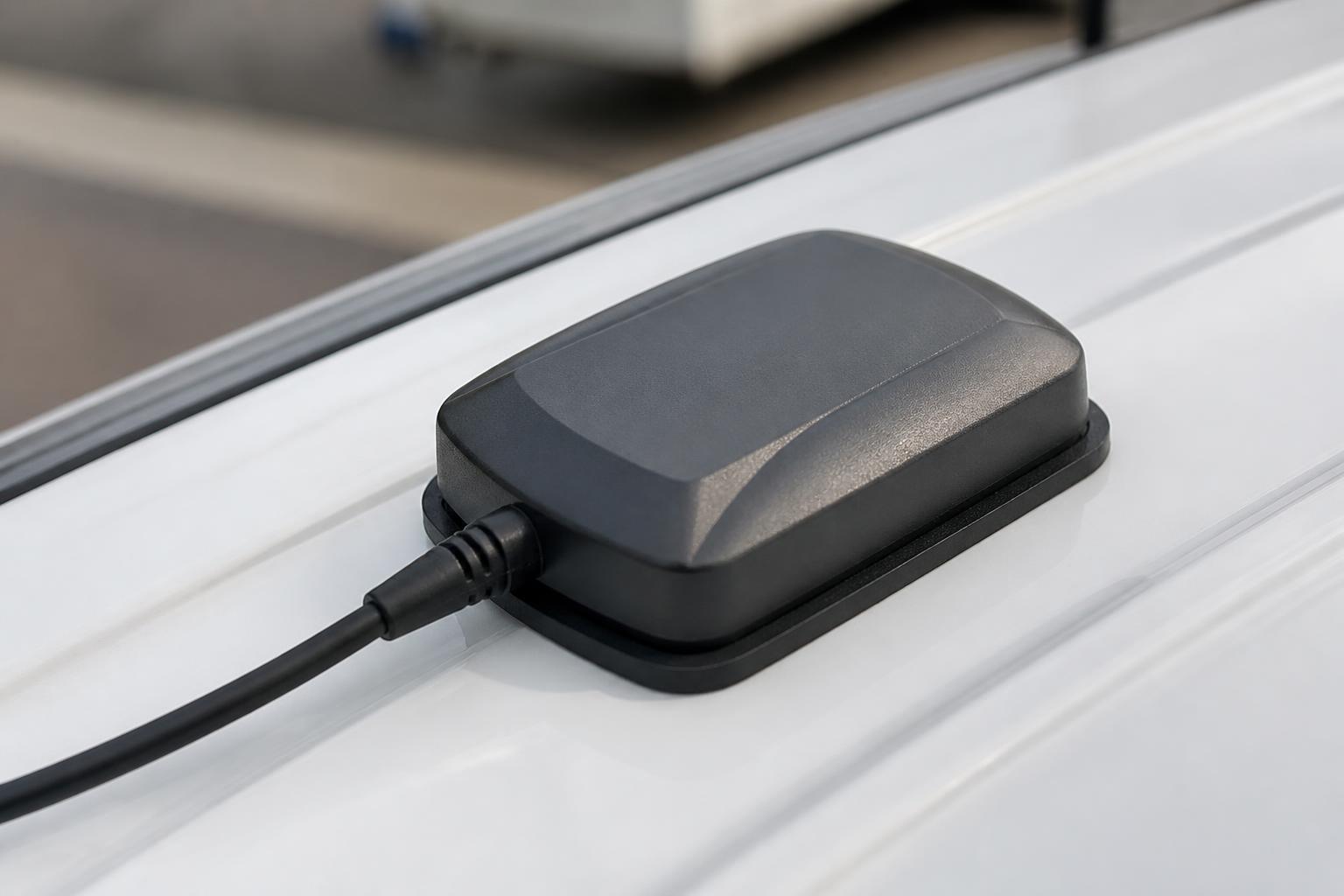
For new installs, fitted trackers are usually the cleanest option. They provide a more permanent setup, less reliance on drivers, and a better base for long term reporting. They are generally the right choice for owned HGV, vans and core fleet vehicles where you want consistent visibility.
For existing fleets, the decision often depends on what is already installed. Some operators already have compatible devices in place and want to avoid ripping everything out just to change software. In those cases, it makes sense to review whether the current hardware can be integrated or whether selected vehicles should move onto Fleetalyse-ready trackers.
We support several practical routes:
- Fleetalyse-ready trackers for straightforward compatibility with the platform
- unlocked Teltonika hardware where operators want flexibility
- customised rollout planning across mixed HGV and van fleets
- staged migration where legacy vehicles and new installs run together during transition
Teltonika is a common choice because it gives operators solid hardware options across different vehicle types and use cases. Depending on the device, you may also be able to capture extra information such as ignition, inputs and selected CAN data. The exact level of detail depends on the vehicle, the install method and the hardware specification, so this should be checked properly at the planning stage rather than assumed.
Rollout planning is especially important across mixed fleets. HGV units, vans, trailers and ancillary assets may all need different install schedules, power arrangements and reporting expectations. A rushed rollout often creates admin problems later, especially where vehicles are off site, working nights, or tied to customer delivery windows.
Connectivity is part of this as well. Reliable IoT SIMs matter because the best device still depends on dependable data transfer. For operators with vehicles moving across regions, depots and customer sites, stable connectivity is not a small detail. It is part of whether the tracking is trusted day to day.
For customers who want to self-serve parts of the process, we also provide a Customer Portal and Tracker login options so hardware, access and account setup can be managed in a structured way. Payment and account handling can also involve standard services such as Stripe where relevant, but the operational priority is always making sure the devices and platform are set up correctly for fleet use.
Reporting, alerts and daily workflow for transport teams
The value of tracking is usually proven after the live map. It shows up in the daily workflow, when the office can answer routine questions faster and deal with exceptions before they become service failures.
For planners, the priority is often live operational visibility. They need to know which vehicles are running to plan, which are delayed, which are waiting at site, and which are likely to affect the next job. Geofence alerts, stop duration views and route history all help here.
For fleet managers, reporting matters more. They may need regular views on:
- mileage by vehicle
- utilisation trends
- idle time and dwell time
- out of hours movement
- site attendance and departure history
- vehicle activity by day or week
- exception patterns across depots or contracts
For transport operators, the key is often reducing manual checking. If the system can flag the vehicles that need attention, the office spends less time scanning the whole fleet. That is where alerts and Fleet insight become useful. Instead of asking users to hunt for problems, the platform should surface exceptions clearly.
Fleet insight is especially useful where different users need different summaries. A senior manager may want a high-level operational picture. A transport office user may need immediate exceptions and active alerts. A workshop or compliance user may need a more specific view. One platform should support all of those without forcing every user into the same dashboard.
This also helps with customer service. When a customer rings asking whether a vehicle has arrived, the office should be able to answer from the system. When a late delivery is disputed, route and stop history should already be there. When an HGV breaks down, visibility of the nearest support, current location and recent movement can reduce delay and confusion. We have covered that workflow in our article on cutting delay when an HGV breaks down.
The reporting side also needs to be easy to extract and share. A report that exists only on screen is less useful than one that can be reviewed regularly by the relevant team. Good reporting supports management routines, contract reviews and operational follow-up without creating another admin burden.
For UK operators, it is also worth checking the commercial basics. If you are comparing suppliers, make sure you understand what is included, what is hardware only, what is software only, and how VAT is handled in quotes and invoices. That sounds obvious, but it avoids confusion when comparing fitted installs, subscriptions and add-on services.
Where account details matter, the trading entity should also be clear. We trade as Fleeta Limited T/A Fleetalyse, and that kind of clarity is something buyers should expect from any provider they are trusting with fleet systems and ongoing service.
What a good fit looks like for mixed HGV and van fleets
A good fit for mixed fleets is not just a system that technically allows both HGV and vans to appear on the same screen. It is one that supports the different priorities around them without becoming awkward for users.
In practice, that means a good setup should do several things well.
First, it should give one clear live view of the fleet, with sensible filtering by vehicle type, depot, contract or user group. Teams should not need separate systems just to keep HGV and van operations organised.
Second, it should allow different depth by vehicle type. Your HGV fleet may need Tachograph integration, driver hours visibility, and closer operational monitoring. Your vans may mainly need route history, geofences, utilisation and camera support. One platform should handle both without forcing unnecessary complexity on the van side.
Third, it should support hardware flexibility. Mixed fleets rarely have perfectly uniform vehicles. Some will need fitted devices, some may already have compatible hardware, and some may suit Fleetalyse-ready trackers or Teltonika options better than others.
Fourth, it should support joined-up safety and evidence. If you run cameras as well as tracking, the platform should make that relationship useful, not separate. Our 4G Smart dash camera options are part of that wider approach, where location, events and footage can work together rather than sitting in different tools.
Finally, it should fit the way your people work. A transport manager, planner, fleet manager and business owner will not all use the same screens in the same way. The right setup gives each of them the visibility they need, without extra admin to maintain it.
That is usually the best way to judge GPS tracking for HGV and vans. Do not start with the map and stop there. Start with the decisions your team needs to make every day, the compliance checks you cannot afford to miss, and the handoffs that currently depend on calls and spreadsheets. Then choose the tracking setup that makes those tasks simpler, clearer and easier to trust.
Is GPS tracking for HGV the same as tracking for vans?
Not usually. Both need live location and journey history, but HGV fleets often also need Tachograph visibility, driver hours context and stronger compliance reporting.
What should a mixed fleet look for first?
Start with day-to-day visibility: live GPS, clear vehicle status, usable reports and support for HGV, vans, trailers or assets in one platform if you run more than one fleet type.
Are unlocked devices useful for commercial fleets?
They can be, especially where a business wants hardware flexibility. Buyers should still check installation fit, data quality, reporting and how the devices work with the chosen platform.
Do transport operators need Tachograph features in the same system?
For many HGV fleets, yes. Keeping GPS and Tachograph data together can make driver hours visibility, planning and compliance checks easier than using separate systems.
Can one system cover HGV, vans and trailers?
Yes, if the platform is built for mixed commercial fleets. The key is whether it gives useful visibility and reporting for each asset type rather than treating everything the same.