
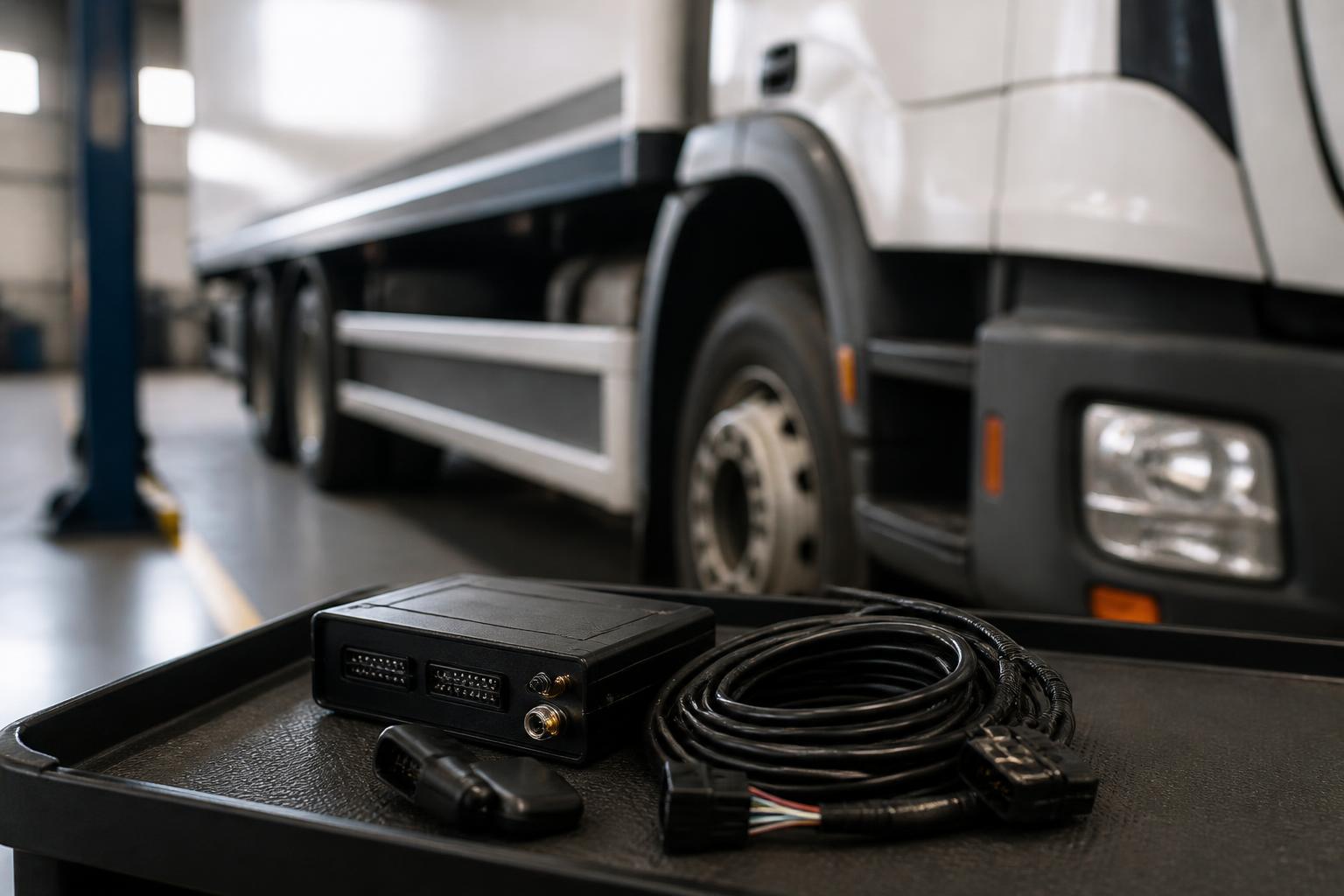
When vehicle tracking is fitted properly, fleet downtime does not need to become a workshop problem or an operational headache. The key is choosing the right installation method for each vehicle type, preparing the right information before the fitting date, and matching the hardware to the level of visibility you actually need. For some operators, that means a simple powered tracker in a van. For others, it means a planned rollout across HGV units, trailers, cameras and Tachograph links, scheduled around live jobs.
At Fleetalyse, we approach vehicle tracking installation as part of day to day transport operations, not as a standalone gadget fit. That matters, because the fitting itself is only one part of the job. The real value comes from what the installed system gives you afterwards, live vehicle location, driver oversight, compliance visibility, and reporting in one place rather than several disconnected tools.
What vehicle tracking installation involves
A standard vehicle tracking installation usually means fitting a GPS tracking unit inside the vehicle, connecting it to a power source, checking signal and data transmission, and confirming that the vehicle is reporting correctly into the platform. In a commercial fleet, the tracker is normally hidden from casual view and mounted securely behind trim, under the dash or in another protected location that suits the vehicle layout.
The tracker needs two essentials to work reliably, power and connectivity. Power usually comes from the vehicle’s electrical system, with the unit wired to a permanent live feed and, in many cases, an ignition feed as well. That lets the device report movement, stop times and ignition status more accurately. Connectivity comes through mobile data, typically using IoT SIMs, so location and event data can be sent back to the system while the vehicle is on the road.
On simpler installs, the device may only need power, ignition and a clean mounting position. This suits many vans, cars and some light commercial vehicles where the operator wants live location, trip history, geofencing and basic usage reporting. If you want a straightforward view of where vehicles are, when they moved, and how they are being used, that can be enough.
More integrated fleet setups go further. A tracker can be linked to CAN data where supported, giving a wider set of vehicle information back to the platform. It can also be paired with Smart dashcams, driver ID devices, trailer units, or Tachograph workflows depending on the fleet. In HGV operations, installation often forms part of a broader telematics setup rather than a simple tracking fit.
That distinction matters because it changes both fitting time and what you can do with the system afterwards. A basic install may be mainly about location and utilisation. A more integrated setup can support transport planning, exception reporting, incident review, remote downloads and driver hours visibility from the same operational view. If you are comparing hardware options before rollout, our guide on choosing a tracker for daily fleet control sets out the practical differences.
At the hardware level, some operators want a fully supplied package, while others prefer flexibility. We support Fleetalyse-ready trackers for a direct route into the platform, and we also support unlocked Teltonika hardware where customers want more choice in sourcing, configuration or rollout planning. That is useful for operators who already have installation capability in house or who are standardising across mixed fleets.
Which installation type suits your fleet?
The right installation route depends on the vehicles you run, the level of integration you need, and how much control you want over the fitting process.
For a small van fleet, self-install can work well if the hardware is designed for it and the use case is simple. This tends to suit operations that want quick deployment with minimal workshop time, especially where the priority is basic visibility rather than deep integration. Self-install is often attractive to owner-drivers and smaller service fleets because it reduces scheduling pressure and can be done vehicle by vehicle.
Engineer install is usually the better option where vehicles are revenue earning assets that cannot afford repeat visits, where trim removal and wiring access are more involved, or where the operator wants a clean and consistent standard across the fleet. This is common for vans on contract work, leased fleets, and any business that wants to avoid the risk of poor power connections or inconsistent mounting positions.
For HGV fleets, engineer installation is generally the safer route, especially where the tracking setup is being combined with Tachograph workflows, camera systems, or additional inputs. Vehicle electrics, cab layouts and compliance requirements can vary enough that a planned fit is worth it. The same applies where a fleet wants to capture CAN data or connect multiple devices through one install visit.
Trailer and asset tracking is a separate decision. These units may use different power arrangements, including battery powered devices depending on the asset type and reporting frequency required. A trailer tracker does not need the same installation approach as a rigid truck or tractor unit, and mixed fleets often benefit from splitting the rollout by asset class rather than trying to fit everything in one pattern.
A wider rollout is usually the right answer where you have a mix of vans, HGV, trailers and plant, or where several functions are being introduced at the same time. In those cases, installation is less about one device per vehicle and more about sequencing. You might start with powered tracking on core vehicles, then add Smart dashcams to higher risk units, then bring in remote downloads and reporting workflows once the data is flowing consistently.
This is also where platform choice matters. If tracking, cameras and Tachograph activity are all going into separate systems, installation can become fragmented and operational teams end up stitching processes together manually. We built Fleetalyse to avoid that. Our approach is to bring those functions into one working environment so transport teams can see vehicles, drivers and compliance activity together.
What affects installation time and vehicle downtime?
There is no single fitting time that applies to every fleet. Downtime depends on the vehicle type, the hardware being fitted, and the conditions on site.
The first factor is access to the vehicle. A clean install takes longer if the vehicle arrives loaded, blocked in, or due out on a timed job. If fitters cannot get safe access to the dashboard area, battery compartment or wiring routes, even a straightforward job slows down. On busy transport yards, simple site discipline makes a difference, keys ready, vehicles parked in sequence, and someone available to move units if needed.
The second factor is wiring complexity. Some vehicles are quick to work on. Others need more trim removal, more careful routing, or more time to identify suitable power points. Fleets with mixed makes and ages should expect variation. A new van and an older specialist vehicle are not equal jobs, even if both are being fitted with a tracker.
Camera additions add time. If the installation includes Smart dashcams, there is more to do than simply mounting the unit. Camera position, cable routing, power connections and visibility checks all need to be handled properly. If the system includes road facing and driver facing views, side cameras or event buttons, downtime increases accordingly. That extra time is usually worthwhile where incident evidence and driver behaviour oversight matter. We cover that in more detail in our article on vehicle cameras for clearer incident evidence.
Tachograph links also affect fitting and rollout planning. In HGV fleets, tracking may be only one part of the operational requirement. If the operator wants visibility around driver hours, remote download workflows or driver and vehicle activity in one system, the installation scope becomes broader. It is still manageable, but it should be planned as a compliance and fleet data project, not just as a tracking fit.
Scheduling is often the biggest factor in perceived downtime. A one hour install can still disrupt the day if the vehicle is needed during that hour. The best rollouts are planned around live work, driver shift patterns, maintenance slots, weekends, depot returns or route gaps. Some fleets choose to install during PM inspections or existing workshop bookings to avoid taking vehicles off the road twice.
Data setup can also affect the go live experience. A tracker that is physically fitted still needs to be assigned correctly in the platform, named properly, and checked against the right registration or fleet ID. If that admin is left until after installation day, the operational team can feel as if the system is slow to start even when the fitting itself was completed on time.
What should operators check before installation day?
A smooth vehicle tracking installation starts before the fitter arrives. The more accurately the rollout is prepared, the less time gets wasted on site.
Start with a confirmed vehicle list. That should include registration number, fleet number, vehicle type, depot location and any notes on access or non standard wiring. If you are running a mixed fleet, separate vans, HGV units, trailers and other assets clearly. Do not assume the installer can work it out from the yard layout on the day.
Confirm what each vehicle is being fitted with. Some operators want standard tracking across the board, but cameras only on selected units, or a different setup for subcontracted trailers. A clear install matrix avoids the common problem of vehicles being presented without the correct hardware allocation.
Check power requirements in advance. For standard powered trackers this is usually straightforward, but if vehicles have specialist bodies, isolators, non standard electrical arrangements or long standing battery issues, say so beforehand. It helps avoid delays and reduces the chance of the installer needing to revisit a vehicle.
Plan driver access and key control. If drivers take vehicles home, work nights, or swap units across shifts, someone needs to coordinate returns and availability. The fastest installation programme can still fail if half the fleet is off site when the fitting team arrives.
Site arrangements matter more than many operators expect. Reserve a safe working area, especially if several vehicles are being fitted in one visit. Make sure there is room to park units in order, open doors fully, and work without constant shunting. If depot security requires check in procedures or escorting, build that into the schedule.
Decide what outcomes you want from reporting once the devices are live. That sounds like a software question, but it affects installation choices. If all you need is location and trip history, the setup can stay simple. If you want utilisation reporting, geofences, idling review, driver oversight, or compliance workflows tied into Tachograph and cameras, that should be defined before rollout. It is much easier to install and configure with the end use in mind.
It is also worth deciding who in your team will use what. Transport managers may need live map visibility. Compliance staff may need driver hours and download status. Supervisors may need alerts and route history. Directors may only need exception based reporting. Having that mapped out early helps us configure Fleet insight in a way that supports real jobs, rather than just producing data for its own sake.
Where tracking is linked to workforce monitoring, UK operators should also be clear on policy and communication. The UK position is not simply a generic EU rule set. Since the UK is outside the EU, operators should follow UK data protection law and employment practices, including transparent communication about monitoring. If you need a practical overview, our article on UK rules on vehicle tracking at work covers the operational points to get right.
How tracking fits into daily fleet operations
Once installation is complete, the real test is whether the system helps the transport team run the fleet more cleanly each day.
The first benefit is live visibility. Dispatchers and fleet managers can see where vehicles are, whether they are moving, stopped or delayed, and how the day is unfolding against plan. That reduces the blind spots that come from relying on phone calls, driver memory and spreadsheet updates. For many operators, this is the point where tracking stops being a cost line and starts becoming a working tool. Our article on GPS tracking for fewer fleet blind spots explains that operational shift in more detail.
The second benefit is better driver oversight without turning the office into a call centre. With installed tracking, you can review route history, stop durations, ignition activity and exceptions from one screen. When that is combined with Smart dashcams and related event data, conversations with drivers become more fact based and less speculative.
For HGV operations, tracking also supports compliance workflows. Location data on its own does not replace Tachograph compliance, but it gives the transport office a more joined up view of where vehicles are, what they are doing and how that lines up with driver hours activity. When remote downloads and tracking sit together in Fleetalyse, the office can work from one operational picture instead of bouncing between systems.
Reporting is where many fleets either gain control or lose momentum. If reports are hard to access or spread across separate suppliers, they tend to be ignored until there is a problem. In Fleetalyse, we focus on practical outputs, vehicle activity, route history, utilisation, exceptions and compliance related visibility that a transport office can actually use. Mapping through OpenStreetMap supports that day to day view without forcing users into a specialist GIS workflow.
For customers managing their own hardware estate, setup and support also need to be straightforward. That is why we support Fleetalyse-ready trackers and compatible Teltonika devices, with access and administration handled through the Customer Portal and Tracker login where appropriate. Commercial account handling, including subscription management, may also involve Stripe for billing workflows, and standard business charges such as VAT apply in the normal way.
What matters most is that installed tracking should reduce admin rather than create more of it. If your team still has to combine data from separate camera portals, Tachograph downloads, map screens and manual notes, the installation has only solved part of the problem. We built Fleetalyse to bring those functions together so operators can manage daily movement, compliance and incident visibility in one place.
That is the practical goal of vehicle tracking installation, less downtime at fitting stage, and less operational friction afterwards. Whether you are rolling out across a few vans or a mixed fleet of HGV units, trailers and assets, the right installation plan is the one that gets vehicles back to work quickly and gives the office usable control from day one.
Fleeta Limited T/A Fleetalyse supports UK operators with hardware, software and rollout options that fit real transport work, from simple tracking to integrated fleet visibility across vehicles, drivers and compliance.
How long does vehicle tracking installation take?
It depends on the vehicle and the hardware being fitted. A basic tracker is usually quicker than a setup that also includes Smart dashcams, Tachograph links or CAN data connections.
Can tracking be installed on HGV, vans and trailers?
Yes. Installation can be planned across HGV, vans, trailers, assets and mixed fleets, but the hardware and fitting method will vary by vehicle type and the data you need.
Do I need an engineer to fit a vehicle tracker?
Not always. Some fleets prefer a simple rollout with Fleetalyse-ready trackers, while others need a more tailored installation for larger fleets or added hardware.
What should I prepare before a fleet tracking rollout?
Prepare a clear vehicle list, site access details, preferred fitting times, and the outcomes you want from tracking, such as live visibility, Tachograph support or camera coverage.
Can tracking be combined with other fleet systems?
Yes. Many operators want GPS tracking alongside remote Tachograph downloads, Smart dashcams and fleet reporting so daily operations are managed in one platform.