
UK Fleets: Pilot Route Replay Telematics on a Handful of Vehicles
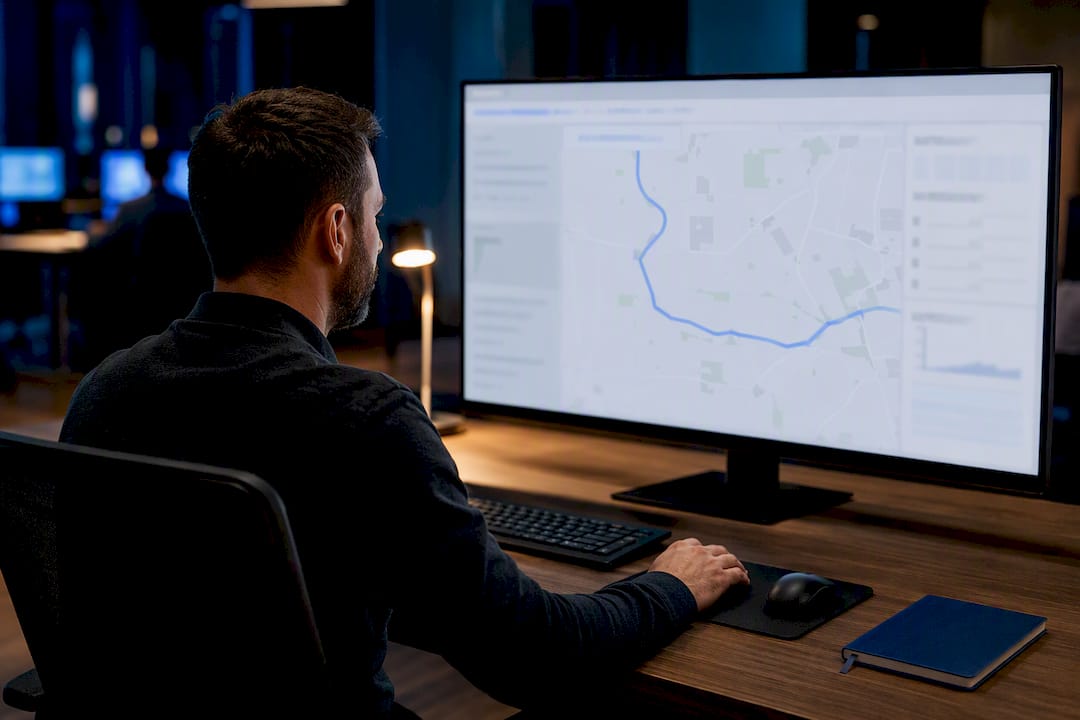
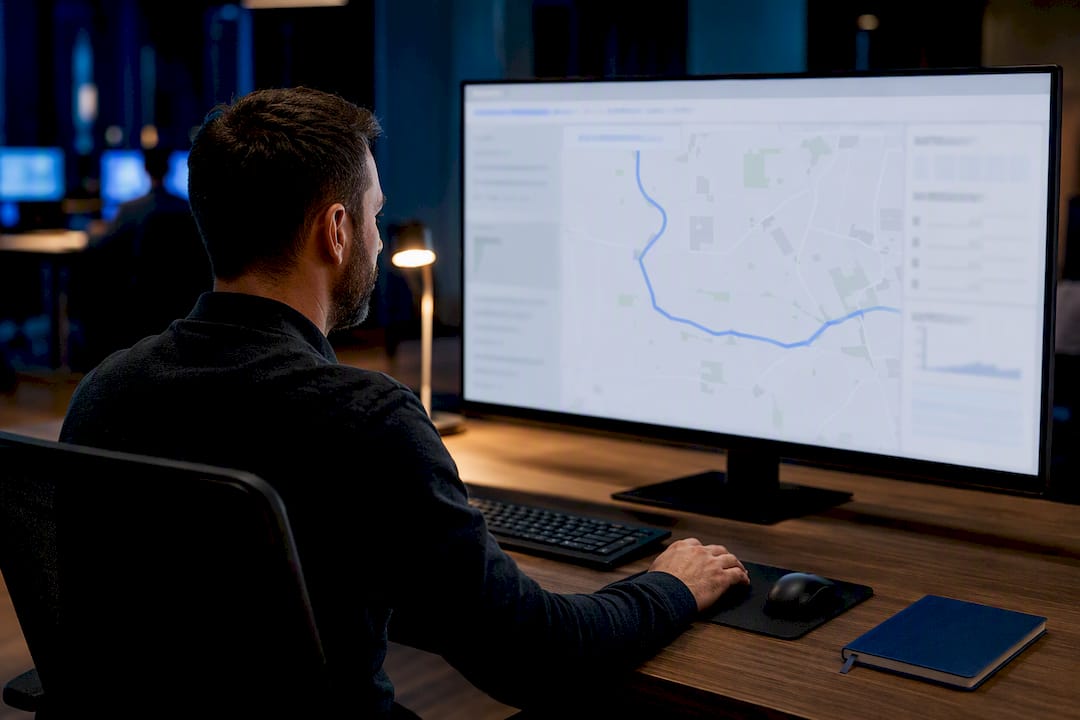
Route replay telematics reconstructs a vehicle’s exact journey, timestamp by timestamp, so you can see where it went, when it stopped, and how fast it was moving at any point along the way. It works by combining GPS positions with synchronised event data from the vehicle itself. The result is objective evidence you can use to settle disputes, verify visits, and answer questions that would otherwise rest on someone’s word against another’s.
TL;DR:
- Accurate stop detection and detailed metadata are essential for trustworthy evidence, especially regarding stop locations, durations, and times without manual input.
- Systems should allow second-by-second timeline scrub with real-time sensor overlays, including speed, ignition, and event markers, for thorough investigations.
- Export formats like CSV and GPX, along with full audit logs and access controls, improve legal defensibility and compliance when sharing trip data externally.
- Real-world demo testing is crucial, as many platforms struggle with stop detection accuracy under GPS drift or urban canyon conditions.
- Implementing a phased rollout and setting clear data retention policies upfront optimizes efficiency and minimizes disruptions during deployment.
Table of Contents
- What is route replay telematics and how does it work?
- Core features and data points to look for in route replay tools
- Operational workflows: from capture to resolution
- Using route replay as evidence: best practice for disputes and compliance
- Deployment and integration: what UK fleets should expect
- Why route replay should be a core compliance tool
- Get route replay and trip history running on your fleet
- Sources
- FAQ
What is route replay telematics and how does it work?
Route replay works because GPS position data behaves like a trace rather than a snapshot. Organisations working with telemetry typically split it into metrics, traces, and logs, and traces are the format built specifically to record journeys and the relationships between events over time. That’s exactly what a vehicle trip is: a sequence of positions, speeds, and events that only make sense when viewed in order, as ClickHouse’s telemetry breakdown explains.
Most modern platforms build trips automatically, triggered by ignition-on and ignition-off events rather than relying on a driver to tag journeys manually. This matters because manual logging is exactly what route replay is meant to replace. Automated collection and transmission of vehicle data is what New Relic defines as telemetry at its core, feeding into systems that surface useful patterns rather than raw noise.
When you open a replay, you’re typically looking at:
- A GPS track plotted on a map, with a scrubbable timeline
- Speed and heading at each point along the route
- Detected stops, their duration, and their location
- Secondary signals layered on top: ignition state, CAN or FMS engine data, RPM, diagnostic trouble codes, and harsh-event markers
That layering is what separates genuine route replay from a simple breadcrumb trail. A dot moving across a map tells you where a vehicle was. Synchronised telemetry tells you what it was doing when it got there.
Core features and data points to look for in route replay tools
Not every “trip history” feature does the same job, and the gap between a basic map view and a genuine investigation tool shows up fast once you need evidence rather than a nice visual. Look for these capabilities before you commit to a platform:
- Timeline scrub with sensor overlays. You need to drag through a trip second by second and see speed, ignition, and event markers change in real time, not just a static line on a map.
- Automated stop detection with metadata. Each stop should carry an address, duration, and arrival/departure time without manual entry.
- Search and filter tools. You should be able to pull up a trip by vehicle, driver, date, postcode, or event type in seconds, not by scrolling through days of history.
- Export in usable formats. CSV for spreadsheets, GPX for mapping tools, and raw trace exports for anyone who needs the underlying data rather than a processed summary.
- Retention windows and audit logs. Know how long trips stay available and whether the system logs who viewed or exported a record.
- Access controls. Not every user needs to see every vehicle’s history, particularly when personal driving is mixed in with business use.
Pro Tip: Before signing anything, ask a provider to replay a real trip from your own fleet during a demo. Platforms that look polished on marketing screenshots sometimes struggle with genuine stop detection accuracy once real-world GPS drift and urban canyon effects come into play.
Operational workflows: from capture to resolution
Route replay only earns its place in your toolkit if you can get from “something happened” to “here’s the evidence” quickly. A typical workflow looks like this:
- Filter by vehicle and date range, or search directly by event type if you already know roughly what you’re looking for.
- Open the trip and scrub through the timeline with sensor overlays switched on.
- Cross-reference stops against the claim or query you’re investigating.
- Extract the relevant segment as an export, with timestamps and metadata intact.
- Close the case with a documented answer rather than a guess.
This applies directly to missed-delivery claims, where a customer says nobody attended but the replay shows a stop of the expected duration outside their address. It applies to unauthorised detour checks, where a route deviates from the planned job sheet, and to timesheet verification, where ignition-on and ignition-off times settle a dispute about hours worked. When exports go to a customer or a legal team, keep permissions tight. Not everyone who needs to see the outcome needs raw access to the whole fleet’s history.
Using route replay as evidence: best practice for disputes and compliance
Raw GPS alone has a weakness: it tells you position, not context. A vehicle showing as stationary could mean a genuine stop, a lost signal, or a parked vehicle with the engine running. Synchronising the GPS trace with ignition state, CAN or FMS data, harsh braking events, and engine diagnostic codes closes that gap, filling in exactly the detail a position-only trace can’t provide.
Platforms that allow raw-trace export and log every user action tend to produce more defensible evidence, because you can show not just what the vehicle did but who accessed the record and when. That audit trail matters as much as the trip data itself once a dispute moves beyond an internal conversation.
To keep evidence robust:
- Export with full metadata intact, not just a cropped map image.
- Set a retention policy that satisfies your operational needs without holding data indefinitely.
- Restrict access to route history on a need-to-know basis, particularly where personal use is mixed with business journeys.
- Bring in legal or formal compliance teams early once a case looks likely to escalate beyond an internal query, rather than after evidence has already been shared informally.
Standardised, vendor-neutral telemetry formats also help here. Approaches like OpenTelemetry reduce the risk of being locked into one provider’s proprietary export format, which matters if you ever need to hand raw data to a solicitor or an external auditor, as Elastic’s telemetry guide sets out.
Deployment and integration: what UK fleets should expect
Getting route replay running doesn’t need to mean weeks of downtime. Fleetalyse supplies plug-and-play telematics units and tachograph head units designed to install without specialist engineers, backed by UK-based support for setup and troubleshooting.
For back-office integration, expect export options that cover the basics: CSV for reporting, and API or file-based access for feeding data into your existing systems rather than forcing you into a single dashboard.
A sensible rollout looks like this:
- Pilot on a handful of vehicles first, checking stop-detection accuracy and how quickly trip data becomes available after a journey ends.
- Expand in phases once the pilot data holds up, rather than fitting the whole fleet on day one.
- Train the team who’ll actually run investigations, not just the person who bought the system.
- Set your retention policy before go-live, not after your first dispute.
Pro Tip: During a pilot, time how long it takes for a completed trip to appear as a replayable trace. A delay of several hours is fine for planning purposes but far less useful if you need same-day evidence for a live customer complaint.
Fleetalyse’s driver behaviour monitoring features sit alongside route replay, so harsh-braking and speeding events already correlate with the trip data you’re reviewing rather than living in a separate system.
Why route replay should be a core compliance tool
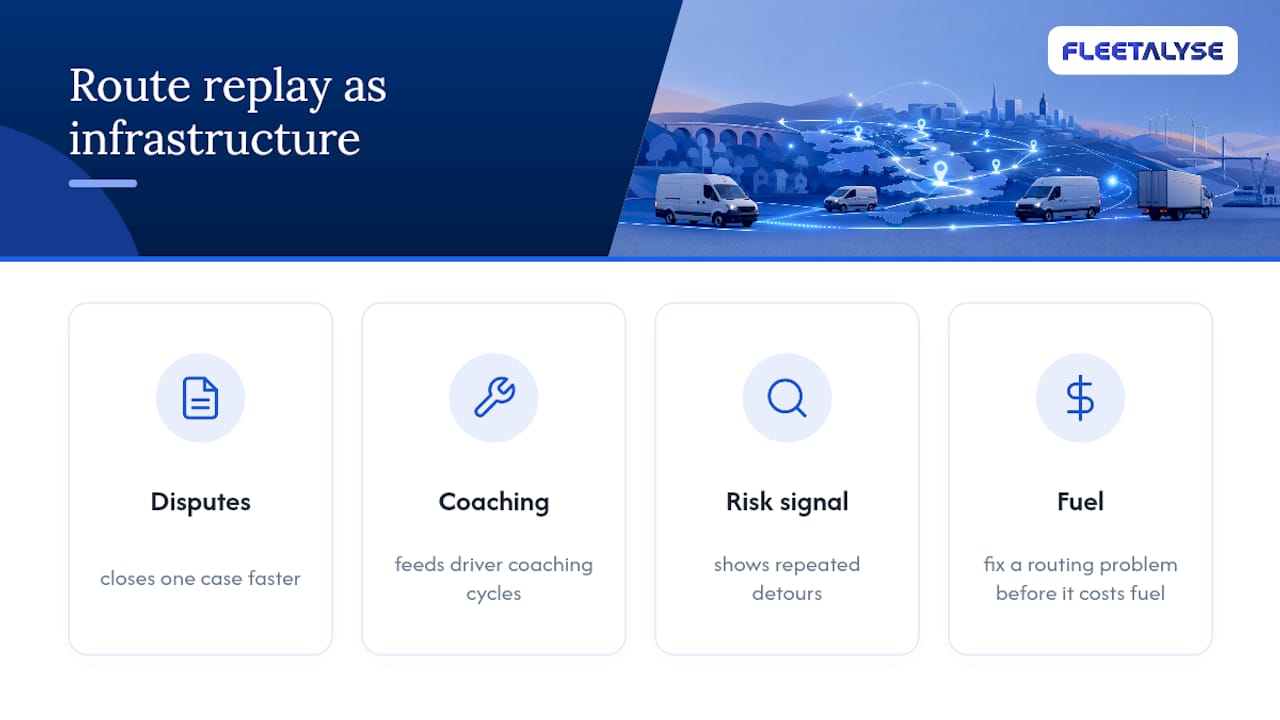
Route replay gets treated as a dispute-resolution feature, and that undersells it. Every trace you capture is also a coaching input and a risk signal. A driver who repeatedly takes the same detour isn’t just a compliance question. That’s an opportunity to fix a routing problem before it costs fuel or causes a second complaint.
The fleets that get the most value stop treating replay as a reactive tool and start treating it as the infrastructure feeding everything else, from fuel efficiency programmes to driver coaching cycles. Evidence that closes one case faster is useful. Evidence that prevents the next three cases is worth far more.
— Vytautas
Get route replay and trip history running on your fleet
Fleetalyse pairs route replay software with plug-and-play hardware, so you’re not choosing between a system that’s easy to install and one that gives you proper evidence when a dispute lands on your desk.
Setup runs through UK-based support rather than an offshore call queue, and the platform exports trip data in formats your back office can actually use, not just a locked dashboard you have to log into every time. If you’re comparing hardware options, browse unlocked GPS trackers built for plug-and-play fitting, or read about driver behaviour monitoring to see how harsh-event data pairs with your route history. For readers weighing up device and subscription models more broadly, Moto Watchdog’s guide to lifetime GPS trackers is worth a look before you commit. Get in touch to arrange a pilot on a handful of vehicles and see how quickly a trip becomes a replayable trace.
Sources
For the technical grounding behind trace-based telemetry, see ClickHouse’s telemetry data explainer, New Relic on what telemetry actually is, and Elastic’s guide to telemetry formats. For UK fleet context, see Fleetalyse’s guide to telematics unit data.
- Telemetry data: types and purpose | ClickHouse
- What is telemetry? - New Relic
- Telemetry data explained | Elastic
FAQ
What does route replay telematics actually show?
It shows a timestamped map playback of a vehicle’s journey, including speed, stops, headings, and synchronised events like ignition state or harsh braking.
How is trip history captured automatically?
Most platforms build trips from ignition-on and ignition-off events rather than manual logging, layering in CAN or FMS engine data as the journey happens.
Can route replay data be exported for legal disputes?
Yes. Platforms that support raw-trace export in formats like CSV or GPX, along with audit logs of who accessed the data, produce more defensible evidence.
What’s the difference between GPS tracking and route replay?
GPS tracking shows live position; route replay reconstructs a completed journey with full timeline detail, stop metadata, and synchronised vehicle telemetry for review after the fact.
Does Fleetalyse support route replay for UK fleets?
Some providers offer plug-and-play telematics hardware and tachograph head units, along with installation and compliance support tailored around route replay and trip history data.