
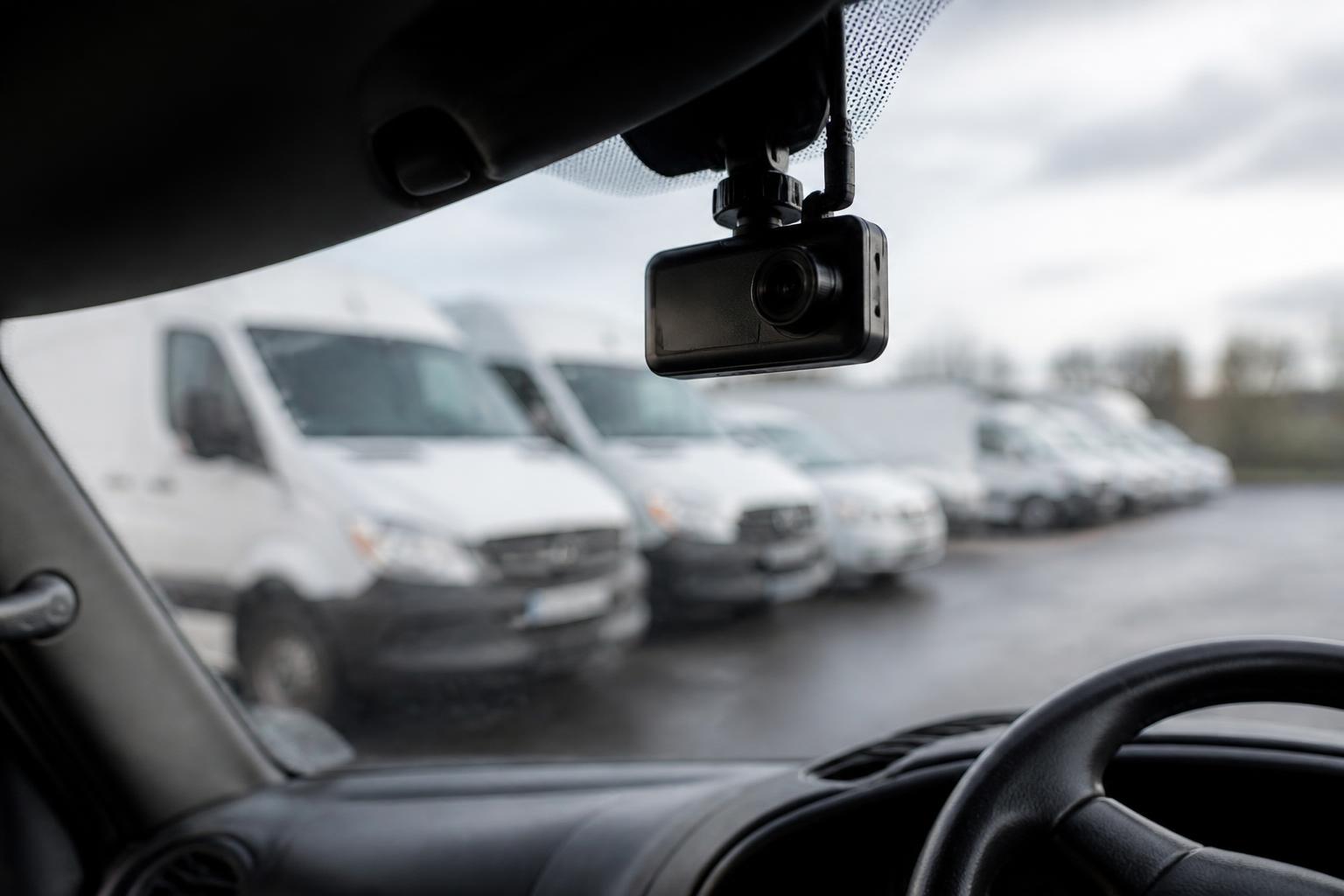
When fleet operators ask us about dash cams, they are usually not asking for a gadget. They are asking for a practical way to see what happened, protect drivers when claims are wrong, and tighten up day to day control without adding another separate system to manage. In a working commercial fleet, the value is not in consumer style features. It is in having usable footage tied to the vehicle, the route, the time, and the event that triggered the review.
That is why we treat cameras as part of fleet operations, not as a standalone accessory. In Fleetalyse, camera footage sits alongside GPS history, vehicle activity and wider Fleet insight, so managers can move from an alert or incident straight into the evidence they need. For operators running vans, HGV units, trailers and mixed fleets, that joined up view matters far more than a long list of retail camera specifications.
What fleet operators usually mean when they ask for dash cams
In practice, most fleet buyers mean three things.
First, they want evidence. If a vehicle is involved in a road traffic incident, a near miss, a disputed manoeuvre, a customer complaint, or damage during a delivery, they need footage that helps answer basic questions quickly. Which vehicle was involved. Where exactly it was. What the road situation looked like. Whether the driver had time and space to react. Whether another road user cut across, braked suddenly, or reversed into the vehicle.
Second, they want driver visibility. That does not always mean watching drivers continuously. It usually means being able to review specific events fairly. Harsh braking, impact alerts, speeding in context, mobile phone concerns, seat belt concerns, or complaints about driving style are easier to handle when managers can review what actually happened rather than relying on assumptions or a one line incident note.
Third, they want day to day control. A camera becomes useful when it helps reduce phone calls, arguments, repeat incidents and time spent chasing facts. For example, a transport office may need to verify whether a vehicle reached a site entrance, whether access was blocked, whether a reversing area was unsafe, or whether loading activity contributed to damage. That is operational control, not just accident recording.
This is the gap between consumer cameras and commercial fleet use. A retail camera may record the road ahead perfectly well, but fleets need more than a memory card in a windscreen unit. They need reliable connectivity, event based retrieval, vehicle identification, and a simple way for authorised staff to review footage without physically collecting devices. They also need a clear policy around who can access video, how long it is kept, and how it is used in line with UK data protection requirements.
For UK operators, that means thinking about the UK GDPR and the Data Protection Act 2018, rather than talking loosely about privacy in general. If audio is recorded, that raises a separate level of sensitivity and should be justified properly. If you are weighing that point up, our guide on whether fleet camera systems record sound in UK vehicles sets out the operational issues clearly.
Which camera setup suits the job
The right setup depends on vehicle type, route profile and incident pattern. There is no single layout that suits every fleet.
A forward facing camera is the basic starting point. For line haul, trunking, motorway work and lower touch transport operations, this often covers the main requirement. It gives a clear record of the road ahead, traffic signals, lane position, approach speed and the behaviour of other road users. If most disputes happen on the move, and loading or cab activity is not the main concern, forward facing coverage is often enough.
A dual facing setup adds a view into the cab. This becomes more relevant where the incident profile includes complaints about driver distraction, seat belt use, smoking in the vehicle, or repeated harsh event patterns that need context. It can also help where driver welfare and coaching are part of the programme, provided the policy is clear and the system is used consistently. For some fleets, especially vans in urban multi drop work, a dual facing view can help separate a genuine unavoidable event from a preventable one.
Wider vehicle camera layouts suit higher risk operations. That might include refuse, construction support, urban distribution, specialist municipal work, or vehicles making frequent reversing movements in tight yards and customer premises. Side and rear views become valuable where damage tends to happen during turning, manoeuvring, loading, unloading or reversing. For HGV operations, the route and the body type matter. A curtain sider doing trunk work has a different risk profile from a rigid doing central London deliveries or a tipper entering and leaving mixed traffic and live sites.
Loading activity is often overlooked when fleets think about cameras. If claims arise from damaged goods, dock approach issues, tail lift use, or disputes about whether a vehicle was struck while parked, a simple front camera may not answer the real question. In those cases, we usually advise working backwards from the incidents you actually handle each month. If most cost and admin come from road collisions, prioritise road coverage. If the pain comes from site manoeuvres, yard damage or delivery disputes, broaden the view.
The route profile matters just as much. Long motorway mileage calls for reliable forward evidence and event retrieval. Dense urban routes often justify extra coverage because cyclists, pedestrians, parked vehicles and repeated stop start driving create more disputed situations. Mixed fleets may need different configurations by vehicle class rather than a one size fits all order.
That is why we tend to start with the operational use case, then match the hardware. Our connected camera options for commercial fleets are designed around that practical choice, whether you need a straightforward road facing setup or more capable Smart dashcams for a wider deployment.
What footage needs to show when something goes wrong
Usable footage is not just a video clip. It is a record with enough context to support a decision.
Time and date are the first basics. If the timestamp is wrong, confidence in the footage drops immediately. Fleets need the video to line up with the known event time, the vehicle journey, and any incident report made by the driver or customer. That sounds obvious, but it is one of the first things insurers and managers look for.
Vehicle identity is next. In a working fleet, especially one with similar units, footage must be clearly tied to the correct registration or internal vehicle reference. If a manager has to guess which clip belongs to which vehicle, the system is not doing its job.
Road context matters as much as the event itself. A short clip of impact is less useful if it does not show the lead up. You want enough pre event footage to see lane position, signal changes, spacing, weather, traffic density and whether the driver had an escape option. Post event footage matters too, because it may show where the vehicle came to rest, whether another party drove off, or whether a secondary collision risk developed.
Event triggers should be meaningful. A fleet camera should help surface the moments worth reviewing, such as harsh braking, sharp cornering, impact alerts or manual clips raised by the driver or office. Too many false or low value triggers create noise. Too few, and the incident is missed. The right sensitivity depends on vehicle type and route. A lightly loaded van and an HGV tractor unit do not behave the same way on the road.
The footage also needs to connect to location history. A clip on its own is useful. A clip matched with GPS history is much better. When managers can see the route, stop points, speed profile and event location on OpenStreetMap, they can place the video into the wider journey. That helps with first notification, customer challenge, and internal review. It also reduces the time spent jumping between separate systems.
For some operators, CAN data can add another layer of context. It may help compare video evidence with vehicle behaviour, depending on the vehicle and installation. Not every fleet needs that level of detail, but where available it can improve understanding of how the event developed.
This is the practical difference between footage that is merely recorded and footage that is actually usable. If you are looking at this from an HGV safety and visibility angle, our article on camera coverage for HGV fleet safety and visibility goes further into the operational side.
How dash cams fit incident handling without extra admin
The best camera setup is the one your team will actually use under pressure. That means fitting into the incident workflow you already run.
The first step is first notification. A driver reports an incident, or the office sees an alert. At that point, the transport team needs to confirm the basics quickly. Which vehicle. Which driver. What time. What location. Is the vehicle mobile. Is there likely third party involvement. If the camera and tracking sit together, the manager can move straight from the alert or vehicle record into the relevant journey and footage request.
The second step is manager review. This should not require someone to wait for the vehicle to return, remove an SD card, download files manually and rename them on a desktop. In a busy fleet, that process is exactly where evidence gets delayed or lost. Connected Smart dashcams reduce that friction because the office can review the relevant footage remotely and decide whether it needs to be escalated.
Third comes driver follow up. Good fleets use footage to get to facts quickly, not to create blame by default. A fair review often protects the driver as much as the business. If the footage shows the driver acted correctly, the matter can be closed with confidence. If it shows a coaching point, the conversation is more specific and less subjective. Managers can discuss the exact road situation rather than referring to a telematics exception in isolation.
Then there is the insurer or customer evidence stage. Claims teams, brokers, insurers and customers do not want a vague summary if there is video available. They want the relevant clip, the time, the location and the surrounding explanation. If your office can pull that together from one platform, the handover is faster and cleaner. If the camera system is separate from your tracking and reporting, admin starts to multiply.
This is where combining functions matters. In Fleetalyse, many operators want cameras to sit alongside live tracking, Tachograph activity and wider reporting rather than running one login for tracking, another for cameras and a spreadsheet for the rest. For transport teams already dealing with driver hours, route changes, vehicle utilisation and compliance tasks, keeping those functions together is often what makes camera rollout workable at scale.
What to decide before rollout across a working fleet
Before rolling cameras out, decide the operating model, not just the device.
Start with retention. How long do you need footage available in normal use, and how will important clips be preserved? The answer depends on claim timelines, customer dispute windows and internal policy. Keeping everything indefinitely is rarely appropriate. Keeping too little creates obvious problems. Your retention rules should be documented and tied to the purpose of the system.
Next, decide access rights. Who can request footage. Who can review live or recent events. Who can export clips. In most fleets, access should be limited to defined operational and management roles. This is not just good discipline, it is part of using vehicle camera data lawfully and proportionately in the UK.
Driver policy needs to be settled before installation starts. Drivers should know what is fitted, what it records, when footage may be reviewed, whether audio is enabled, how long data is kept and who to speak to with questions. In the UK, this is not just a courtesy. It supports transparency under data protection law. If your operation extends into EU member states, local expectations and works council issues may also arise depending on where vehicles are based and how staff are engaged, so do not assume one Europe wide approach.
Installation planning matters more than many buyers expect. Think about vehicle downtime, power supply, camera position, field of view and consistency across the fleet. If you run mixed vehicles, decide whether all installations will be standardised or whether some classes need a different layout. If you use your own installers or a third party, agree the mounting standard in advance. Inconsistent installs create poor footage and support issues later.
Connectivity is another practical point. Reliable data transfer depends on the hardware, network conditions and the SIM arrangement. That is one reason we support commercial setups using IoT SIMs rather than treating connected cameras like consumer devices.
Then look at platform choice. Do you want video in a standalone portal, or alongside tracking and reporting in one system? For many operators, the real gain comes when cameras work with Fleetalyse-ready trackers, GPS history and the rest of the daily fleet view. If you already run unlocked Teltonika hardware, or want a customised rollout across a mixed fleet, that can be planned around the same operational model rather than bolting on another disconnected tool.
Commercial buying also means checking the supplier process. If you are ordering online, confirm how hardware, subscriptions and account setup are handled, whether VAT is shown clearly, and how users gain access through the Customer Portal or Tracker login. Where payments are taken online, many operators will expect a familiar processor such as Stripe, but the bigger point is that rollout should lead into a clear support and account structure, not a box arriving without an implementation plan. For UK buyers dealing with Fleeta Limited T/A Fleetalyse, that practical handover matters as much as the hardware itself.
If you are at the shortlist stage, our 4G camera hardware for working fleet use is a good place to start. The key is to buy for the incidents and workflows you actually handle, then make sure the footage reaches the people who need it without adding another layer of admin.
Dash cams earn their place in a fleet when they help your team answer questions quickly, handle incidents fairly and keep control in one operational view. That is the standard we build around.
Are dash cams worth fitting across a commercial fleet?
They can be, if the fleet needs clearer incident evidence and faster review. The value usually comes from reducing disputes, improving visibility and avoiding separate manual processes.
Do fleet dash cams need to record inside the cab?
Not always. Some fleets only need a road-facing view, while others want an inward-facing camera for driver coaching or incident context. It depends on risk, policy and the type of work.
How long should dash cam footage be kept?
Retention should match operational need and policy. Fleets usually decide this around incident review times, data handling rules and how quickly managers need to retrieve footage.
Can dash cams work with GPS tracking?
Yes. Linking footage with GPS data helps managers find the right event faster and understand where, when and how it happened without checking separate systems.
What should a fleet policy cover before installation?
It should cover what is recorded, who can view footage, how long it is kept, when it is reviewed and how drivers are informed about camera use.