
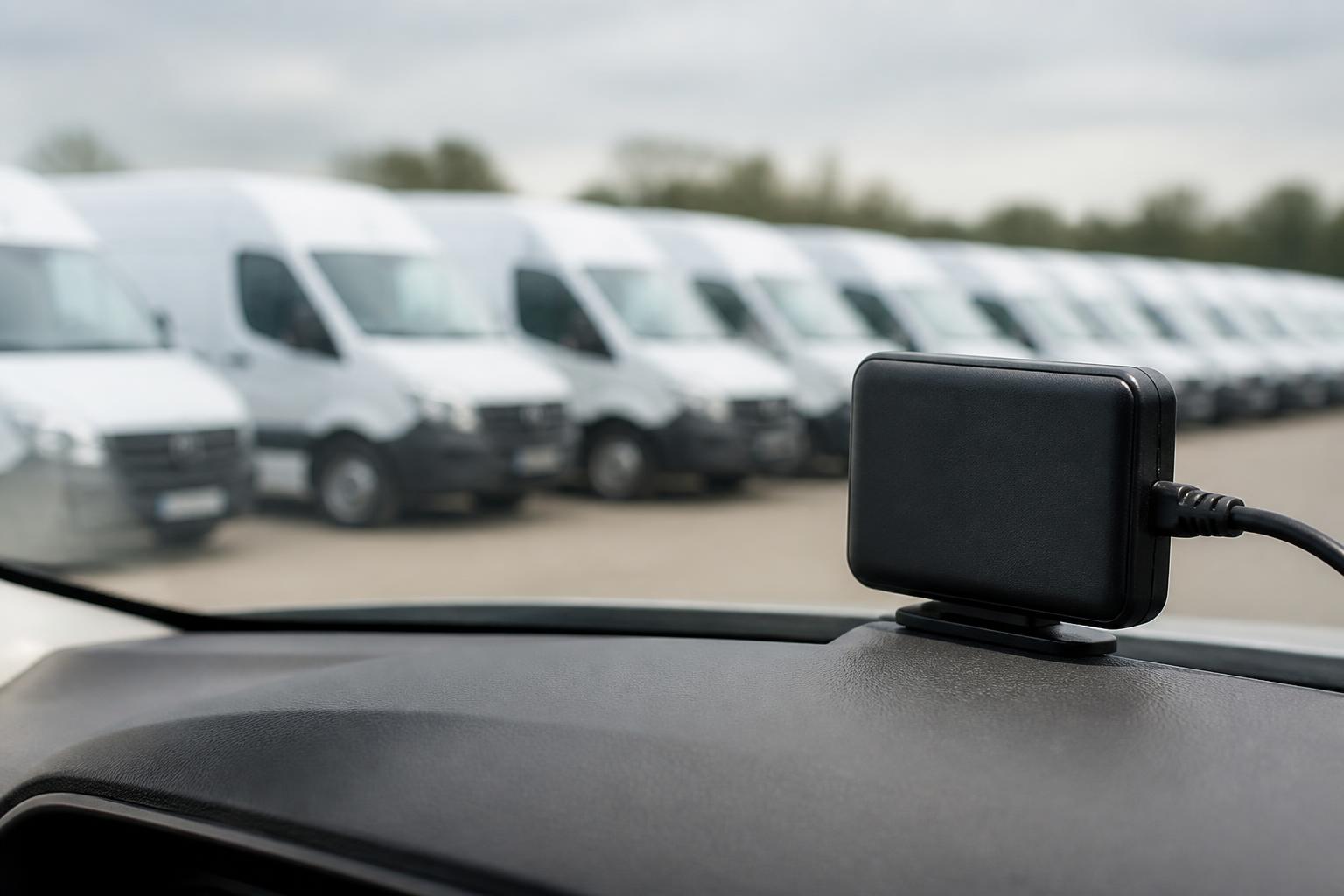
If you run commercial vehicles, the point of GPS tracking is not just to see a moving dot on a map. It is to give your transport team one reliable view of where vehicles, trailers and mobile assets are, what they are doing, and which jobs or exceptions need attention now. Good fleet management GPS tracking turns location data into operational visibility.
That matters most when your day is already full of calls, ETA checks, route changes, missed collections, driver queries and compliance tasks. We built Fleetalyse for that reality. Our platform brings live GPS tracking together with Tachograph data, Smart dashcams and reporting, so you can manage HGV, van, trailer and mixed fleets in one workflow instead of chasing answers across separate systems.
What fleet management GPS tracking actually does
At its core, GPS tracking shows the current and recent position of a vehicle or asset. In a commercial fleet, that is only the starting point. The real job is to help operators answer practical questions quickly.
Where is the vehicle now? Has it reached site? Is it moving, parked, delayed or off route? Which unit is nearest to the next collection? Which trailer has not moved for several days? Which vehicle was at a customer address at 08:17? Which driver is likely to miss a delivery slot because of congestion?
Simple consumer tracking gives you location dots. Operational fleet tracking gives you context. That means live maps, journey history, geofences, alerts, status changes, proof of movement and reporting that can be used by a transport office, not just glanced at on a phone.
For most UK operators, that visibility needs to work across more than one fleet type. A haulage business may need to track tractor units, trailers and support vans. A mixed operator may need one view across HGV, LCV and plant. That is why we support Fleetalyse-ready trackers, unlocked Teltonika hardware and customised rollouts, so the tracking setup matches the vehicles and the way you actually operate.
The map itself matters too. A useful system does not stop at plotting pins. It needs clear vehicle lists, status filters, sensible refresh behaviour and history that helps with review. In Fleetalyse, live tracking sits alongside Fleet insight, so the office can move from map view to operational detail without exporting data into another tool.
For some fleets, the next step is vehicle data, not just position. With compatible installations, CAN data can add extra visibility such as ignition status, fuel-related information or other vehicle signals, depending on the vehicle and setup. That gives a better operating picture than location alone, especially for HGV fleets where utilisation and vehicle behaviour need closer attention.
How UK operators use tracking day to day
In day-to-day UK transport work, tracking earns its place by reducing calls, guesswork and wasted time in the office.
Dispatch is the obvious example. When traffic changes or a job moves, the planner needs to know which vehicle can realistically cover it. Live vehicle positions help you assign work based on actual location, not assumptions from an earlier route plan. If a collection slot changes at short notice, you can see who is nearest and whether sending that vehicle will create a knock-on issue elsewhere.
ETA checks are another constant task. Customers ring for updates. Sites want to know whether a vehicle is 10 minutes away or still an hour out. A proper tracking platform gives the office a current view of route progress and recent stops, so those answers are based on movement data rather than repeated calls to the driver.
Route visibility also matters after the event. If a customer disputes whether a vehicle attended, journey history provides proof of movement. You can review arrival and departure times, dwell periods and route taken. That is often enough to settle routine service disputes quickly and keep the office out of an unnecessary paper chase.
Trailer and asset oversight is where many fleets still have blind spots. Powered vehicles are usually visible. Unaccompanied trailers, generators, welfare units or other mobile assets often are not. That creates wasted time when the yard team, planner or driver has to physically check locations. Bringing trailers and assets into the same map view closes that gap. We cover this in more detail in trailer and asset tracking that cuts blind spots.
Exception handling is where tracking becomes genuinely useful. A vehicle leaves a defined area, arrives late to a regular site, remains stationary too long, moves out of hours, or takes an unexpected route. Instead of searching manually through every vehicle, the office can work from exceptions and focus on what needs intervention. That is a much better use of planner time than watching maps all day.
For owner-drivers and smaller fleets, the day-to-day benefit is often simpler but still important. Tracking creates a dependable record of work done, supports customer communication and reduces reliance on memory when reviewing a week of jobs. For larger operators, the gain is consistency across the team. Everyone sees the same operational picture.
Rollout also affects daily use. Some fleets want devices fitted and managed centrally. Others prefer self-install options for vans or support vehicles. We support both approaches, including self-install fleet tracking without losing control, so buyers can start with the practical route and expand from there.
Why tracking matters for compliance and driver oversight
GPS tracking does not replace legal compliance processes, and it should not be presented as if it does. In the UK, operators still need proper Tachograph management, driver records and the processes required by the Driver and Vehicle Standards Agency, the Traffic Commissioner and working time rules where they apply. What tracking does provide is much better visibility around those tasks.
The first benefit is awareness. If a vehicle is moving when it should be parked, if a route pattern suggests an unexpected delay, or if a unit has been used outside normal hours, the office can see that quickly. That does not prove a compliance breach by itself, but it does help identify where a closer check is needed.
Tracking is also useful for incident review. If there is a complaint, a near miss, a site dispute or an insurance query, location history gives a timeline of movement, stops and route taken. Paired with Smart dashcams, that picture becomes much stronger, because transport managers can review where the vehicle was and what the camera captured around the same time.
For driver oversight, the key is proportion and clarity. Good systems help managers understand utilisation, delays, unauthorised movement or repeated route issues without turning the process into constant driver phone calls. That tends to improve working relationships as much as operations, because drivers spend less time answering avoidable location queries.
Driver hours are where buyers often expect too much from tracking alone. GPS movement can show whether a vehicle is active, but it is not a substitute for Tachograph records. In the UK, and across the EU rules that still apply to relevant operations, legal driving time, breaks and rest must be managed from the proper Tachograph data and associated processes. For fleets involved in international work, the position can become more complex depending on routes, cabotage and applicable drivers' hours rules. Tracking supports awareness, but the legal record remains the legal record.
That is why we put tracking alongside Tachograph workflows instead of pretending one can stand in for the other. A transport office needs to see where the vehicle is, but also whether downloads are current, whether driver card data is available and whether records are in order. Our one platform for tracking, Tachograph and driver hours article explains how that joined-up view helps in practice.
Better records matter too. If a customer challenges an out-of-hours callout, if payroll queries a start time, or if management wants to review vehicle use, GPS history provides a consistent source of evidence. It is not the only record you need, but it is often the quickest one to check first.
What to look for in a fleet tracking system
The right tracking system for a commercial fleet needs to fit the operation, not just the vehicle list. Buyers should look at five things first.
The first is live visibility. Can the office see current positions clearly, filter vehicles sensibly and review status without clicking through multiple screens? A cluttered map is not operational visibility. We use OpenStreetMap as part of a practical live mapping workflow, because the map needs to support decisions, not distract from them.
The second is reporting and history. You should be able to review journeys, stops, dwell time and movement history without exporting raw data every time a customer asks a question. Reporting should help with service review, vehicle use and exception follow-up.
The third is hardware flexibility. Not every fleet wants the same install model. Some buyers want Fleetalyse-ready trackers supplied for a fast rollout. Some have a preferred installer and want unlocked Teltonika devices. Some need a staged deployment across HGV, vans, trailers and assets. The system should support that without forcing one hardware route for every case.
The fourth is support for mixed fleets. A lot of operators do not run one neat category of vehicle. They run artics, rigids, vans, trailers and sometimes non-powered assets as well. A platform that only works well for one class of vehicle creates new blind spots elsewhere. If you operate across categories, make sure the system handles HGV and van requirements properly. We cover the main considerations in choosing GPS tracking that works for HGV and van fleets.
The fifth is deeper vehicle and safety integration. If you want more than dots on a map, ask about CAN data, camera options and Tachograph connectivity. CAN data can add useful operational signals where supported. Smart dashcams add incident context and driver coaching value. Tachograph integration reduces separate admin. These are not extras for later if your office already spends time moving between systems.
Ease of rollout matters as well. Buyers should ask how users get access, how vehicles are added, and how the operation will be supported after install. In Fleetalyse, access and administration are designed for working fleets, including the Customer Portal and Tracker login for day-to-day use. If you are buying online, payment and account setup should also be straightforward. Where relevant, transactions may be handled through Stripe, and UK invoices should show VAT correctly for the purchasing business.
Finally, check the connectivity model. Reliable hardware needs reliable network provision. For many installations that means managed IoT SIMs, chosen for fleet use rather than consumer mobile arrangements that become awkward to support at scale.
Why combining tracking with Tachograph and cameras saves time
Most fleet teams do not struggle because any one task is impossible. They struggle because useful information is split between too many places. One system for GPS. Another for Tachograph downloads. Another for cameras. Another spreadsheet for exceptions. Then the office spends half the day joining it all together.
Combining those functions saves time because the workflow becomes simpler. A transport manager reviewing a delay can see the vehicle position, recent route, driver activity context and any camera evidence without logging into separate products. A planner checking whether a vehicle can take another job has a better picture than location alone. A compliance team member can see whether the records they need are current while still understanding what the vehicle is doing operationally.
That is the practical value of bringing tracking, remote Tachograph downloads, Smart dashcams and reporting into one platform. It cuts duplicate admin, reduces missed information and makes exception handling faster. Instead of asking three systems three different questions, the office works from one operational view.
For mixed fleets, the saving is even greater. Separate systems often grow up around different vehicle types. Vans are handled one way, HGV another, trailers not at all. That creates inconsistency in reporting and a lot of avoidable manual checking. When those fleet elements sit together, the office can manage by exception across the whole operation.
This is also where implementation choices matter. Some operators want a standard package they can deploy quickly. Others need a phased or customised setup. We support both, whether you start with Fleetalyse-ready trackers, bring in unlocked Teltonika devices, or plan a broader commercial rollout.
Our aim is straightforward. We give UK operators one clear operational view, backed by the hardware and workflows needed in real transport businesses. That includes live GPS tracking, Tachograph visibility, Smart dashcams, reporting and support for HGV, van, trailer, asset and mixed fleets.
If you are comparing systems, look beyond the map. The real question is whether your team can use the platform to run the fleet with fewer calls, fewer blind spots and better records. That is what good fleet management GPS tracking should deliver, and it is what we built Fleetalyse to do.
Fleetalyse is operated by Fleeta Limited T/A Fleetalyse.
What is fleet management GPS tracking?
It is the use of GPS devices and software to show where fleet vehicles or assets are, where they have been and how they are being used during daily operations.
Is GPS tracking only useful for large HGV fleets?
No. It can help HGV, van, trailer, asset and mixed fleets. Smaller operators often use it to cut phone calls, check ETAs and keep better movement records.
Can GPS tracking help with compliance?
Yes, by improving visibility of vehicle activity, routes and timings. It supports compliance workflows, especially when used alongside Tachograph data and reporting.
What should a fleet manager look for in a tracking platform?
Look for reliable live tracking, clear reporting, practical alerts, support for your fleet type, hardware choice, and the ability to combine tracking with other fleet functions.
Does GPS tracking replace Tachograph records?
No. GPS tracking and Tachograph data do different jobs. Tracking shows movement and location, while Tachograph records remain central for driver hours and related compliance.