
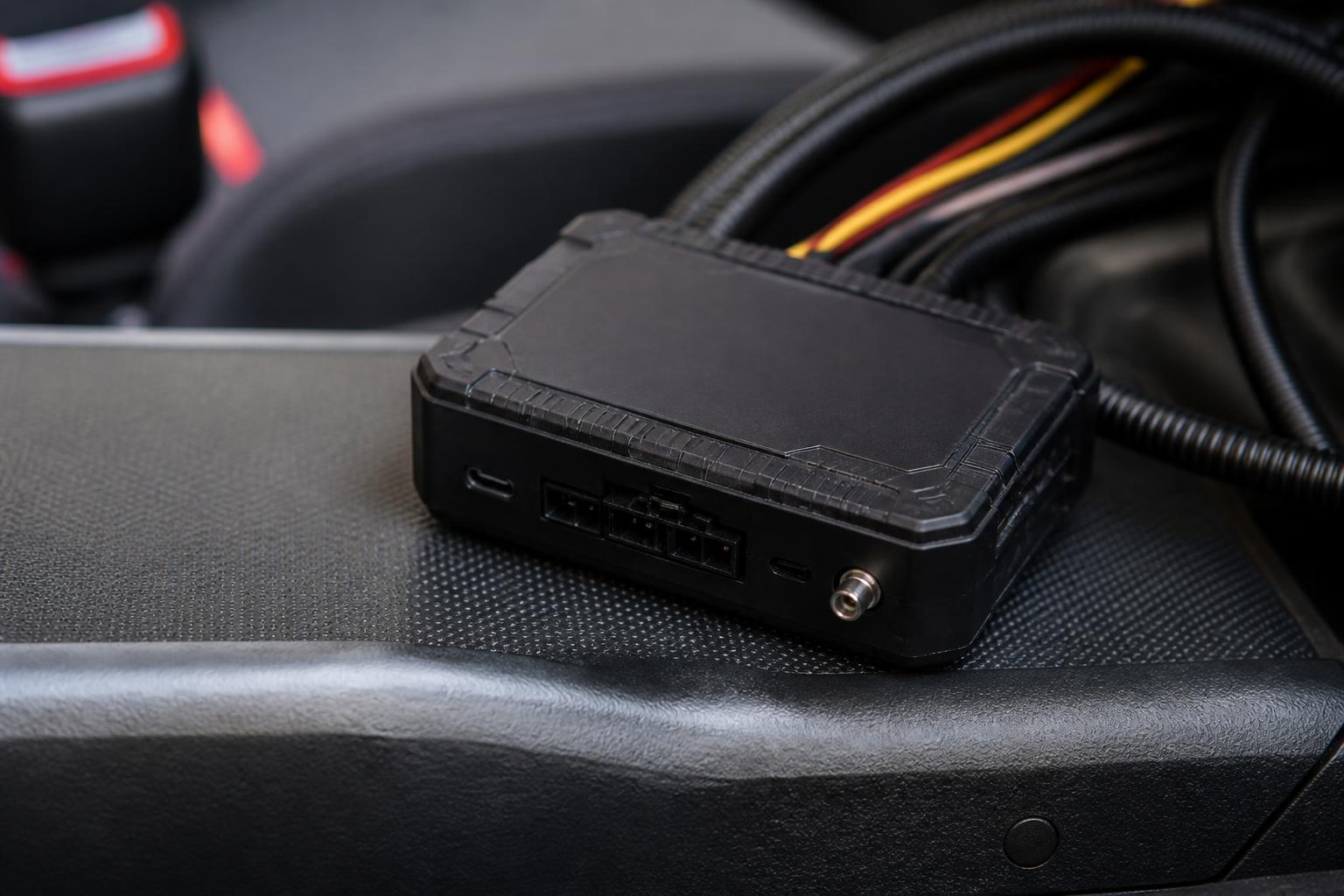
If you are choosing software for Teltonika devices, the key question is not whether a platform can receive tracker pings. Plenty of systems can do that. The real question is whether it turns those pings into something your traffic office, fleet desk and compliance team can actually use every day.
For most UK operators, the better choice is software that works with Teltonika trackers and also supports the rest of the job, live vehicle visibility, driver activity, Tachograph and driver hours oversight, trailer and asset tracking, reporting, alerts and practical rollout support. That is where the difference shows up after installation, when the fleet is moving and someone needs answers quickly.
What to compare beyond basic tracker compatibility
Basic compatibility usually means a platform can ingest location, speed, ignition status and maybe a few extra inputs from a Teltonika unit. That is a technical starting point, not an operational solution.
When we assess Teltonika compatibility for commercial fleets, we look at five practical levels.
First, does the software support the right hardware setup for the vehicle type? A van with a simple ignition based install is one thing. An HGV that needs richer telematics, trailer visibility or CAN data is another. If a platform only handles a generic feed, you may lose useful detail that the hardware can provide.
Second, does the software present that data in a way a transport team can work with quickly? A list of coordinates or a basic map view is not enough when a customer is calling for ETA, a planner is reallocating work, or a fleet manager is checking unauthorised movement out of hours.
Third, does it support workflow, not just visibility? Day to day fleet operations involve exceptions. Late departures, route deviations, long idling, missed vehicle checks, low battery warnings on assets, units going offline, and vehicles entering customer sites. Good fleet software should surface those events without someone manually hunting for them.
Fourth, can it combine tracking with the rest of your fleet operation? This matters most in transport. Operators often start with GPS and then find they still need separate systems for Tachograph, driver hours, Smart dashcams and reporting. That creates duplicate admin and blind spots between systems.
Fifth, is the hardware approach workable in the real world? Some buyers want a fast rollout with Fleetalyse-ready trackers. Others want unlocked Teltonika hardware because they need flexibility around installation, replacement or future fleet changes. The software decision should not trap you into an awkward hardware path.
This is why we advise buyers to compare beyond the phrase “supports Teltonika”. Support can mean anything from basic ingest to a proper operational platform. If you are comparing options for HGV and van operations, our guide to GPS tracking that works for HGV and van fleets sets out the practical differences clearly.
How live GPS data becomes usable fleet visibility
Live GPS data is only useful if dispatchers, planners and managers can read it fast and trust what they are seeing. With Teltonika trackers, the software layer should turn raw movement into clear fleet visibility.
Start with the map. A good live map should do more than plot dots. Operators should be able to see vehicle status at a glance, moving, parked, idling, ignition on, ignition off, offline, or out of coverage. It should be easy to filter by depot, region, fleet type or vehicle group so the screen stays usable on a busy day.
Map quality also matters. Some teams prefer OpenStreetMap based views for clarity and coverage. The important point is not the map brand by itself, but whether the mapping supports operational decisions, route context, site recognition, road level detail and quick drill down into a vehicle’s recent activity.
Then look at status views. A proper fleet list should show more than registration and last position. We expect to see current address, last update time, speed where relevant, ignition state, journey status and any active alerts. For mixed fleets, the platform should let users separate powered vehicles from trailers and non powered assets without losing the ability to view everything together.
Alerts are where many systems fall short. If software accepts Teltonika data but does not let you turn it into useful exceptions, staff end up watching screens instead of managing by event. We look for configurable alerts around movement, geofence entry and exit, after hours use, prolonged idling, low device battery where relevant, power disconnect, and tracker offline conditions. The best alert setup is the one that routes useful information to the right person, not one that generates noise.
History is just as important as live view. When a customer disputes an arrival time or a vehicle is reported at the wrong site, you need a clean timeline. That means replay, stop history, route trace, ignition events and location breadcrumbs that can be understood without exporting raw data. In practice, transport teams often need to answer questions from planners, customers, workshop staff and management, all from the same history screen.
Reporting should also be tested properly during a software review. Ask to see journey reports, stop reports, idling summaries, utilisation views and exception based reporting. If you operate commercial vehicles, reports should help you identify underused units, repeated waiting time at customer sites, route inefficiency and recurring late starts. The best reporting is not the longest report list. It is the set of outputs your team will actually use in weekly operations.
A useful test is this. If one of your vehicles leaves the depot late, spends too long at a collection point and then stops unexpectedly on route, can someone in the office see that quickly, confirm the facts and act on it without switching systems? If not, you may have a tracker feed, but you do not yet have Fleet insight.
When Tachograph and driver hours matter more than dots on a map
For transport operations, especially HGV fleets, the map is only part of the picture. A vehicle can be exactly where it should be and still create a compliance problem if the driver’s time is running out or remote downloads are not being managed properly.
This is where software that combines tracking with Tachograph and driver hours visibility becomes far more valuable than a standalone tracking screen. In UK road transport, operators need to stay on top of driver activity, available time, infringement risk and download routines. A separate Tachograph system can do some of that, but it often leaves the transport office toggling between platforms and spreadsheets.
When tracking and driver hours are visible together, dispatch decisions improve. A planner can see where the vehicle is and whether the driver has enough time left for the next job. A transport manager can spot issues before they become missed deliveries or compliance headaches. You are not just asking “Where is the truck?” You are asking “Can this job still be completed legally and sensibly?”
This matters because UK operators work within specific domestic and retained rules, not a generic EU view. Driver hours and Tachograph obligations in Great Britain are shaped by UK legislation and enforcement practice. For fleets crossing borders, EU rules may also apply depending on the journey. Software should help you see the operational position clearly, but it does not remove the need to apply the correct legal regime to the work being done.
We see the biggest benefit where live tracking, remote downloads and driver time visibility sit together in one platform. It reduces duplicate admin and shortens the gap between a compliance issue appearing and someone acting on it. For many HGV operators, that is more valuable than adding another tracking map with slightly different icons.
If this is a priority area, our article on HGV fleet software that cuts compliance blind spots explains what to check in more detail.
Why mixed fleets need more than a vehicle tracking screen
A lot of fleets are not neat. They include HGV units, vans, trailers, plant, generators, welfare units, specialist equipment and temporary subcontract assets. Software that works for one vehicle type only can create more fragmentation, not less.
For HGV fleets, the need is usually broader than location. Operators often want vehicle visibility, Tachograph status, driver hours, utilisation and event history in one place. They may also want a path to Smart dashcams for incident context and driver coaching.
For van fleets, the emphasis is often on live dispatch visibility, route history, after hours use, idling and proof of attendance at customer sites. The software still needs to be robust, but the daily workflow is different from linehaul or trunking.
For trailers, the challenge is that they are easy to lose sight of operationally even when they are not physically lost. Teams need to know where a trailer is, how long it has been stationary, whether it has moved unexpectedly and how trailer activity relates to the powered fleet. A trailer on the wrong customer site for several days is not just a tracking issue. It affects utilisation and service.
For assets, especially battery powered devices, software should make non powered equipment manageable without pretending it behaves like a truck. Update frequency, battery life, movement alerts and recovery visibility matter more than second by second mapping.
For mixed fleets, the real test is whether the platform can handle all of this together. We look for shared views with sensible filtering, common reporting logic, and the ability to group assets by operational purpose while still giving management one overall picture. If HGV data sits in one system, trailer data in another and assets in a third, the office ends up rebuilding the truth in spreadsheets.
That is why we focus on one platform approach. Fleetalyse is designed to bring together live GPS tracking, Tachograph visibility, Smart dashcams and fleet reporting across HGV, van, trailer, asset and mixed fleets. If trailer and asset visibility is part of your shortlist, our guide to trailer and asset tracking that cuts blind spots is worth reading alongside this one.
Questions to ask about hardware, rollout and support
Once the software looks right, the next step is to test how the hardware and rollout will actually work. This is where many buying decisions go wrong, especially when the demo looked fine but the deployment details were vague.
Start with the tracker route. Ask whether you can begin with Fleetalyse-ready trackers for a faster rollout, or whether you can buy unlocked Teltonika hardware if you want more flexibility. “Unlocked” matters because some fleets do not want to be tied to a closed hardware arrangement, especially if they manage installations across multiple vehicle types or use their own installers.
Next, ask what data the chosen device setup will actually deliver. Not every install gives the same result. If you want ignition, movement, input events, CAN data or richer telematics, confirm that the selected Teltonika model and installation method support that outcome. The phrase “Teltonika compatible” does not answer this on its own.
Then ask who is handling installation. For some fleets, self install is practical, especially with straightforward van or asset deployments. For others, professional installation is the safer route because downtime, wiring standards and vehicle complexity matter. We support both structured rollout planning and practical installation routes, rather than treating every fleet as the same. If you are considering a self install project, our article on self-install fleet tracking without losing control covers the checks that matter.
SIM and connectivity setup should also be clear. Commercial tracking depends on reliable mobile data, and that means asking what IoT SIMs are being used, what network approach sits behind them, how roaming is handled where relevant, and what happens if a device goes offline. Buyers should know whether the service includes data setup and ongoing monitoring, not just a box in the post.
User access is another practical area. Ask how your team will access the platform, how roles are managed, and whether different users can be restricted to their own regions or functions. In Fleetalyse, access and administration should be straightforward, including the Customer Portal for account management and the Tracker login for day to day platform use where applicable.
Commercial setup should be transparent too. If you are ordering online components or services, payment handling should be clear, including whether Stripe is used for secure checkout. If you are a UK business, invoices should show VAT correctly. Where the contracting entity matters for procurement, it should be stated clearly, including Fleeta Limited T/A Fleetalyse.
Finally, ask what support looks like after go live. Not just “Do you have support?” but who helps with device replacement, data checks, user setup, alert tuning, report changes and fleet expansion. A fleet platform is not finished on installation day. It needs to keep matching the operation as vehicles, drivers and compliance priorities change.
Choosing software for Teltonika trackers is really about choosing the operating view you want for your fleet. If all you need is a moving dot, the market is wide. If you need one clear view of vehicles, drivers, compliance and utilisation, the shortlist becomes much narrower. That is where we focus, practical software, workable hardware choices and support that fits UK commercial fleet operations.
Does software work with Teltonika trackers if the hardware is unlocked?
It can, but buyers should check more than connection. Confirm what data is supported, how reliably it appears in the platform, and whether the setup suits the fleet’s daily reporting and operational workflows.
What should a transport operator expect from Teltonika fleet software?
At minimum, clear live GPS tracking, journey history, vehicle status and reporting. Many operators will also want Tachograph visibility, driver hours information and Smart dashcams in the same system.
Is basic map tracking enough for an HGV fleet?
Usually not. HGV operators often need compliance visibility, driver hours awareness, reporting and a practical daily workflow, not just vehicle locations on a map.
Can one platform cover vans, HGV, trailers and assets together?
Some platforms can. Buyers should check whether the software gives one usable view across different vehicle and asset types rather than splitting them into separate tools or partial reports.
Why compare support and rollout as well as software features?
Because a good feature list does not guarantee a smooth deployment. Installation, device setup, data checks and ongoing support affect how quickly the system becomes useful to the operation.