
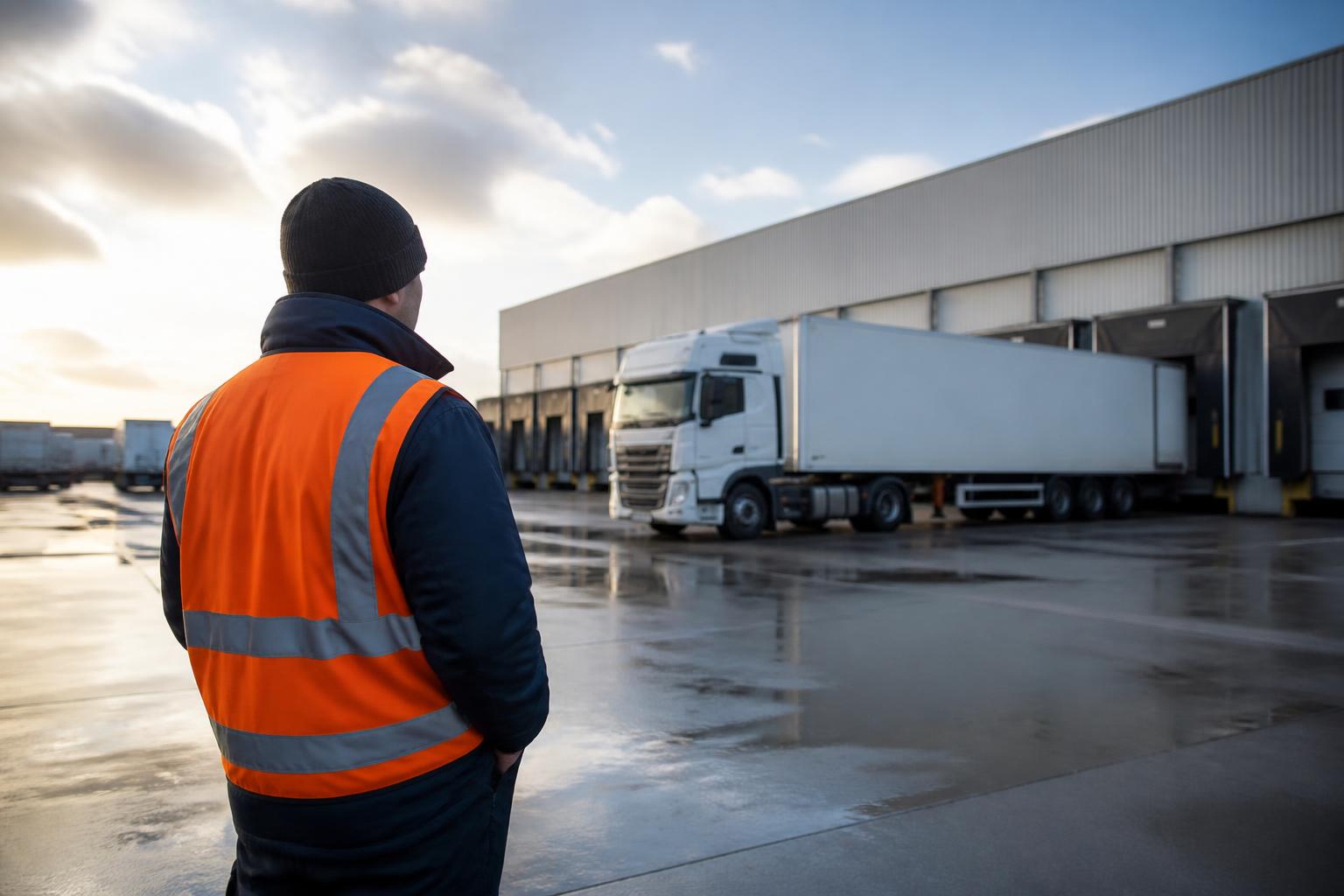
A freight tracking system cuts delays by replacing guesswork with live operational visibility. Instead of waiting for a missed ETA, a driver call, or a customer complaint, we can see where a vehicle is, whether it is on route, when it arrived, how long it has been stationary, and what changed during the job. That closes the blind spots that cause avoidable chasing, late reactions, and poor handovers between traffic office, compliance, and customer service.
For UK transport operators, the real value is not just a moving dot on a map. It is having location, driver activity, vehicle events, and reporting in one working view, so we can manage exceptions while the day is still recoverable. When tracking sits alongside Tachograph, driver hours, Smart dashcams and fleet reporting, it becomes part of transport control rather than a separate screen that someone checks after the problem has already happened.
What a freight tracking system actually does
In practical fleet terms, a freight tracking system collects data from the vehicle or asset and presents it in a way that helps the operation run. At the basic level, that means live GPS position, speed, status, and trip history. In a better operational setup, it also means alerts, geofences, reporting, driver-linked activity, trailer or asset visibility, and a clear record of what happened during each journey.
That distinction matters. Simple location tracking tells us where a vehicle is now. Operational freight visibility tells us what that means.
For example, a vehicle appearing near Birmingham is not especially useful on its own. What matters is whether it is on the planned route, whether it has already attended the delivery point, whether it has been delayed at a site, whether the driver is close to a break limit, and whether customer service can give the consignee a reliable update without ringing the driver.
A proper freight tracking system should help answer questions such as:
- Has the vehicle actually departed?
- Is it moving, idling, parked, or delayed on site?
- Did it enter or leave the delivery location?
- Has it deviated from the expected route?
- How long did loading, waiting, and unloading take?
- Can we review the full journey afterwards?
For HGV and van fleets, this is where tracking starts to support dispatch, planning, customer communication, and compliance together. The best systems do not force the office to piece that picture together from separate apps, spreadsheets, and phone calls.
At Fleetalyse, we build around that joined-up view. A tracking device is only one part of the job. The real operational gain comes from seeing tracking in the same platform as Tachograph downloads, driver hours, Smart dashcams and reporting, so the transport office can work from one source of truth instead of five.
Which day-to-day problems it helps solve
The daily problems a tracking system solves are usually not dramatic. They are repetitive, expensive, and time-consuming. They are the ten small blind spots that create one bad day.
Late deliveries are the obvious example. If a vehicle is delayed by traffic, held at a customer site, or sent off route, live tracking gives the office time to react. We can update the next job, warn the customer, adjust the sequence, or reallocate work. Without that visibility, the first sign of a problem is often a missed booking slot or an angry call asking where the load is.
Missed updates are another common issue. In many fleets, customer service or planners still rely on calling drivers for status checks. That creates interruption in the cab and delay in the office. With live GPS tracking, journey history, and geofence events, the office can often answer the question directly. If a customer asks whether the vehicle has arrived, we should not need three phone calls and a guess.
Unknown vehicle status causes similar friction. A vehicle that is not moving could be parked legally on break, waiting to tip, delayed in traffic, or broken down. The office needs enough context to tell the difference. Tracking data, especially when matched with driver activity and map history, helps us see whether the delay is operational, compliance-related, or mechanical.
Route deviations are another area where visibility matters. Not every deviation is a problem, but unplanned route changes can affect ETA, fuel use, tolls, and customer commitments. In some operations they can also raise security concerns. Geofences and alerts help us spot exceptions early, whether that is an unauthorised stop, a missed depot visit, or a trailer leaving a defined area.
Customer queries become easier to handle when the answer is already in the system. Instead of saying, “we will check with the driver and call you back”, we can often confirm that the vehicle is 20 minutes away, on site, or has completed the drop. That speeds up communication and reduces pressure on drivers, especially in busy delivery windows.
This is particularly important for mixed fleets. A business running HGV, van, trailer and plant or asset movements does not need separate visibility tools for each one. It needs a consistent operational picture. That is why we focus on one platform for different fleet types, not a patchwork of disconnected services. If you want to see how that works in day-to-day use, our guide to tracking that works for HGV and van fleets goes into the practical differences.
What data matters most to UK transport operators
Not all tracking data is equally useful. For UK operators, the best buying decisions usually come down to whether the system gives the transport team the data it can actually use during the day, and whether that data is easy to review afterwards.
Live GPS position is the starting point. We need current location, sensible refresh intervals, and map views that are clear enough for quick decisions. A crowded traffic desk does not need a complicated visualisation. It needs a reliable map and a fast way to find the right vehicle. Good support for OpenStreetMap based views can be useful here, particularly where operators want practical mapping without unnecessary clutter.
Journey history is just as important as live view. When a customer disputes an arrival time, when a missed slot needs investigating, or when a planner wants to review wasted mileage, the office needs a clear trip record. That should show departure, route taken, stop points, arrival, dwell time, and return if relevant.
Geofences are one of the most useful tools in daily fleet work. A geofence is simply a virtual boundary around a depot, customer site, delivery point, or restricted area. Once set up, it allows us to record site arrivals and departures automatically and trigger alerts when a vehicle enters or leaves. This is often more useful than manual status updates, because it creates a consistent event trail across the fleet.
Alerts matter when they are targeted. Operators should be able to set alerts for route deviations, out-of-hours movement, excessive idling, unauthorised use, battery issues on assets, or missed site events. Too many alerts create noise. The right alerts help the team act on exceptions.
Driver activity also matters, especially where the operation wants to link movement with compliance and working time context. Tracking alone tells us where the vehicle went. When paired with Tachograph and driver hours information, it becomes much easier to understand why the vehicle stopped, whether a break was due, and how much driving time remains.
Reporting is where raw data turns into management information. UK operators typically need reports on utilisation, mileage, stop duration, route efficiency, idling, site attendance, and exception events. For some fleets, access to CAN data can add another layer, such as vehicle performance or engine-related information, though the exact availability depends on vehicle type and installation method.
Hardware and connectivity also affect data quality. Stable devices, correct installation, and suitable IoT SIMs all make a difference to how reliable the feed is, especially across mixed commercial fleets and trailers. A good platform should not assume every operator has the same vehicle profile or installation preference.
That is why we support several rollout routes, from Fleetalyse-ready trackers to unlocked Teltonika hardware and larger custom deployments. Some operators want a fast self-install option. Others need a planned commercial rollout across HGV units, vans, trailers and non-powered assets. The key is to make the data consistent once it reaches the platform. Our article on self-install tracking without losing operational control covers that balance in more detail.
How tracking fits with compliance and driver workflows
Tracking works best when it supports the way the transport operation already runs. In UK fleets, that usually means it needs to sit alongside compliance and driver workflows, not apart from them.
For HGV operations, Tachograph data and driver hours are central. Tracking does not replace those functions, but it adds context around them. If a vehicle is stationary on route, it helps to know whether the stop lines up with a break, a loading delay, or an issue that needs intervention. If a planner is allocating work, it helps to see both vehicle location and remaining driver availability in the same operational flow.
This joined-up view is especially useful where remote Tachograph downloads are already part of the process. Instead of treating tracking and compliance as separate admin tasks, we can use them together to support dispatch decisions, exception handling, and end-of-day review. In the UK, driver hours rules follow GB domestic or assimilated EU drivers’ hours rules depending on operation type. That distinction matters, and the platform should support the real compliance process the operator works under, rather than assuming one generic rule set for every fleet.
Smart dashcams add another layer of visibility. If a harsh braking event, collision, or disputed incident happens, linked camera footage can help the office review what took place and respond faster. That is useful for safety, insurance handling, driver support, and customer disputes. It also means the tracking record is not just a route log. It becomes part of a broader operational timeline.
Fleet reporting matters here too. Transport managers need to review not just where vehicles went, but how the fleet performed. Were delays concentrated at a certain customer site? Are some routes regularly causing missed slots? Are there recurring out-of-hours movements? Are certain vehicles underused? A proper reporting layer turns day-to-day events into something we can improve.
We see the biggest gains when these tools are not split across multiple logins and suppliers. If the team needs one system for GPS, another for Tachograph, another for cameras, and another spreadsheet for exceptions, blind spots remain. That is exactly the problem we built Fleetalyse to reduce. Our guide to one platform for tracking, Tachograph and driver hours explains how that combined workflow helps the office stay ahead of issues instead of reconstructing them later.
For customer-facing operations, access can matter as well. Some fleets want a controlled Customer Portal so customers or subcontractors can see selected job or vehicle information without exposing the full fleet view. Others need a simple Tracker login for internal teams who only require tracking access, not the wider reporting and compliance tools. The right setup depends on how the business shares information, but the principle is the same. Access should support the workflow, not complicate it.
What to check before choosing a system
Before choosing a tracking system, we recommend looking beyond the headline feature list. The practical questions are usually about rollout, usability, and whether the system will still work once it is part of the daily operation.
Start with hardware options. Some fleets want plug-and-play devices. Others need hardwired units, trailer trackers, battery-powered asset devices, or camera-linked installations. If the fleet is mixed, the provider needs to support more than one hardware type without forcing the business into separate portals. We offer Fleetalyse-ready trackers for straightforward deployment, support unlocked Teltonika devices where that suits the operator, and can plan larger rollouts where installation and configuration need tighter control.
Check mixed fleet support carefully. A lot of systems are acceptable for vans but weak on HGV compliance context, trailer visibility, or asset tracking. Others handle powered vehicles well but become awkward once trailers, plant, or temporary assets are added. If your operation includes more than one fleet type, test how the platform handles them in the same view.
Look closely at map views and day-to-day usability. Can the traffic office find the right vehicle quickly? Can it filter by fleet, depot, or status? Can it review trip history without exporting data first? Does the map view support practical operational work, or is it built more for demonstration than daily use?
Reporting should also be tested properly. Ask what reports are available out of the box, how easily they can be filtered, and whether they reflect the way your operation is measured. Good reporting should reduce spreadsheet work, not create another export that someone has to tidy up manually.
Rollout needs are often underestimated. A self-install project can work very well, but only if device assignment, vehicle naming, alert setup, and user access are handled properly. Larger fleets may need staged deployment, installer coordination, and training for transport office users. The right provider should be able to support either route without losing data consistency.
It is also worth checking how commercial and account processes work. If the platform includes online purchasing or subscription management, understand how billing is handled, whether VAT is shown clearly, and whether payment processing uses a recognised service such as Stripe. Buyers should also know who they are contracting with, in our case Fleeta Limited T/A Fleetalyse.
Finally, avoid disconnected systems wherever possible. A cheap tracker can become expensive if it creates another login, another support contact, another report format, and another blind spot between operations and compliance. The better question is not “does it track vehicles?” but “does it fit the way we run the fleet?”
That is where a joined-up platform matters. Fleet insight comes from combining location, activity, compliance and safety data into one operational picture. When we can see vehicles, drivers, events and reports in the same place, we spend less time chasing updates and more time managing the fleet.
A freight tracking system should do more than show dots on a map. It should help us prevent delays, answer customer questions quickly, spot route and site issues early, and support compliance without adding another disconnected tool. For UK transport operators, that is what turns tracking from a basic feature into a useful part of daily control.
Is a freight tracking system only for large haulage fleets?
No. Smaller operators can use it to reduce phone chasing, confirm arrivals, review routes and keep a clearer record of vehicle activity without relying on spreadsheets.
What is the difference between vehicle tracking and freight tracking?
Vehicle tracking shows where the unit is. Freight tracking is broader: it helps operators understand movement, timing, exceptions and delivery progress in an operational context.
Can tracking help with customer ETA updates?
Yes. Live GPS location, route history and geofence events can help operators give more accurate ETA updates and respond faster when a job starts to slip.
Does a tracking system replace Tachograph tools?
No. Tracking and Tachograph serve different purposes. Many operators get better results when location data and Tachograph workflows sit alongside each other in one platform.
What fleets can use this type of system?
It can be used across HGV, van, trailer, asset and mixed fleets, provided the platform and hardware setup match the vehicles and the reporting needs of the operation.