
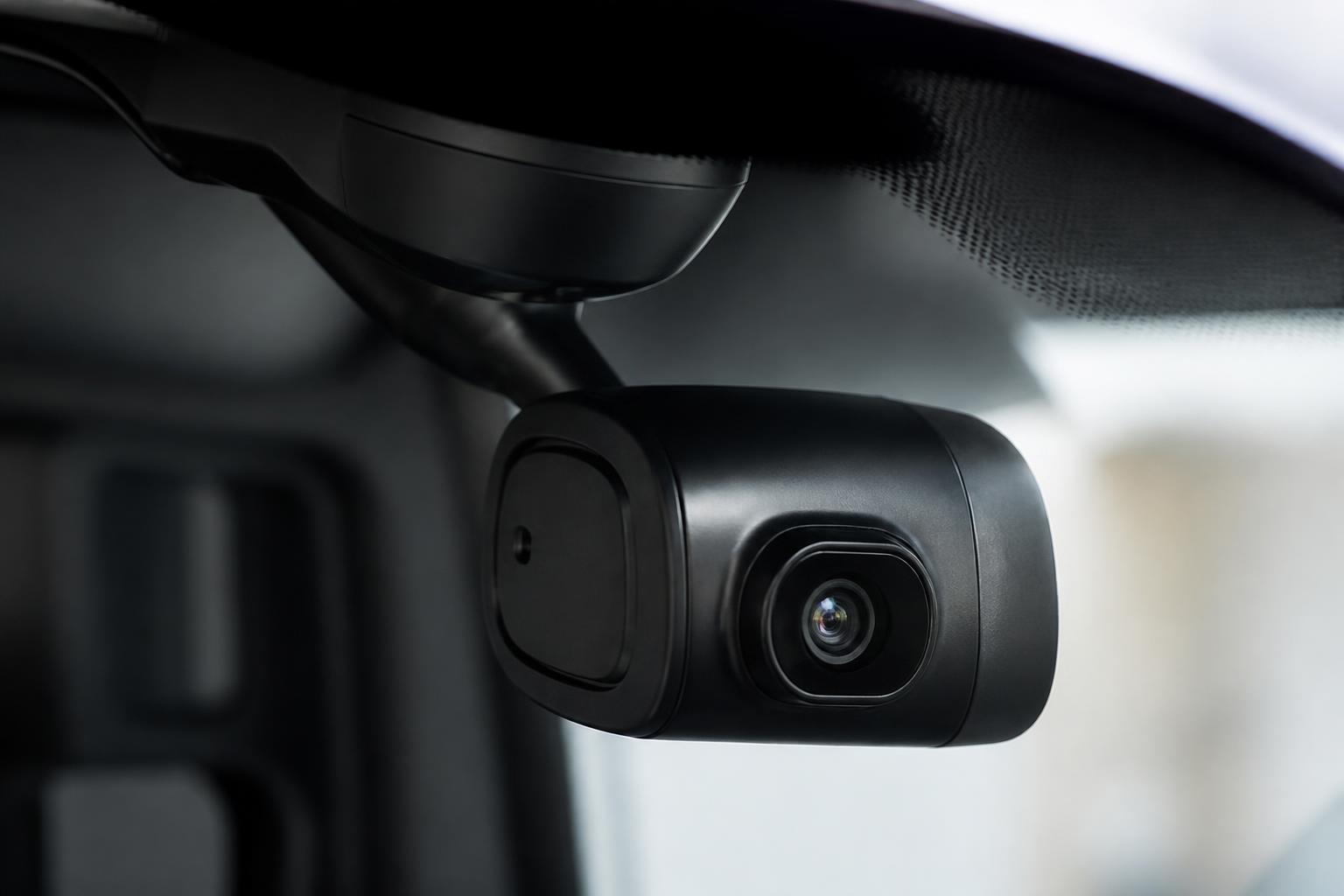
A combined camera and tracking setup gives van operators two things in the same place, vehicle movement and visual context. We can see where a van is, where it has been, how it is being driven, and what happened before and after an event without switching between separate systems or chasing footage after the fact. For most fleets, that is the real value of a smart dash cam and GPS tracker for vans, one operational view instead of disconnected data.
In day to day use, this is less about gadgets and more about quicker decisions. When a customer asks where a van has been, when a driver reports an incident, or when a manager needs to understand repeated delays, live GPS and connected video answer the question faster than phone calls, spreadsheets and memory. With Fleetalyse, we bring tracking, Smart dashcams and reporting together so van fleets can work from one platform.
What a combined dashcam and GPS setup does for van fleets
When operators talk about a smart dash cam and GPS tracker for vans, they usually mean a connected in vehicle camera linked to live location data, event triggers and a cloud platform. The camera records the road ahead, and in some setups the cab or rear view as well. The tracker sends live GPS positions, trip history and status updates. When the two are integrated properly, a location point on the map is tied to footage, timestamps and event records.
That matters because video on its own is slow to work with, and tracking on its own can leave too much open to interpretation. A map may show a harsh braking event or an unscheduled stop, but not the reason. Footage may show a near miss or a disputed delivery location, but not the full route, stop pattern or previous movement. Together, the picture is much clearer.
For van fleets, the day to day workflow is straightforward:
- The van reports its position at regular intervals through GPS.
- The camera records continuously to local storage.
- Defined events, such as impact, harsh manoeuvres or manual driver triggers, are marked for review.
- The platform links trip data and event footage so transport staff can review both in one place.
In practice, that means we can open a vehicle journey, see where the van was at a given time, and pull the related footage without starting from scratch. If a customer says a van never attended site, the trip record and location history answer the first part. If there is still a dispute, the event footage or journey footage can confirm arrival, road conditions or access issues.
This is especially useful in mixed operations where vans do more than one job type. A fleet may have courier work in the morning, service calls in the afternoon, and occasional long distance runs in between. Different jobs create different risks and different customer questions. A single platform copes better with that than separate systems for tracking, cameras and reporting.
If you are comparing approaches, our guide on linking fleet tracking and dash cams properly covers the practical difference between simply fitting devices and actually integrating them into fleet workflows.
Where van operators see the biggest operational gains
The biggest gains usually come from speed, fewer disputes, and better visibility across the working day. Operators do not buy connected cameras and trackers because they want more screens to look at. They buy them because they want faster answers and less wasted time.
Incident review
This is the most obvious use case. If a van is involved in a collision, clipped mirror claim, reversing incident or near miss, managers need to establish what happened quickly. Without connected systems, someone has to identify the right vehicle, recover footage from the device, match the timestamp to a route, and then decide whether the van was even in the right place at the right time.
With integrated Smart dashcams and GPS, we can review the route and the footage together. That shortens the time between the call from the driver and the first reliable account of events. It also helps distinguish between incidents that need escalation and those that can be closed quickly.
Route visibility and delay analysis
For service fleets and delivery vans, route visibility is often as important as incident evidence. If a vehicle falls behind schedule, the question is rarely just where it is now. The better question is what happened on the route. Did the van get delayed in traffic, spend too long at a previous stop, take an inefficient route, or return to depot unexpectedly?
Live GPS updates, stop history and trip playback help answer that. Video can then add context where needed, particularly for repeated problems such as difficult access, congestion at a regular delivery point, or loading delays.
Driver behaviour checks
Most fleets do not want a camera system simply to catch drivers out. They want a fair way to review driving standards and identify where support is needed. Event based footage and linked trip data make that easier. If a pattern of harsh braking, speeding alerts or abrupt cornering appears, managers can review actual journeys rather than relying on assumptions.
That is useful for coaching, but also for spotting where the route or job design is part of the problem. A driver repeatedly braking hard at the same point may be dealing with a poor junction layout or unrealistic slot timing, not just driving badly.
Customer query handling
Van fleets spend a lot of admin time answering routine questions. Was the van on site. Did it attend the right address. Did it arrive inside the booked window. Why did the job overrun. If proof is spread across separate systems, each query becomes a small investigation.
A combined platform reduces that admin. Location history, trip timings and event footage can be checked from the same record. Some fleets also use a Customer Portal for selected visibility, so internal staff are not manually relaying every vehicle update.
Managing mixed van operations
Many operators do not run a neat, single purpose fleet. They run panel vans, tippers, service vans, welfare vehicles, pickups, trailers and sometimes HGV alongside them. In those businesses, consistency matters. Managers do not want one process for vans, another for trailers, another for HGV compliance and another for workshop planning.
That is where a wider fleet platform helps. Fleet insight improves when the same system can hold live tracking, camera events and related fleet records together. If your operation includes heavier vehicles as well, bringing van tracking and camera data into the same environment as Tachograph records and driver hours oversight avoids yet another disconnected tool.
What to look for before choosing hardware and software
The best setup depends on how your vans are used, who reviews the data, and how much operational detail you need. Before choosing hardware or software, we recommend checking the following points.
Camera type and view
Start with the camera layout. A forward facing camera may be enough for basic incident evidence. A dual facing unit can add inward cab footage where policy and driver consultation support it. Some fleets also want rear or load area coverage, especially where reversing risk or load security is a concern.
The right answer depends on the work. Multi drop urban delivery has different evidence needs from motorway based service work. We usually advise matching the camera type to the incidents you actually need to manage, not buying the highest specification by default.
You can review our 4G camera options for connected vehicle video if you want to compare practical setups rather than generic camera specs.
Live GPS updates
Not all trackers report in the same way. Update frequency, ignition logic, trip detail and signal reliability all affect how usable the data is. For daily van operations, the platform needs to show current location clearly and provide trip history that is accurate enough for dispatch, customer service and incident review.
Hardware choice matters here. Some fleets want simple install devices for lighter use. Others need a more configurable unit, input options, or support for CAN data. Teltonika devices are often chosen because they offer a wide range of install types and use cases, from straightforward van tracking to more tailored commercial deployments.
Event footage and retrieval
Ask how event footage is triggered, stored and retrieved. If a camera records locally but footage retrieval is awkward, the value drops quickly. You need to know whether clips can be pulled remotely, how events are marked, and how easy it is to match a clip to a map event or trip.
This is one of the main differences between a connected fleet tool and a standalone consumer dashcam. In fleet use, the issue is not only whether the camera records. It is whether transport staff can get the right footage quickly enough to act on it.
Reporting and platform usability
Data is only useful if someone can work with it. Look at the reporting options, event views, trip summaries and map tools. Can a transport manager identify exceptions quickly. Can office staff answer customer queries without specialist training. Can supervisors review behaviour trends without exporting everything to spreadsheets.
Map usability matters too. A platform built around practical fleet work should make it easy to search vehicles, replay routes and check event context. OpenStreetMap based mapping is widely used and can work well when implemented properly, but the real test is whether the platform helps staff answer operational questions quickly.
Installation options
Some fleets want a quick rollout with minimal downtime. Others are happy with a booked install programme if the setup is more advanced. Before buying, decide whether you need plug in devices, hard wired trackers, camera fitting by vehicle type, or a staged install plan.
For lighter van tracking needs, many buyers start with Fleetalyse-ready trackers. Others prefer unlocked Teltonika hardware so they can match device type to each vehicle or keep options open for a wider rollout.
If you are comparing tracker types, our guides on choosing an FMC003 tracker for daily fleet visibility and choosing an FMC920 tracker for daily fleet visibility explain where each approach tends to fit.
Data access, SIMs and account handling
Check how the devices connect and who controls the service. Commercial fleets usually want managed connectivity, reliable roaming behaviour where needed, and clear ownership of the hardware and data setup. IoT SIMs are commonly used because they are designed for device connectivity rather than ordinary handset use.
Also check the account side. Buyers often focus on hardware first, but day to day use depends just as much on practical access to the platform, user permissions, exports, and billing. Where online purchasing is involved, payment methods such as Stripe may be part of the setup process, but the bigger question is how easily your team can get from order to live vehicles with the right Tracker login and reporting access.
How integrated systems help with safety, compliance and workflow
The main benefit of integration is not that every fleet function sits on one screen all day. It is that related data is available together when you need to make a decision.
For safety, that means a manager reviewing an incident can see location, route timing and footage in one workflow. For driver management, it means repeated events can be reviewed alongside actual vehicle activity rather than judged in isolation. For customer service, it means a route question does not turn into a separate camera request and a separate tracking request.
For compliance, the value is even clearer in mixed fleets. Vans in the UK do not usually carry the same Tachograph obligations as HGV, but many operators run both. UK rules also differ from some EU general assumptions, especially once you move between domestic van work and regulated HGV operations. If your business has both vehicle types, keeping vehicle visibility, driver hours records for regulated vehicles, and camera events in one platform reduces blind spots between departments.
This is where Fleetalyse is designed to be practical. We bring together live GPS tracking, connected Smart dashcams, remote Tachograph downloads and fleet reporting so transport teams can work from one operational system instead of several disconnected services. That does not remove the need for clear processes, but it does reduce duplicate admin and the risk of one team working from incomplete information.
For example, a transport office might use tracking to monitor route progress, camera events to review a reported near miss, and fleet reports to identify recurring issues by vehicle or route. Workshop or operations staff can then act on the same shared record. That is more efficient than passing screenshots and exported files between systems.
How to plan a rollout for a small or growing van fleet
The best rollout is usually staged, even if the long term plan is fleet wide coverage. A practical rollout avoids over ordering, reduces fitting disruption and gives drivers time to understand how the system will be used.
Start with a pilot group
Choose a small number of vans that reflect real operating conditions. Include vehicles doing different job types if your fleet is mixed. A pilot should test route visibility, event quality, install practicality and office workflow, not just whether the devices power on.
Use the pilot to answer specific questions. Are the GPS updates frequent enough for dispatch. Is the footage quality good enough for incident review. Are events being triggered sensibly. Can office staff find what they need without extra steps.
Communicate clearly with drivers
Driver communication should happen before fitting, not after the first event review. Be clear about what the cameras record, what the trackers report, who can access the data, and how footage will be used. Most resistance comes from uncertainty, not from the hardware itself.
We recommend setting this out in writing and covering it in briefing sessions. Explain the operational reasons, incident evidence, unfair claim protection, route visibility and query handling. If inward facing footage is used, that needs especially clear policy wording and a lawful basis for processing under UK data protection requirements.
Decide policy before scale
Before expanding the rollout, decide how the system will be used in practice. That includes event review responsibilities, footage retention, access rights, driver coaching processes and how customer disputes will be handled. If no one owns the workflow, even good hardware becomes shelfware with a monthly fee attached.
This is also the point to decide whether all vans need the same setup. Some fleets standardise. Others fit higher camera coverage to higher risk vehicles and simpler tracking to lower risk units.
Plan fitting around operations
Van fleets often have less spare time for installs than larger scheduled transport operations. Book fitting around service windows, shift changes or planned downtime. Confirm power requirements, mounting positions and any vehicle specific install issues in advance.
If you are growing quickly, it can be worth choosing a hardware standard early so later additions are easier to deploy. That applies to trackers, cameras, SIM setup and account structure.
Scale with reporting in mind
As the fleet grows, the challenge shifts from collecting data to using it consistently. Make sure the platform supports reporting by depot, team, vehicle type or customer contract if needed. A system that works for five vans can become hard work at fifty if views, permissions and reports are not set up properly.
That is why we usually advise buyers to think beyond the first install. If you expect to add trailers, HGV, asset tracking or broader compliance visibility later, choose a platform that can grow with that plan. Our fleet tracking and connected camera solutions are built for that kind of staged commercial rollout, whether you start with Fleetalyse-ready trackers, unlocked Teltonika hardware, or a more customised deployment.
A combined van camera and tracking system works best when it is treated as part of operations, not as a bolt on gadget. If the hardware is reliable, the platform is usable, and the rollout is planned properly, you get faster incident review, better route visibility, clearer driver oversight and less admin chasing answers across separate systems. That is the practical case for bringing van tracking and video together in Fleetalyse.
What is the benefit of having GPS and a dashcam together in a van?
You can see where the van was and what happened at the same time. That makes incident review, driver support and customer query handling much quicker than using separate systems.
Are Smart dashcams only useful after an accident?
No. They are also useful for reviewing harsh events, checking driving context, supporting coaching and understanding what happened during delays, missed drops or disputed visits.
What should a van fleet check before buying a system?
Check camera coverage, video access, GPS update quality, reporting, installation method, data retention, platform usability and whether the system fits your existing fleet workflow.
Can small van fleets use this type of setup?
Yes. Smaller operators often benefit from clearer visibility and less manual chasing, especially when one person is handling vehicles, drivers, incidents and customer updates.
Why does one platform matter for van fleet management?
One platform reduces switching between tools. Tracking, video and reporting are easier to review together, which helps operators make quicker decisions and keep records in one place.