
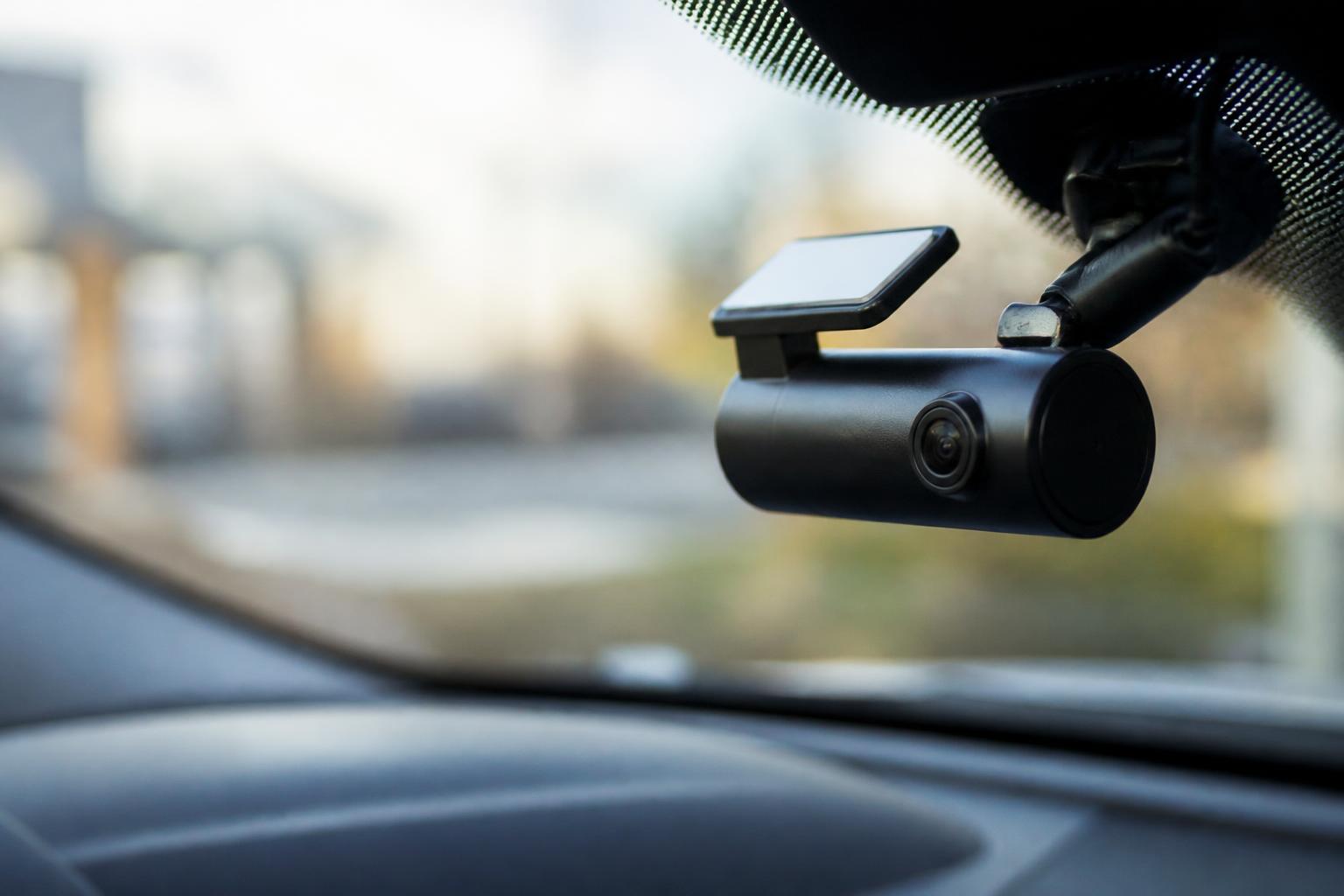
When fleet buyers ask us about wireless dash cams, they are usually trying to solve an operational problem, not chase a feature list. They want cameras that are quicker to deploy, easier to move between vehicles, and simpler to access when an incident happens. In practice, that normally means wireless transfer of footage and remote access through a mobile data connection, not a camera that works with no wiring at all.
For working fleets, that distinction matters. A dash cam can upload clips over 4G or Wi-Fi and still need a proper wired power supply for reliability. If we treat "wireless" as the only buying criterion, we can end up with a camera that is easy to fit on day one but harder to trust when we need evidence, driver context, or a clear incident timeline. The right choice is usually the one that removes admin while still fitting how vans, HGV operations, and mixed fleets actually run.
What fleet buyers usually mean by wireless dash cams
In day-to-day fleet use, wireless dash cams usually mean cameras that send footage without someone physically removing an SD card from the vehicle. That can include:
- 4G-connected cameras that upload event footage over mobile data
- Cameras that sync over Wi-Fi when a vehicle returns to base
- Systems that let us view live or recent footage remotely through a platform
That is different from a truly cable-free consumer device. In commercial vehicles, most cameras still need wired power, either through a hardwired install or a professionally fitted connection into the vehicle's electrical system. That is not a flaw. It is often what makes the camera dependable enough for fleet work.
A battery-powered unit with no fixed power source may look neat in a product listing, but in a commercial fleet it can create more work than it removes. We need the camera to start with the vehicle, stay powered on shift, and keep recording through long driving hours, stop-start activity, and temperature changes. A hardwired power feed usually supports that better than a device that relies on charging cycles or ad hoc handling by drivers.
So when we discuss wireless dash cams with operators, we usually break the term into two parts:
- How the camera is powered
- How the footage is accessed and transferred
For most UK fleets, the useful part of "wireless" is the second one. Remote footage access is what saves admin. It avoids manual card collection, avoids taking vehicles off the road for evidence retrieval, and gives transport teams a quicker route to check what happened. That is where connected cameras earn their place.
This is also why many operators move away from stand-alone camera systems and toward connected devices that sit inside a wider platform. If footage, vehicle location, and driver activity all live in separate systems, "wireless" only solves part of the problem. If the camera is linked into the same operational view as GPS tracking and reporting, we get a faster answer when a customer calls, a claim lands, or a manager needs to check a driving event.
Where wireless dash cams help most in day-to-day operations
The biggest benefit of wireless dash cams is not that they look modern. It is that they reduce friction in everyday fleet tasks.
For van fleets, one of the clearest advantages is speed of deployment. If we are adding vehicles quickly, rotating temporary vehicles into service, or replacing units at short notice, a connected camera with a straightforward fitting method can be deployed without creating a backlog of manual footage handling. The same applies to leased vehicles that may not stay in the fleet for years. We still want a proper installation, but we do not want a system that creates extra workshop time every time the fleet changes shape.
For HGV fleets, the value is often in incident access. When an allegation comes in, a near miss is reported, or a customer queries a delivery issue, the transport office needs footage quickly. Waiting for a truck to return, then locating the right file on a memory card, is slow and disruptive. Remote event upload gives us something to review while the vehicle is still out working.
Mixed fleets benefit in a slightly different way. Cars, vans, HGV units, trailers, and specialist assets often sit under one management team but not one neat operating pattern. Some return to the yard every night. Some stay out. Some are swapped between drivers. Wireless access makes the camera estate easier to manage because we do not need one retrieval process for local vehicles and another for long-distance ones.
There is also a practical advantage where vehicles are shared. In operations with pool vans, agency cover, subcontract support, or changing driver allocations, cameras that can be checked remotely reduce the need to chase individual drivers for details before we even know whether an event needs investigation.
The day-to-day use cases where connected cameras make the biggest difference tend to be these:
- Faster incident review
- Less vehicle downtime for footage retrieval
- Easier support for vehicles away from base
- Simpler management of temporary or changing vehicle allocations
- Better visibility for transport managers handling multiple sites or mixed fleet types
This is particularly useful when the camera is not treated as a separate safety gadget but as part of daily fleet control. We cover that in more detail in our guide to dash cams that fit daily fleet control.
Another point that matters in real operations is installation consistency. Wireless footage transfer can make it easier to standardise the fleet because we are not designing our processes around who can physically reach the vehicle. That helps if our operation spans depots, home-based drivers, or vehicles that are rarely all in one place.
What can go wrong if wireless is the main buying reason
Convenience matters, but it should not be the only reason we choose a camera. If we buy on "wireless" alone, there are several trade-offs that can catch us out later.
The first is signal reliability. A 4G-connected camera depends on mobile coverage and network conditions. In some areas, uploads will be immediate. In others, they may queue and send later. For fleets working in rural areas, ports, quarries, industrial estates, or cross-border routes, this matters. In the UK, coverage can vary widely by route and depot. A camera that stores footage locally and uploads key events when signal allows is usually more dependable than one that assumes constant connectivity.
The second is delay. Wireless footage is not always instant footage. Large video files take time to send, particularly if resolution is high or the connection is weak. If an operator expects every journey to be available in full, immediately, they may be disappointed unless the product and data setup are designed for that use case.
The third is power. This is the point many buyers underestimate. A camera with wireless transfer still needs stable power if it is going to record properly, upload events, and stay available during the working day. A loose plug-in arrangement may be acceptable for light use, but in a working fleet it can lead to missed footage, accidental disconnection, and arguments about whether the device was active at the time of an incident.
The fourth is storage and retention. Some wireless systems only upload triggered clips, not continuous footage. That can be fine if our policy is event-led, but not if we need broader context before and after the incident. We should be clear about what is stored on the device, what is uploaded automatically, how long it is retained, and what happens if the vehicle is out of signal for a period.
The fifth is missing context. A clip on its own can be less useful than operators expect. Without exact time, location, speed profile, journey history, and driver identification, the footage may answer only part of the question. We may see a braking event, for example, but not know which route the vehicle was on, whether it was delayed, whether the driver had changed mid-shift, or what happened in the minutes leading up to it.
There is also a policy risk. If the fleet introduces cameras because they are easy to fit but does not set clear rules on who reviews footage, how long it is retained, and how drivers are informed, the admin does not disappear. It simply moves downstream into disputes, inconsistent use, and extra manual checking.
In the UK, camera use in work vehicles also needs to sit properly with data protection obligations. That means having a lawful basis, clear driver information, and sensible retention rules. If audio is involved, the justification usually needs even more care. The UK position can differ in practice from general EU commentary because UK operators are working under UK GDPR and the Data Protection Act 2018, even though the underlying principles often look familiar. If audio is part of the discussion, our article on recording sound in UK fleet vehicles covers the operational points to check.
What to check before choosing a wireless camera for a working fleet
Before choosing a camera, we recommend treating wireless access as one requirement on a shortlist, not the whole shortlist.
Start with evidence quality. We need footage that is usable, not just technically recorded. That means checking image clarity in daylight and darkness, how registration plates appear in motion, field of view, and whether the camera captures enough of the road scene to support an investigation. A blurred upload is still blurred evidence.
Next, check event capture. We should know what triggers an upload or alert. Harsh braking, collision detection, manual driver trigger, speeding, and other exceptions can all be useful, but only if sensitivity is set sensibly. Too many false events create admin. Too few and we miss the incidents that matter.
Remote access is the next obvious test. Ask what we can actually see remotely. Is it only event clips, or live view as well? Can authorised users search by vehicle, date, and event type? How quickly can the office retrieve footage after a reported incident? If the answer relies on several manual steps, the camera may not reduce admin as much as expected.
Driver identification matters more than many fleets realise, especially in shared vehicles. If a clip is linked only to a registration and not to a known driver, follow-up becomes slower. In mixed fleets, this is even more important. The best setup is one where footage can be matched to the right vehicle, journey, and driver without extra spreadsheet work.
Retention should be checked in two places, on the device and in the platform. We need to know:
- How much local storage the camera has
- Whether older footage is overwritten
- Which clips are uploaded automatically
- How long uploaded files remain accessible
- Whether retention can be aligned to our incident and claims process
Installation method also needs proper attention. For a working fleet, "easy to fit" should not mean "easy to knock loose". We should check whether the unit is hardwired, how tidy the install is, how it handles ignition on and off, and how suitable it is for long-term use in vans and HGV cabs. If the fleet uses third-party vehicles or short-term rentals, we may need a different install approach for those units, but we should still avoid turning driver compliance into a daily plug-in task.
Policy fit is the final check, and it is the one that often decides whether the system stays useful after rollout. The camera should match how we already manage incidents, driver coaching, and compliance reviews. If we need a connected setup that fits wider fleet workflows, our Smart dashcams options show how that can be handled in one operational system.
When operators want more than a stand-alone camera, we also look at the wider hardware and connectivity choices behind the rollout. Fleetalyse supports connected camera and tracking deployments that can be planned around Fleetalyse-ready trackers, unlocked Teltonika devices, IoT SIMs, and where needed, CAN data inputs. That matters because the camera is rarely the only device in the vehicle. It is part of a broader visibility setup.
Why wireless dash cams work better when linked with GPS
A wireless camera becomes much more useful when it is linked with GPS. Without that link, footage can sit in a separate system as a collection of clips. With it, the footage gains operational context.
That context starts with location. If a manager can see exactly where the vehicle was when an event occurred, the clip is immediately easier to interpret. We can compare the footage with route history, stopping points, site arrivals, and expected journey timing. That is far more useful than trying to work backwards from a timestamp alone.
Journey history is equally important. Many incidents are not isolated moments. They are part of a sequence. A late brake event may follow congestion, a diversion, a rushed delivery window, or an unexpected stop. If the camera is linked with GPS tracking, we can review the event inside the broader trip rather than as a disconnected file.
This also improves customer and claims handling. When a complaint arrives, we do not want one person checking footage, another checking location, and someone else checking driver allocation. We want one view that shows where the vehicle was, when the event happened, and what the camera recorded. That is where connected fleet systems remove admin in a way that stand-alone wireless products often do not.
For HGV operators, this joined-up view also supports wider transport workflows. Cameras, location data, and compliance activity are all part of the same operational picture. If we are already managing vehicle visibility, Tachograph downloads, and driver hours, it makes sense to avoid adding a separate camera portal that creates another login, another export routine, and another reporting gap.
At Fleetalyse, that joined-up approach is central to how we deploy connected hardware. The point is not to collect more separate data. The point is to create usable Fleet insight from one platform, whether the fleet is running vans, HGV units, trailers, or a mixed estate. That is why camera footage linked with GPS is usually more valuable than footage sitting on its own.
In practical terms, linking cameras with tracking helps us:
- Confirm incident location and timing
- Review the route before and after an event
- Match footage to the right vehicle and driver
- Reduce time spent moving between systems
- Support coaching, claims handling, and operational review from one workflow
It also makes rollout easier to govern. Through one Customer Portal, operators can manage access, review events, and avoid the usual problem of separate camera and tracking systems drifting apart over time. If buyers want a closer look at the camera side, our 4G camera setup for commercial fleets shows how connected footage fits into a live fleet environment.
For UK operators, this joined-up model is usually where wireless dash cams make the most sense. Wireless transfer is useful. But on its own, it is just a method of getting video off the vehicle. The real value comes when the footage sits alongside location, journey history, and the rest of the fleet workflow, without extra admin to stitch it all together.
That is why we advise buyers to start with the operational question, not the product label. If the goal is fewer manual steps, quicker incident review, and better day-to-day control, wireless dash cams can absolutely help. They just work best when we choose them as part of a connected fleet process, not as a convenience feature in isolation.
Fleeta Limited T/A Fleetalyse supports commercial operators who want that connected approach, whether the starting point is a single vehicle, a mixed fleet rollout, or a broader move away from spreadsheets and disconnected tools. From Tracker login access to mapping through OpenStreetMap, and account processes that may include Stripe and VAT handling on the commercial side, the aim stays the same, practical control without extra admin.
Are wireless dash cams truly wireless in fleet vehicles?
Usually not fully. In most fleet setups, wireless refers to how footage or alerts are accessed, while the camera still needs a power connection in the vehicle.
Do wireless dash cams suit HGV and van fleets equally well?
They can, but the right setup depends on vehicle use. HGV operations may need stronger evidence handling and longer retention, while van fleets may value quicker fitting and vehicle swaps.
Is a wireless dash cam easier to install?
It can be simpler to fit than a more complex camera setup, but installation still needs proper power, positioning and testing so footage is usable when an incident happens.
Can wireless dash cams upload footage automatically?
Some can, but upload speed and reliability depend on the setup, signal and event rules. Fleets should check how footage is triggered, stored and retrieved before buying.
Why link dash cams with GPS tracking?
GPS adds the operational context around an incident: where the vehicle was, when it happened, the route taken and what else was happening across the fleet at that time.