
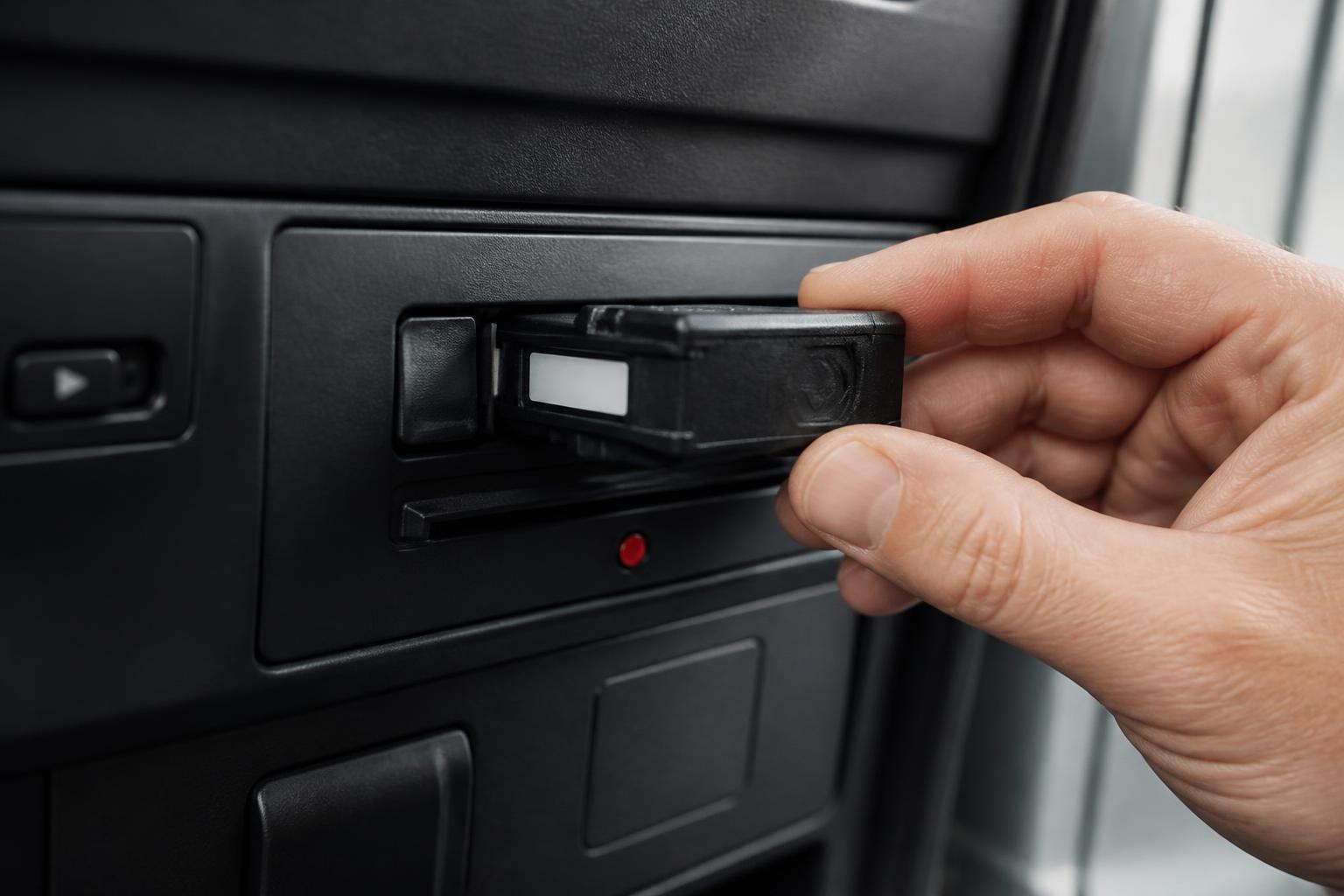
For most UK operators, the best fleet management software is the system that removes duplicate admin, gives one clear live view of vehicles and drivers, and fits the way the operation already works. That usually means more than just a map. It means GPS tracking, Tachograph workflows, camera visibility, alerts, reporting and practical hardware choices that can be rolled out across vans, HGV, trailers and mixed assets without building another spreadsheet problem in the process.
We see the same issue repeatedly. Operators have one system for tracking, another for camera footage, another for driver hours, and a manual process for exceptions, downloads and follow-up. The result is not just extra admin. It is slower decisions, weaker compliance visibility and more time spent chasing information that should already be on screen. Our approach at Fleetalyse is to bring those fleet functions together so managers can work from one operational view.
What UK operators should compare before shortlisting
Before shortlisting any platform, start with the basics of control. Can you see where vehicles are now, where they have been, what the driver is doing, and which issues need action today? If the answer requires opening several tabs and reconciling different timestamps, the software is already adding friction.
For UK transport operations, there are four buying criteria that matter first.
The first is live operational visibility. A system should show current vehicle location, status, trip history, driver allocation and exceptions clearly enough that a traffic desk or fleet manager can act on it straight away. Good visibility is not just a live map. It includes sensible filtering, vehicle groups, event history and the ability to move from a fleet-wide view to one vehicle without losing context. Mapping quality matters too. If a platform uses OpenStreetMap well, with clean route and location presentation, that can be perfectly practical for day-to-day transport use.
The second is compliance workflow. In UK fleets, this often means Tachograph data, remote downloads, driver card and vehicle unit status, and visibility of driver hours before a problem becomes an infringement discussion. The UK position needs to be handled as the UK position. Since Brexit, operators cannot assume every EU process note applies in the same way. The legal framework still overlaps in many areas for Tachograph and drivers' hours rules, especially for international work, but UK domestic operation, enforcement practice and operator licence management need a UK-first view.
The third is hardware fit. A platform may look good in a demo, but if it only works neatly with one tracker type, one camera model or one class of vehicle, rollout becomes awkward fast. Many operators run mixed fleets. HGV units, vans, trailers, plant, pool cars and specialist assets often sit in the same business. Software needs to support that reality, not force separate systems around it. This is one reason we support both Fleetalyse-ready trackers and unlocked Teltonika hardware, so buyers are not boxed into a single route where it does not suit the fleet.
The fourth is admin load. This is the one many buyers underestimate. Ask what the system changes in the transport office every day. Does it reduce spreadsheet chasing? Does it cut the time spent checking whether downloads happened, whether a vehicle moved out of hours, whether a driver needs follow-up, or whether a camera event has been reviewed? If not, it may be a capable telematics tool, but not the right operational platform.
When comparing options, we recommend writing down the actual jobs your team does every morning and every afternoon. Vehicle checks. Driver allocation. Download checks. Mileage review. Out-of-hours movement. Camera event review. Trailer visibility. Customer ETA questions. If software cannot simplify those jobs, it is not yet on the shortlist. We cover that process in more detail in our guide to how fleet managers really shortlist tracking software.
Which features matter most in daily fleet use?
The features that matter most are the ones your team uses without thinking. In practice, that usually starts with live GPS tracking and driver visibility.
A good live tracking screen should tell you, at a glance, whether the vehicle is moving, parked, idling or out of signal, where it last reported, which driver is assigned, and what route it has taken. It should also make it easy to answer operational questions quickly. Has the vehicle reached site? Did it stop where expected? Was there an unauthorised detour? How long has it been stationary?
After that, Tachograph workflows are usually the biggest time saver for HGV fleets. Remote downloads need to be reliable, but reliability alone is not enough. Managers need to see download status, failed or overdue actions, and driver hours information in a way that supports planning. If the office still has to keep a separate diary of follow-ups, the software is not doing enough. A proper workflow helps the team spot issues before they become a scramble at the end of the week.
Alerts are another area where practical design matters more than long feature lists. Most fleets do not need hundreds of notifications. They need the right ones. Out-of-hours vehicle movement, low battery on an asset tracker, missed download, geofence entry or exit, speeding events, harsh driving, camera incidents, and loss of communication are the kinds of alerts that save time when they are set up properly. Too many alerts, or poorly targeted ones, just recreate inbox overload inside the fleet platform.
Reporting matters, but only if it answers real operational questions. Useful reports include mileage by vehicle or group, utilisation, stop duration, idling, journey history, exception trends and fleet-wide activity over time. For some operators, CAN data adds another layer, especially where fuel use, ignition state or vehicle inputs are relevant. The key test is whether reports help someone decide what to do next, not whether the system can produce another PDF no one reads.
Smart dashcams are increasingly part of that daily workflow, not a separate safety add-on. If the camera system sits apart from tracking, the office often wastes time matching footage to vehicle movement and incident timing. When the camera feed and event data sit alongside tracking, incident review becomes quicker and cleaner. That matters for driver coaching, claims handling and protecting the business when the first version of an incident is incomplete or wrong.
For many operators, the most useful platform is the one that creates real Fleet insight from several data sources without making the user think about the plumbing underneath. One screen for location, one place to review exceptions, one reporting structure, one login path for the team. That is where admin starts to fall away. If this is the problem you are trying to solve, our article on fleet software that cuts spreadsheet chasing looks at the issue from the transport office point of view.
How the main software options differ
The UK market broadly falls into three categories.
The first is pure tracking software. These systems focus mainly on location, trip history, geofences and basic telematics. They can work well for simple fleets that mainly need visibility of vehicles and assets. The limitation appears when compliance, cameras and reporting need to join up. Operators then start adding separate tools.
The second is specialist point solutions. One provider handles tracking, another handles Tachograph downloads, another supplies Smart dashcams, and another may cover maintenance or fleet admin. This can be workable if you already have established processes and internal resource to manage the joins between systems. In reality, many transport teams end up carrying that burden manually. Different portals, different support routes, different hardware standards and different exports usually mean more admin, not less.
The third is the all-in-one platform model. This is where we sit with Fleetalyse. The aim is not to claim that one system does every possible fleet task under the sun. It is to combine the functions that operators use together every day, live GPS, Tachograph workflows, connected cameras, reporting and mixed fleet visibility, so the office can manage the operation from one place.
That difference matters in practice. If your camera event review sits in one portal, your tracking in another and your driver hours view in a third, someone in the office becomes the integration layer. They are the one cross-checking timestamps, vehicle names and event references. The software estate may look flexible on paper, but it often creates hidden labour.
There is also a commercial difference between closed and flexible hardware ecosystems. Some platforms are tightly tied to one device family. Others, including ours, support multiple routes, including Fleetalyse-ready trackers and unlocked Teltonika hardware. For buyers, that can make a real difference where a fleet already has devices in place, wants to standardise on a known hardware type, or needs a staged rollout rather than a full replacement.
Another point worth checking is account access and practical administration. Can users self-serve the basics? Is there a clear Customer Portal? Is billing straightforward? Can an additional user, device or service be added without a long support chain? Even the payment flow matters. If the account process uses something familiar such as Stripe, that can make routine administration simpler for finance teams, especially where VAT invoices and recurring payments need to be easy to reconcile.
What to check on hardware, installation and rollout
Software decisions go wrong most often at the hardware and rollout stage, not in the demo.
Start by listing the vehicle and asset types in scope. HGV tractor units, rigid vehicles, vans, trailers, plant, generators, refrigeration units and non-powered assets all present different installation and reporting needs. A tracker that works well in one category may not be the best fit in another. Mixed fleets should be treated as mixed fleets from day one, not forced through a one-size-fits-all install plan.
Check what data you actually need from each class of asset. For some vehicles, basic GPS location and trip history are enough. For others, you may want ignition, PTO, door status, temperature inputs or CAN data where supported and useful. Be specific. Extra inputs are valuable when they support a real workflow, but unnecessary complexity adds cost and delay.
Installation planning deserves more attention than it usually gets. Ask who is fitting the devices, how long vehicles are off the road, what pre-install checks are needed, and how vehicles are named and grouped in the system once live. A strong rollout is not just about fitting trackers. It is about getting the fleet structure, user access, alerts and reports configured in a way that matches the operation.
This is also where hardware flexibility matters. Some buyers want a ready-to-go route with known compatibility. Others want unlocked devices they can deploy within a broader telematics plan. We support both through Fleetalyse-ready trackers and Teltonika options, including commercial rollouts where the fleet needs a more tailored setup. If you are assessing that route, our guide to choosing Teltonika fleet software for one clear view explains what to look for.
Connectivity should not be an afterthought. Reliable device communication depends on sensible network provision, especially for vehicles working across regions or crossing borders. IoT SIMs are often the right choice for fleet deployments because they are designed for connected devices rather than consumer handset behaviour. Buyers should ask how connectivity is handled, what happens if a device drops offline, and how quickly the system shows communication issues.
Also check day-to-day account access. The basics matter. Can a manager get into the platform quickly through a clear Tracker login? Can different users have the right permissions without exposing everything to everyone? Can the business scale from a handful of vehicles to a larger mixed fleet without rebuilding the setup?
Finally, ask about rollout in phases. Many operators do not want a big-bang change. They want to start with a problem area, perhaps HGV compliance visibility or trailer tracking, then expand once the workflow is proven. A system should allow that without creating isolated pockets of data.
How to choose the right system for your operation
The right choice depends on the shape of your operation and the jobs your team does every day.
For haulage fleets, compliance visibility and vehicle control usually lead the requirement. You need live location, reliable Tachograph workflows, visibility of driver hours, and camera support that helps with incident review and driver protection. A haulage operation often feels the pain of separate systems more sharply than other fleets because exceptions have to be managed quickly. If your office is constantly switching between screens to answer simple questions, the software stack is already too fragmented.
For mixed commercial fleets, the key is flexibility. Vans, HGV units, trailers and equipment need to be visible in one environment, but not every asset needs the same data depth. The right platform lets you standardise the operational view while varying the hardware and reporting by asset type. That is often where businesses gain the biggest admin saving, because they stop maintaining different processes for different vehicle classes.
For smaller transport businesses and owner-driver operations, the priority is usually clarity and ease of use. You may not need a highly layered enterprise setup. You do need something that shows what is happening now, reduces manual checking and can grow if the fleet expands. The best fleet management software for a smaller operator is often the one that gives one-screen control without demanding a dedicated back-office resource.
It is also worth matching the system to internal responsibility. If one person handles transport, compliance and fleet admin, software has to simplify their day, not assume a larger team. If you have separate transport, compliance and safety roles, then permissions, reporting and exception handling become more important. The platform should fit your operating model, not an abstract ideal.
When we work with operators, we usually bring the decision back to a simple question. What work should disappear once the system is live? If the answer includes chasing downloads, checking multiple portals, reconciling camera incidents with tracking, or maintaining side spreadsheets for routine visibility, then the software should be designed to remove those tasks.
That is what we build Fleetalyse to do. We combine GPS tracking, Tachograph downloads, Smart dashcams and reporting in one operational platform for UK fleets, with hardware routes that include Fleetalyse-ready trackers, unlocked Teltonika devices and tailored rollout planning. Whether you run HGV vehicles, vans, trailers or a mixed commercial fleet, the goal is the same, less admin, better visibility and a clearer operational picture from one place.
Fleetalyse is operated by Fleeta Limited T/A Fleetalyse, and we keep that focus on practical transport use throughout the platform, from Customer Portal setup to live fleet views and reporting that the office can actually use.
What is the best fleet management software for a UK operator?
The best option depends on whether you need live GPS alone or a combined system for tracking, Tachograph, Smart dashcams and reporting. For many UK operators, the strongest choice is the one that reduces separate logins and manual admin.
Do small fleets need full fleet management software?
Often yes, if the business is still relying on spreadsheets, phone calls and separate tools. Even a smaller fleet can benefit from better visibility, driver hours oversight, alerts and simpler reporting.
Is GPS tracking enough on its own?
Usually not for transport operations with compliance and safety demands. GPS helps with location and utilisation, but many operators also need Tachograph data, camera evidence, driver information and usable reports.
What should HGV fleets look for first?
Start with compliance and operational visibility. HGV fleets should check support for Tachograph workflows, driver hours oversight, live vehicle tracking, reporting and whether the platform can handle mixed vehicle and trailer operations.
Why do some fleets replace separate systems with one platform?
Because separate systems create extra admin, duplicate data and slower decision-making. A single platform can make it easier to see vehicles, drivers, compliance and incidents in one place.