
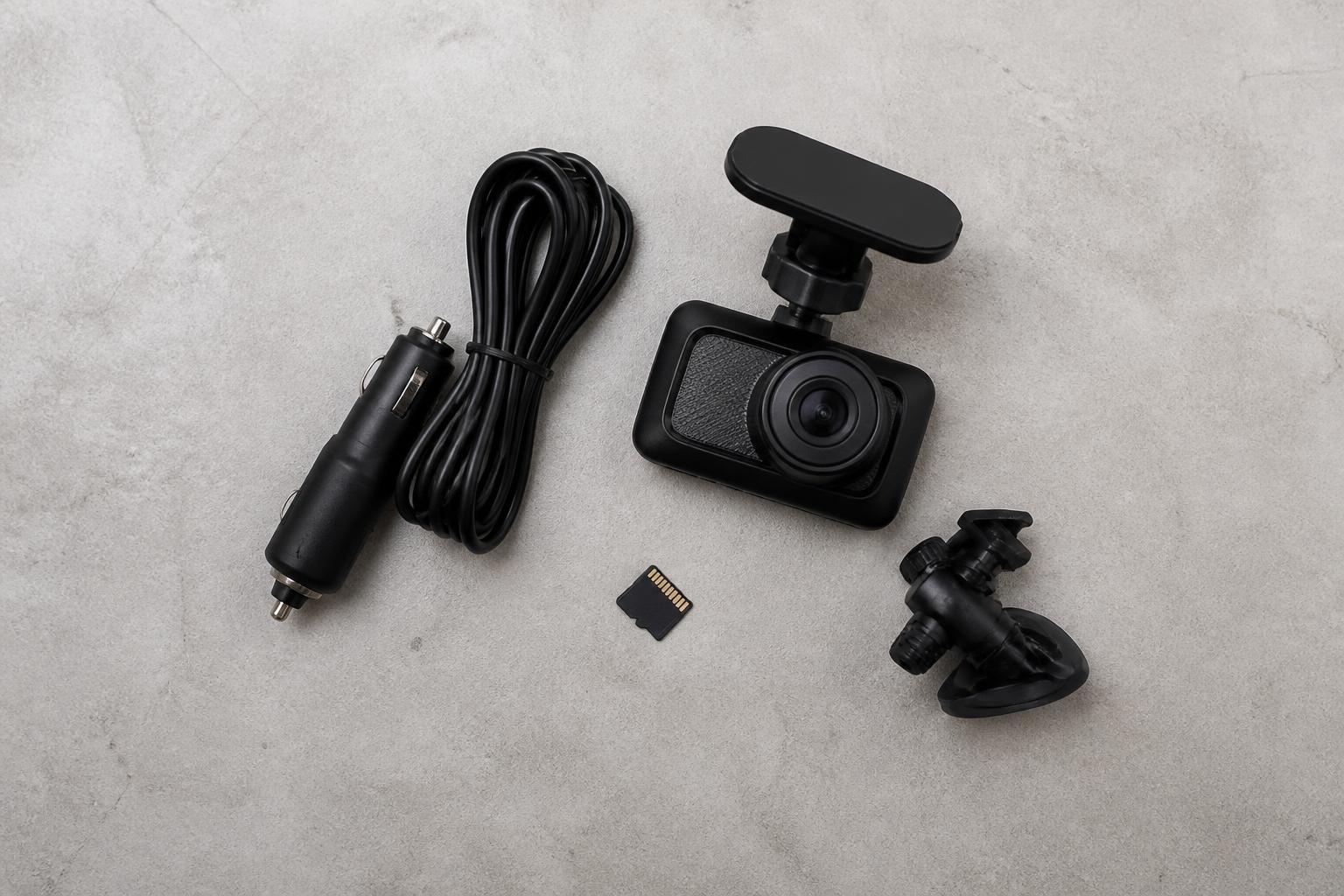
Commercial dash cams solve a narrow but important set of fleet problems. They do not replace a transport office, a proper investigation process, or driver management. What they do is give us a reliable visual record of what happened on the road, make exceptions easier to review, and shorten the gap between an event and a decision.
For UK fleets, that matters most in the ordinary incidents that consume time. A wing mirror strike with no witness. A harsh braking alert with no context. A complaint about a driver’s behaviour. A reversing knock in poor light. Without footage, those jobs turn into phone calls, guesswork and delayed follow-up. With the right setup, cameras turn them into a usable workflow.
Where commercial dash cams fit in daily fleet control
In a working fleet, cameras sit alongside GPS tracking, vehicle status, driver records and compliance checks. They are not a gadget purchase in the same way a private motorist might buy a camera online, stick it to a windscreen and forget about it. For a fleet, the question is not simply whether a camera records. The question is whether the footage can be found quickly, matched to the right vehicle and driver, and used in a process that saves time rather than creating more admin.
That is the real difference between consumer devices and commercial dash cams. A consumer camera may record locally to an SD card and do its job perfectly well for one person managing one vehicle. A fleet needs more than that. We need to know which vehicle generated an event, whether the footage has uploaded or must be retrieved, who can review it, how long it is kept, and how it links to the rest of the transport operation.
For UK operators, that usually means looking at connected cameras rather than isolated devices. If a van, car or HGV is already tracked, the camera becomes part of the same control picture. We can see location, route, time, driver behaviour events and footage requests in one place. That is far more useful than asking a driver to remove a memory card at the end of the shift and hoping the file is still there.
This is also where policy matters. Cameras in commercial vehicles need a clear business purpose, a lawful basis for processing personal data, sensible retention rules, and driver communication. In the UK, that sits under UK GDPR and the Data Protection Act 2018. If audio is enabled, the privacy position needs even more care, because recording conversations is harder to justify than recording the road. We cover that separately in our guide on whether dash cams record sound in UK fleet vehicles.
In practice, we see fleet cameras used for four operational jobs. First, incident evidence. Second, driver coaching. Third, protection against false or incomplete claims. Fourth, visibility where the cab view or road conditions make written reports weak. When those jobs are clear from the start, camera projects tend to work. When cameras are bought simply because they seem like a good idea, fleets often end up with footage they rarely use.
Which fleet problems do commercial dash cams actually fix?
The first problem is disputed incidents. This is the most obvious use case, but also the one that saves the most management time. Road traffic incidents are rarely disputed in a neat legal format. More often, we get partial accounts, pressure for a quick answer, and very little hard evidence. A short clip showing lane position, signals, speed context and road conditions can settle the basic facts much faster than handwritten notes or a call made hours later.
The second problem is poor visibility around what the driver could actually see. A transport manager reading an incident report after the event often has no sense of glare, rain, road layout, congestion or how quickly a hazard developed. Forward-facing footage fills that gap. In dual-facing setups, inward footage can also show distraction, seat belt use or whether the driver was looking at mirrors before a manoeuvre. That does not mean inward-facing cameras are right for every fleet, but where there is a clear risk or insurance requirement, they can answer questions that forward footage cannot.
The third problem is slow follow-up. Fleets often know an event occurred because the tracker shows harsh braking or a collision alert, but the review process is clumsy. Someone has to identify the vehicle, contact the driver, request files, wait for a return to depot, and then decide whether anything needs to happen. Connected Smart dashcams improve this because the event can be surfaced while the details are still fresh. That is useful not only for serious incidents but also for lower-level patterns that need early intervention.
The fourth problem is complaints without context. A member of the public reports tailgating. A customer says the vehicle drove aggressively into a site. A depot manager hears that a driver used a phone at the wheel. Sometimes the complaint is valid. Sometimes it is exaggerated or simply wrong. Cameras let us review the specific time and place instead of treating every complaint as either proven fact or empty noise.
The fifth problem is uneven coaching. Many fleets want to improve standards but rely on broad reminders sent to everyone. That rarely changes behaviour. Footage allows targeted coaching, based on an actual event in an actual vehicle with a specific driver. A short review of one harsh cornering incident is usually more effective than a generic memo about safe driving.
Cameras also help where accident damage appears without a clear account. This is common with urban vans, multi-drop work, night trunking and shared vehicles. We may not capture every angle of every scrape, but even partial footage narrows the timeline and makes it easier to identify where to look next.
What cameras do not fix is worth stating too. They do not replace vehicle maintenance, route planning, proper mirror and sensor setups, or legal management of driver hours. They do not tell us whether a driver was compliant with a Tachograph rule unless the wider system also handles Tachograph data. They do not create fleet control on their own. They contribute to it.
If you want a broader view of where cameras help day to day, our article on how dash cams improve control in a working fleet goes into the operational side in more detail.
What to choose before you buy cameras for a working fleet
The first decision is camera view. Forward-facing is the simplest and often the right starting point. It covers the road, captures most disputed driving incidents, and keeps privacy concerns more straightforward. Dual-facing cameras add a cab view, which can be useful for driver coaching, behaviour review and some insurance cases, but they need a stronger policy framework and clear communication with drivers.
The second decision is vehicle type. A camera setup that works in a car fleet may not suit an HGV operation. Heavy vehicles have different cab heights, vibration, operating hours and blind spot risks. Vans doing multi-drop work may need a different event threshold and review process from trunking vehicles. Mixed fleets should avoid assuming one standard device and one standard policy will fit everything.
The third decision is how footage is stored and retrieved. Local storage on an SD card is cheaper and may be enough for some owner-driver setups, but it creates delay. If a vehicle is away from base for days, the footage is effectively unavailable until it returns. A connected 4G unit can upload event footage and allow remote requests, which is much better for active fleet control. For many operators, that difference matters more than headline image quality.
The fourth decision is connectivity and data handling. If cameras are connected, we need reliable SIM provision, sensible upload rules and a clear understanding of what triggers a clip. Our systems support IoT SIMs because fleet hardware needs stable managed connectivity, not ad hoc consumer arrangements. We also need to know who can see footage, how long it is retained, and how requests are logged.
The fifth decision is integration. Standalone cameras create another login, another support path and another reporting gap. Where possible, it is better to bring cameras into the same operational platform as tracking and reporting. That is particularly important when fleets already use GPS data, geofences, driver identification or CAN data. A clip is more useful when it arrives with time, location and vehicle context already attached.
The sixth decision is review process. Before buying hardware, decide who will monitor alerts, what counts as an event worth review, and how quickly serious incidents must be checked. Some fleets need same-day review for all collision alerts. Others only need exception handling and ad hoc retrieval. The answer changes the right hardware choice.
We usually advise buyers to think in this order: risk, vehicle type, retrieval method, connectivity, and workflow. Resolution matters, but it is not the only factor and often not the decisive one. A camera that records a crisp image nobody retrieves in time is less useful than a connected unit with a practical event workflow.
For operators comparing options, our Smart Dashcams page sets out the types of connected camera deployments we support, including rollouts that sit alongside existing tracking hardware.
How footage becomes useful instead of another admin task
The fleets that get value from cameras do not treat footage as an archive to search only when something serious happens. They use a defined process.
Start with event rules. Decide what should trigger a clip or alert. That might include collision detection, harsh braking, harsh acceleration, harsh cornering, manual panic button use, or ad hoc requests from the office. If every small movement creates an alert, the office will ignore them. If thresholds are too high, important events are missed. The settings need to match the vehicle class and the work being done.
Next, define retrieval rules. Some clips should upload automatically. Others can be requested by time and location when needed. A practical process usually separates urgent incidents from routine checks. For example, a collision alert may need immediate review, while a customer complaint can be handled by requesting footage for a known delivery window.
Access control matters too. Not everyone in the business needs the same visibility. Transport managers, compliance staff and directors may all need some level of access, but not necessarily to the same vehicles or the same inward-facing views. A clear permissions structure reduces both privacy risk and day-to-day confusion.
Then there is coaching. Footage becomes genuinely useful when it feeds a simple driver review process. That means choosing clips worth discussing, documenting the reason for the conversation, and recording any follow-up. The point is not to build a blame culture. It is to move from vague impressions to specific examples. In many fleets, a two-minute clip discussed promptly does more than a monthly safety meeting full of general reminders.
Evidence handling should also be planned in advance. When an insurer, customer, police force or third party requests information, we need to know who is authorised to export footage, how files are named, and where they are stored. If a subject access request arrives under UK GDPR, the business must be able to locate relevant footage and assess what can be disclosed, especially if other individuals appear in the clip. In the UK this is a domestic regime, separate from the EU GDPR framework, even though the principles are closely aligned after Brexit.
Retention is another practical issue. Keeping everything forever is rarely justified and creates storage and privacy problems. Keeping footage for too short a period can leave us without evidence when a complaint arrives late. The right retention period depends on the purpose and the fleet’s operating pattern, but it should be written down and applied consistently.
Finally, make footage part of one office rhythm. If camera review sits outside the normal transport desk routine, it tends to slip. We get better results when footage review is tied to the same daily control habits as vehicle tracking, route exceptions, driver debriefs and compliance checks.
Why connected cameras work better with GPS and compliance data
A camera clip on its own answers only part of the question. It may show what happened in front of the vehicle, but not where the vehicle had been, whether it was on schedule, whether the route was unusual, or which driver was assigned at the time. This is why connected cameras are more valuable when they are linked with GPS and wider fleet reporting.
When we combine camera events with live tracking, we can place footage in context immediately. The office can see the vehicle’s exact location, route history, stop pattern and nearest relevant geofence. If a customer disputes a delivery approach or site manoeuvre, the clip and the track history tell a fuller story than either system alone.
This matters even more in mixed fleets. A business running vans, trailers and HGV units does not want one system for cameras, another for tracking, another for compliance and a spreadsheet to join the dots. That creates delay and weakens accountability. Bringing those functions together gives us Fleet insight rather than separate data points.
At Fleetalyse, that joined-up view is the point. Our platform supports live GPS tracking, remote Tachograph downloads, connected cameras and reporting in one environment. That means a fleet manager does not have to jump between tools to understand where a vehicle was, what happened on the road, and what follow-up is needed. Fleets can start with Fleetalyse-ready trackers, use unlocked Teltonika hardware, or plan a broader rollout that includes cameras and compliance visibility from the outset.
There are practical benefits to this beyond convenience. Driver identification can be matched more reliably to incidents. Event review can sit alongside driver hours oversight. Vehicle utilisation, route exceptions and camera alerts can be checked in one pass during the day. If the hardware also exposes CAN data, some fleets can add another layer of operational context around vehicle behaviour and usage.
Platform visibility also helps with rollout and support. Buyers can manage account access through the Customer Portal, keep devices under one Tracker login structure, and avoid the common problem of separate hardware estates with separate billing and support arrangements. Mapping based on OpenStreetMap gives a consistent operational view across tracked assets. Commercial setups also benefit from clear purchasing and invoicing processes, whether through direct rollout planning or online ordering handled through Stripe, with normal UK invoicing and VAT treatment under Fleeta Limited T/A Fleetalyse.
For operators who want cameras to support daily control rather than sit in isolation, this joined-up approach is usually the difference between a device purchase and a fleet system. If you are planning a rollout, it is worth looking at cameras in the same conversation as tracking and reporting, not as a separate afterthought. Our guide on choosing a tracker that works for daily fleet control is a useful next step if you are reviewing the wider setup as well as the cameras.
Commercial dash cams are most effective when they are treated as part of fleet operations, not just evidence recorders. They reduce uncertainty, shorten investigations, support fair coaching and make day-to-day control more practical. The key is not simply fitting cameras. It is fitting the right cameras, in the right vehicles, with a workflow the office will actually use.
Are commercial dash cams only useful after a collision?
No. They are also used for earlier visibility into harsh events, driver behaviour, route context and faster follow-up when something looks wrong in daily operations.
Do all fleet vehicles need the same camera setup?
Not usually. An HGV, van and mixed fleet may need different camera views, mounting choices and alert priorities depending on risk, routes and operating pattern.
What should a fleet decide before rollout?
Decide who can access footage, what events matter, how drivers are informed, how footage is retrieved and how camera data fits existing fleet workflows.
Can commercial dash cams help with driver coaching?
Yes, if the process is clear. Fleets can use selected events and footage context to support fair, specific coaching instead of relying on assumptions or incomplete reports.
Is it better to run cameras separately from tracking?
Usually no. When cameras sit alongside GPS and reporting, operators can see where an event happened, what vehicle was involved and respond with less system switching.